

Retouch - Remove Objects
Retouch - Remove Objects screenshots (7)
Description Retouch - Remove Objects
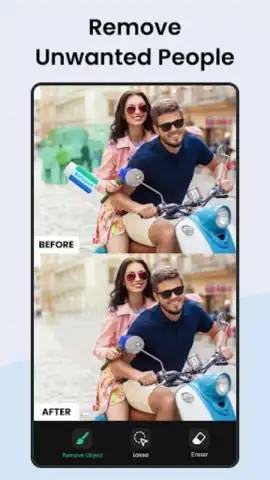
Ever taken a perfect photo, only to have it ruined by a stray passerby, an ugly trash can, or an unwanted photobomber? What if you could simply make those distractions vanish with a few taps?
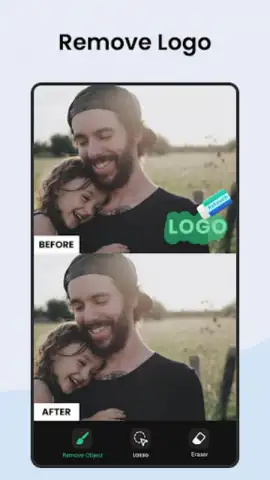
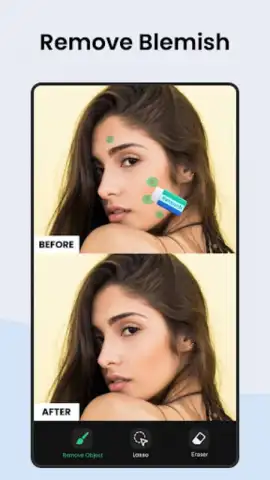
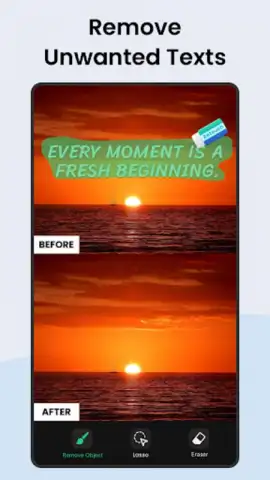
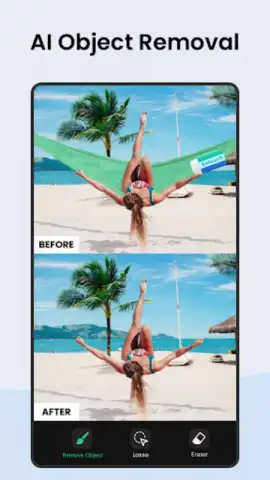
Retouch - Remove Objects transforms your photos by seamlessly erasing anything you don't want. Imagine having a powerful editing suite in your pocket, designed to clean up images effortlessly. You select the unwanted element—be it a person, a sign, a pimple, or even complex objects like power lines—and the app's intelligent algorithm fills in the space perfectly, matching textures, colors, and patterns from the surrounding area. It’s like having a magic eraser for reality, giving you complete control over your final image.
Core Features at Your Fingertips
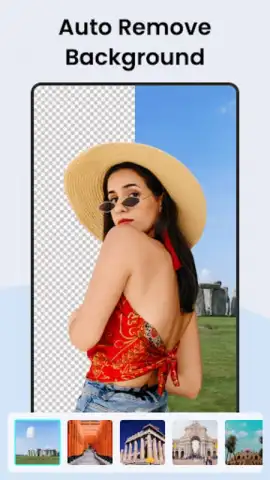
The app provides a suite of intuitive tools built for precision and ease. You start by importing any photo from your gallery. The main removal tool lets you brush over any object for quick deletion. For finer control, you can use the lasso or point selection to isolate specific shapes. The app also includes a clone stamp for duplicating areas and a healing brush for blending imperfections seamlessly. For larger removals, the background eraser and object remover work in tandem to handle complex edits, ensuring the result looks natural and untouched.
Why This Editor Stands Out
- AI-Powered Precision: The core removal technology uses advanced algorithms to analyze your photo and generate believable background content, not just leaving a blurry patch.
- User-Friendly Interface: All tools are laid out intuitively, making professional-level editing accessible without a steep learning curve. You get immediate visual feedback with every action.
- High-Resolution Export: Edit and save your photos without sacrificing the original quality, ensuring your retouched images are ready for printing or sharing on social media.
- Non-Destructive Editing: Your original photo always remains safe. You can revert changes or start over at any point during your editing session.
- Rapid Processing: Even complex object removal happens in seconds, leveraging your device's processing power for a smooth, lag-free experience.
Consider downloading Retouch - Remove Objects to unlock the full potential of your photo gallery. It’s the straightforward solution for creating flawless images.
Download the mobile app now.
Disclaimer: This application requires an internet connection for certain functions and may offer in-app purchases. Data charges may apply. Please be aware of your surroundings and respect privacy when editing and sharing images. The app is intended for general use; check your device compatibility and storage availability.
 GooglePlay


