
Roku
Roku screenshots (17)
Description Roku
Your Phone Is Now the Ultimate Roku Remote
Imagine controlling your entire entertainment universe from the couch, without ever searching for that physical remote. What if your phone could do more than just change the channel—what if it could help you discover your next favorite show and even beam your personal photos to the big screen? That’s the magic of the official Roku mobile app. It seamlessly connects your Android device to your Roku player or TV, transforming your viewing experience into something truly personal and powerful. This isn't just a companion app; it's your central command for endless entertainment.
A World of Entertainment, Mastered from Your Hand
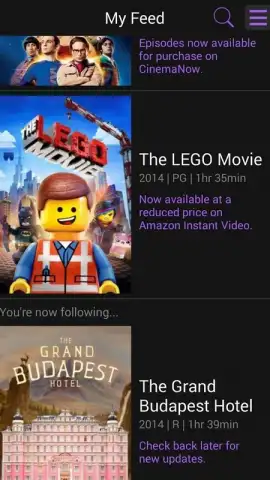
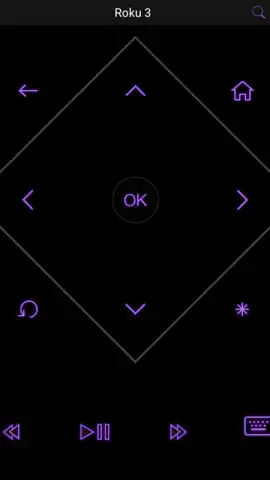
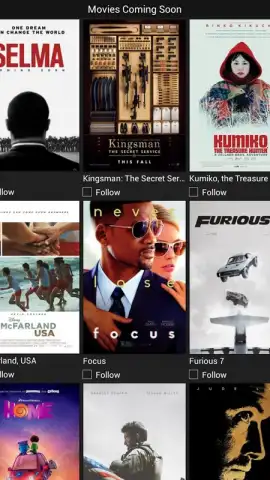
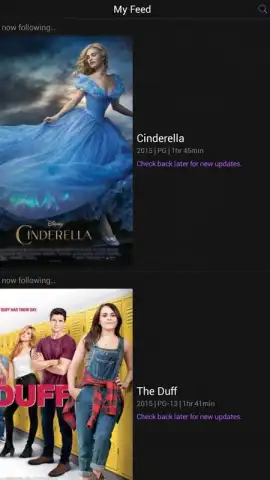
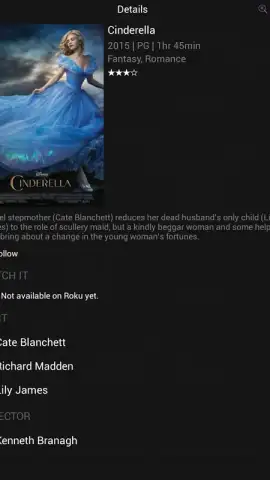
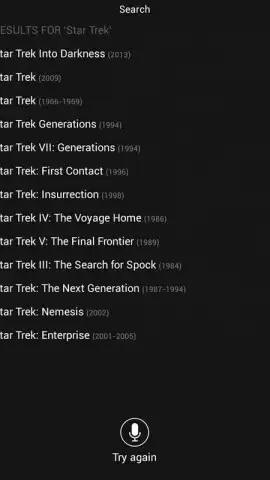
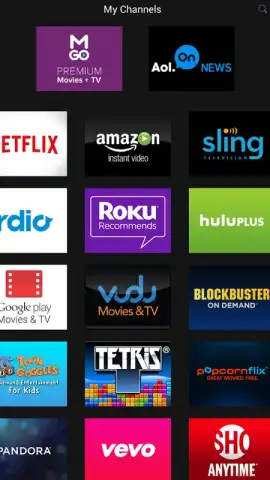
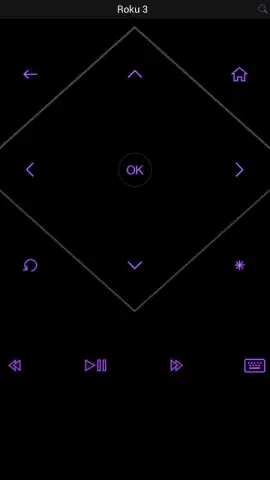
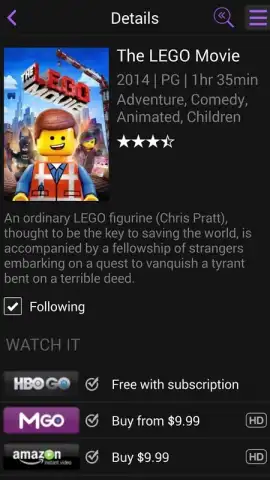
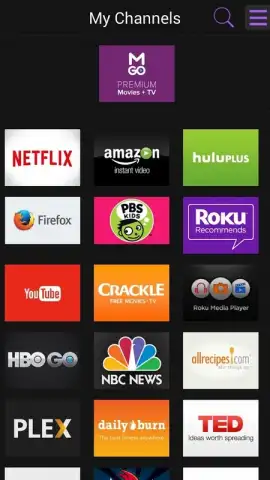
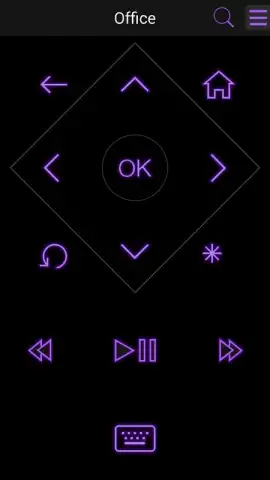
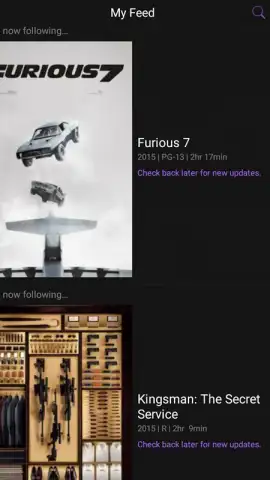
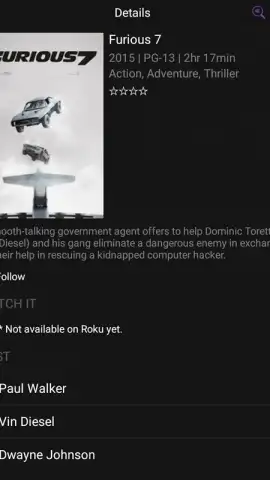
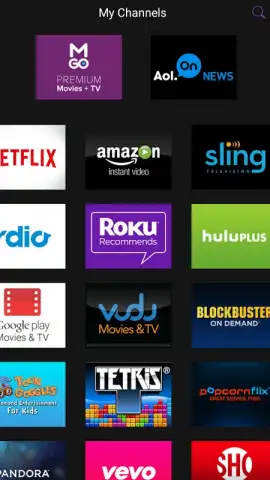
This app turns your smartphone into the most intelligent remote you've ever used. Navigate menus, control playback, and even use your phone's keyboard for effortless searching—typing passwords or movie titles on the TV screen becomes a thing of the past. But the magic goes far beyond simple navigation. Dive into a vast library of over 2,000 streaming channels, all browsable from your phone. The integrated, interactive TV guide lets you see what’s live now and what’s coming up next across your channels, so you’ll never miss a moment of the action. Planning your movie night becomes a joy, not a chore.
One of the most delightful features is the ability to cast your personal memories directly to your television. With a Roku device connected, you can instantly send photos and videos from your phone to the big screen, turning casual gatherings into immersive slideshow experiences. Share vacation highlights, baby pictures, or hilarious clips with everyone in the room at stunning quality.
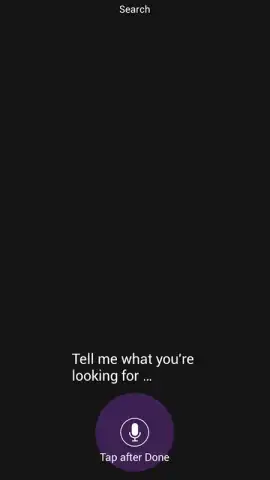
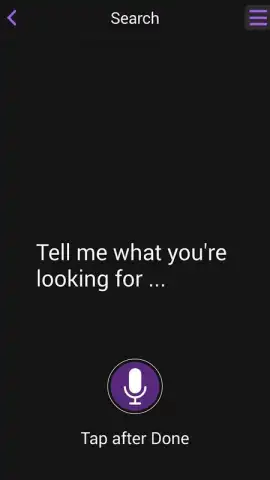
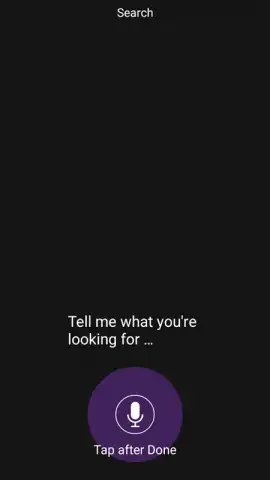
- Complete Command Center: Use your Android device as a full-featured, voice-search capable remote for your Roku.
- Live TV Guide: Browse what’s on now and what’s coming up later across countless channels in a sleek, interactive guide.
- Massive Content Library: Get instant access to browse and launch content from over 2,000 streaming channels.
- Private Listening: Plug your headphones into your phone for private audio, perfect for late-night viewing.
- Seamless Media Sharing: Flaunt your photos and videos on the TV screen with effortless casting from your mobile gallery.
- Keyboard Functionality: Say goodbye to on-screen typing; use your phone’s keyboard for quick searches and logins.
Download the Roku Mobile App Now – Transform Your Viewing Today!
Don't just watch TV—command it. This is your exclusive invitation to upgrade your relaxation time. For a limited time, experience the full potential of your Roku system with this powerful, free official app. The first users to download are unlocking a smarter, more connected way to enjoy everything they love. Grab your phone, get the app, and step into the future of home entertainment today. Your couch is calling.
Heads up: You'll need a Roku streaming device or Roku TV to use this app. A Wi-Fi connection is required for all features. Some channels and content may require separate subscriptions or payments.
 GooglePlay


