

Root File Explorer - Connect All Yours Accounts
Root File Explorer - Connect All Yours Accounts screenshots (11)
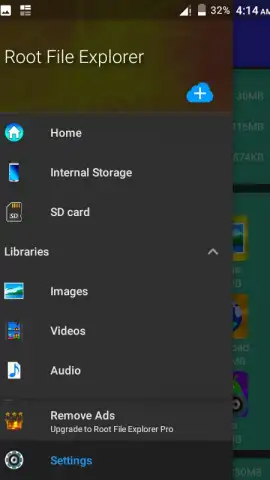
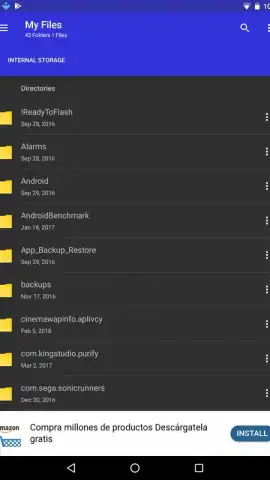
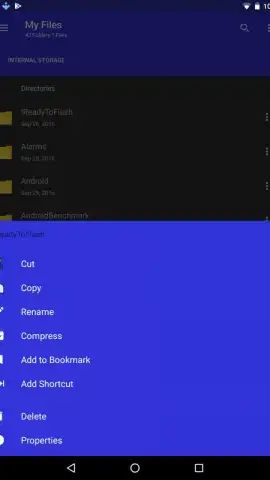
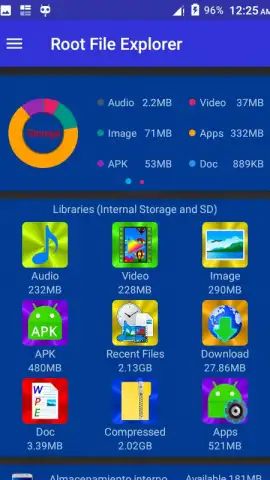



Description Root File Explorer - Connect All Yours Accounts
Manage Device Storage and Access Files Across Connected Accounts
When internal storage becomes cluttered with documents, apps, and archives, locating and managing specific content can be a slow, fragmented process. This utility provides centralized control over local device storage and integrated cloud accounts, transforming how users interact with their files on an Android device. It delivers a comprehensive suite of desktop-grade file operations directly on your mobile device, removing the need for multiple disparate tools.
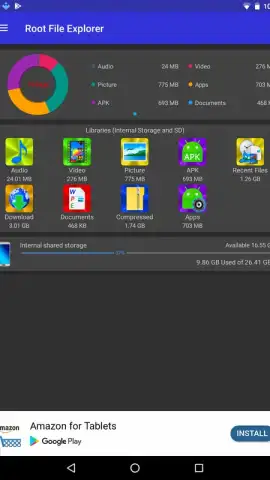
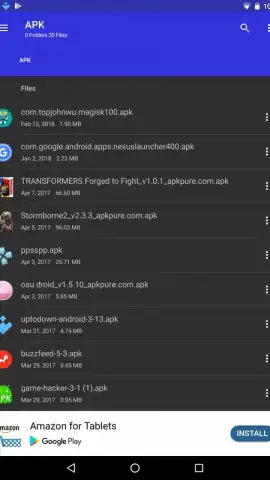
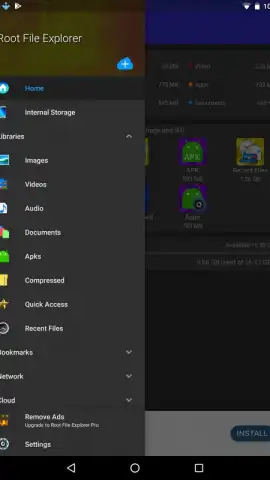
The application functions as a unified file management hub, granting full access to the device's internal storage for analysis and organization. Users can execute core file operations including copy, paste, cut, delete, and rename on any file or folder. The tool supports direct sharing actions, allowing files to be attached and sent via email or other communication platforms. For cloud integration, it facilitates the upload of local files to connected storage accounts. Furthermore, it includes a built-in archive handler capable of opening and inspecting the contents of compressed .ZIP and .RAR packages without requiring a separate utility. The interface is designed for clear navigation through directory structures, and the Turbo mode enhances performance by removing advertisements and streamlining processes.
- Full internal storage access and analysis
- Desktop-grade copy, paste, cut, delete, rename
- Direct sharing via email and other apps
- Open compressed .ZIP and .RAR archives
We suggest trying this explorer to consolidate your file management tasks, from basic organization to handling archives and cloud uploads, within a single, ad-free interface. Consider downloading the app to directly manage your device's content.
A data connection may be required for certain cloud-based features. The application may offer optional in-app purchases.


