

Samsung Apps edge
Samsung Apps edge screenshots (7)
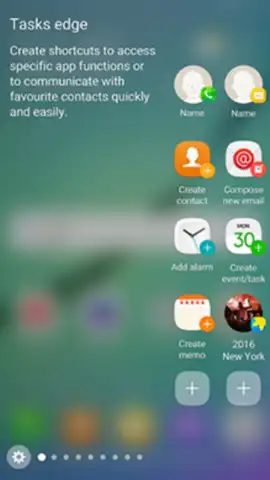
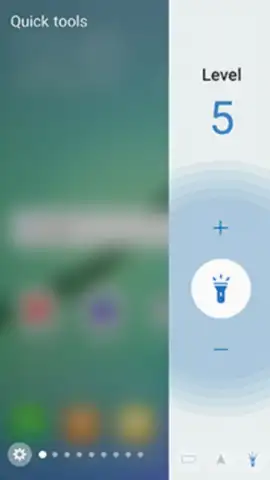
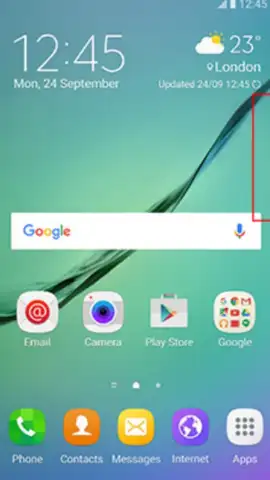
Description Samsung Apps edge
Tired of Digging Through Screens for Your Go-To Apps?
You know the feeling. You need to check the calendar, snap a quick photo, or open your notes, and you’re swiping through folders or multiple home screens. It breaks your flow and wastes precious seconds that add up every single day. For Samsung smartphone owners, there’s a smarter way to interact with your device—a way that puts your most essential tools literally at your fingertips without cluttering your main workspace.
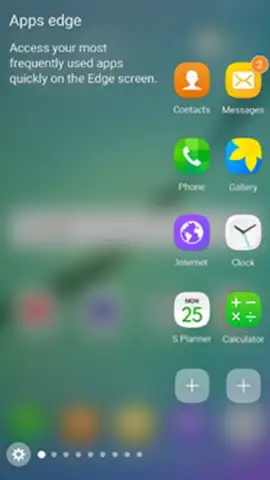
Samsung Apps Edge transforms the edge of your screen into a dynamic, always-accessible command center. It creates a compact, floating panel that houses your top five most-used applications. This panel is fully movable, allowing you to position it wherever it feels most natural for your thumb, whether you're right or left-handed. The core idea is profound simplicity: your favorite apps are never more than a single tap away, dramatically cutting down the time you spend searching and navigating.
The functionality extends far beyond a simple app dock. Once installed, you can fully customize this edge panel with quick-access shortcuts to system functions like the camera, calendar, or your preferred reminder app. This turns the panel into a true productivity springboard. One of the most powerful features is its ability to remain available even when your screen is off. A simple swipe down from the top of the screen reveals your curated app panel, letting you jump straight into action without fully unlocking your device and navigating your home screen.
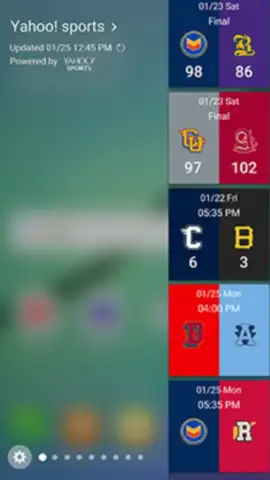
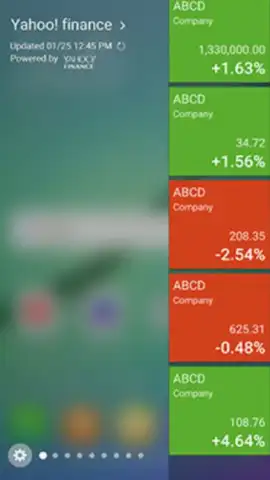
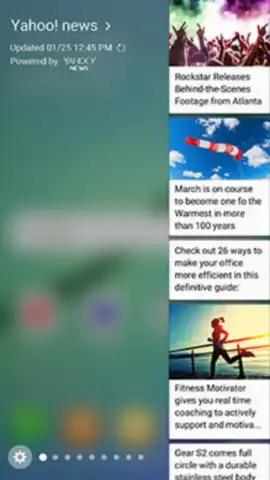
Furthermore, the utility doesn’t stop at applications. You can enhance the panel by adding informative widgets, such as a live news feed or a real-time weather update. This transforms the edge from just an app launcher into a glanceable information hub. The experience is designed to be clean and focused, offering a streamlined path to what you need most.
- Floating App Dock: A movable, always-on-top panel for instant access to your five most frequently used applications.
- Quick-Action Shortcuts: Integrate one-tap buttons for core phone functions like the Camera, Calendar, and Reminders directly into the panel.
- Always-On Accessibility: View and launch your key apps with a simple swipe-down gesture, even from a locked or off screen state.
- Customizable Widgets: Add dynamic content widgets for news, weather, or other information to keep informed at a glance.
- Clean, Ad-Free Experience: The interface is designed for speed and efficiency without disruptive advertisements.
Stop managing your phone the hard way. Streamline your daily routine and unlock a faster, more intuitive way to use your Samsung device. This isn't just an add-on; it's a fundamental upgrade to your smartphone's accessibility.
Download Samsung Apps Edge now and transform your screen's edge into your most powerful tool today!
Internet required. IAP available.


