

Samsung Expert RAW
Samsung Expert RAW screenshots (4)
Description Samsung Expert RAW
Ever feel like your phone's camera captures the moment, but not the full potential of the scene? The light is never quite right, the details get lost, and that creative vision stays trapped in your head. It's time to break free from those limitations and unlock the true power of your Samsung Galaxy's sensor.
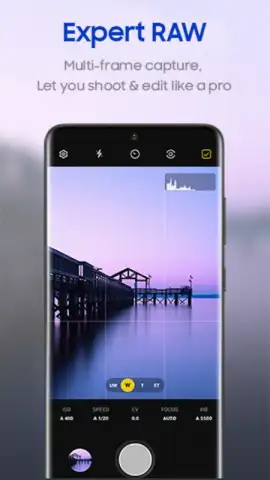
Samsung Expert RAW is your dedicated gateway to professional-grade mobile photography. This isn't just another filter app; it's a comprehensive toolkit that gives you complete control over the image capture process. Shoot in the versatile RAW format to preserve immense detail in shadows and highlights, giving you unparalleled flexibility for editing later. The app integrates deeply with your device's advanced hardware, providing multi-frame processing for stunning clarity, dedicated astrophotography modes for capturing the Milky Way, and expert-level controls for shutter speed, ISO, focus, and white balance—all in a streamlined interface designed for both enthusiasts and pros.
Why Samsung Expert RAW Transforms Your Photography
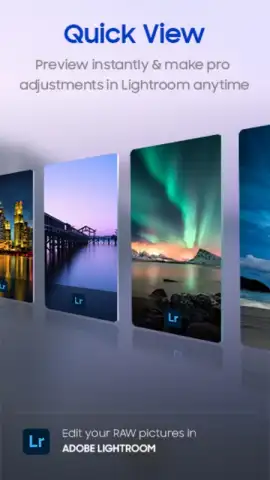
This app bridges the gap between convenience and control. It delivers the rich, editable files professionals demand with the intuitive operation mobile photographers love. You get the visual fidelity and dynamic range needed for serious editing in Lightroom or Photoshop, combined with smart, automated stacking modes that handle complex computational photography for you. The result is breathtaking image quality that was previously only possible with bulky gear, now achievable directly from your pocket.
Core Features & Professional Tools
- Capture in True 16-bit RAW & JPEG for maximum editing flexibility and detail preservation.
- Utilize Multi-Frame Processing to combine shots for dramatically reduced noise and enhanced dynamic range.
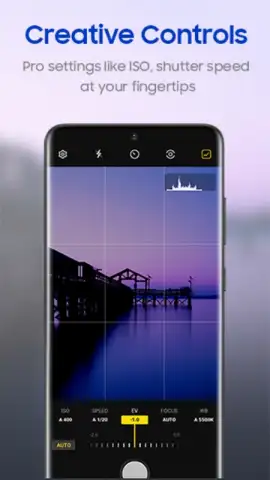
- Master Manual Controls with independent adjustments for ISO, shutter speed, focus, and white balance.
- Shoot Long Exposures & Astrophotos with dedicated modes for light trails and stunning night skies.
- Apply Advanced Color Profiles and adjust tone curves for precise creative color grading.
Stop settling for compressed images that fall apart in editing. Take command of every pixel and unleash the full capability of your Galaxy camera. Transform your photos from simple snapshots into expansive, editable canvases.
Download Samsung Expert RAW now and start shooting like a pro today!
Internet required. IAP available.


