

Samsung Link
Samsung Link screenshots (9)


Description Samsung Link
Struggling with Media Scattered Across Devices?
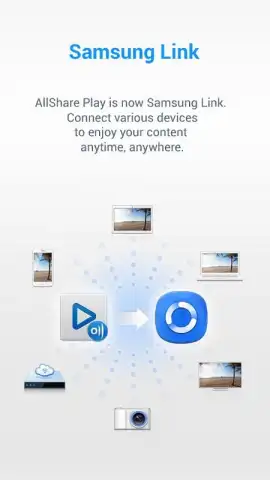
Managing photos, videos, and music across a phone, tablet, and computer often creates a fragmented digital experience. Samsung Link addresses this by functioning as a unified, cloud-based media hub specifically engineered for the Samsung ecosystem. It serves as the official successor to AllShare Play, offering a streamlined platform for storage, synchronization, and playback.
Core Functionality and Platform Analysis
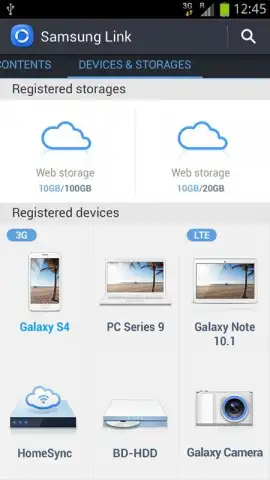
The application operates as a dedicated cloud storage and media streaming service. Its primary mechanics involve uploading content from a Samsung Android device to a personal cloud locker, from which it can be accessed and played on other compatible Samsung hardware. A key technical note is its exclusive compatibility; the app is designed solely for Android devices under the Samsung brand, creating a closed but optimized environment for users within that ecosystem. For existing users, the transition is seamless: accounts and data from the legacy AllShare Play service are automatically migrated, allowing for immediate use of Samsung Link on the same device without data loss or reconfiguration.
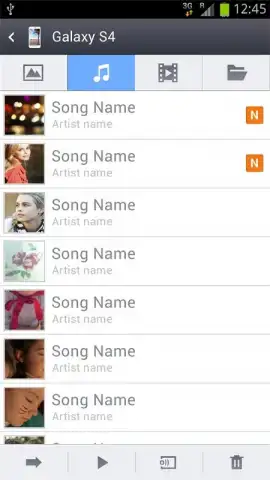
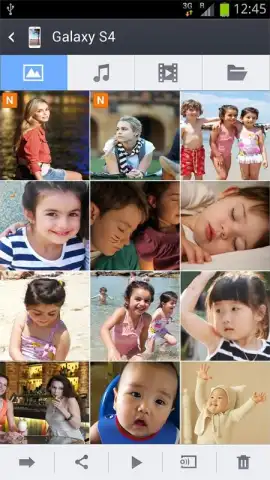
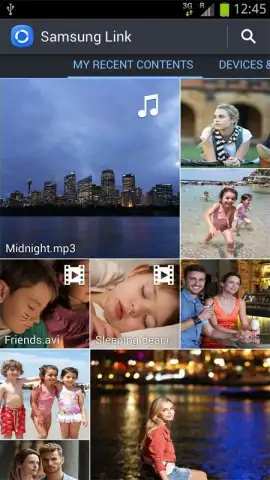
The service provides a substantial storage allocation, with capacity extending up to 100 gigabytes. This space is specifically purposed for multimedia files, supporting direct playback of video and audio formats and high-resolution image viewing. The defining operational feature is remote access: once content is stored in the cloud, it can be retrieved and played on any internet-connected Samsung device where the app is installed. This means a video uploaded from a Galaxy phone can be watched on a Samsung tablet or a PC running the application, eliminating the need for manual file transfers via cable or secondary sharing services.
- Seamless Service Migration: Automatically transitions AllShare Play users with their existing data and account to the new Samsung Link platform on the same device.
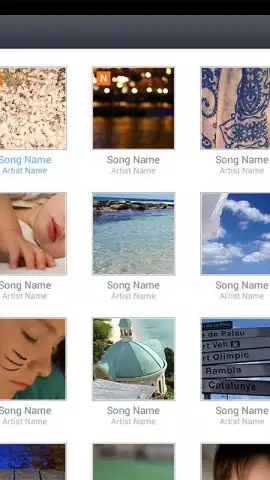
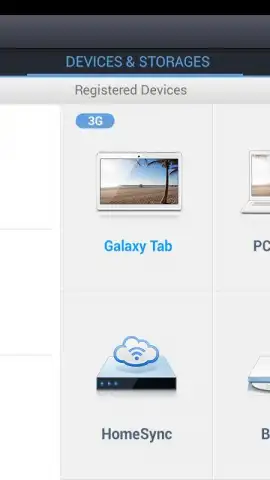
- Cross-Device Media Playback: Stream your stored video and audio files or view photo galleries directly from the cloud to any Samsung smartphone, tablet, or PC.
- Substantial Dedicated Storage: Secures your multimedia collection with up to 100 GB of cloud space specifically allocated for media content.
- Ecosystem-Locked Performance: Engineered exclusively for Samsung Android devices, ensuring optimized stability and integration unavailable on other brands.
- Ad-Free Streaming Experience: Delivers media playback and file management without interruption from third-party advertisements or promotions.
Start consolidating your media library and access it from any screen. Download Samsung Link now and claim your optimized storage advantage.
Heads up: you'll need a WiFi or stable mobile data connection for cloud access and streaming. The advertised 100 GB storage is a maximum capacity; standard free tiers may differ. Some advanced features or storage tiers may require a subscription.
 GooglePlay


