

Samsung One UI Home
Samsung One UI Home screenshots (4)
Description Samsung One UI Home
Imagine your phone's home screen not just as a launchpad, but as a true command center that bends to your will. Every icon, widget, and gesture works exactly how you envision, turning your Samsung Galaxy device into a seamless extension of your daily flow. This is the experience unlocked by Samsung One UI Home, the powerful system tool designed to transform your interaction with your device from standard to spectacular.
Your Home Screen, Reimagined
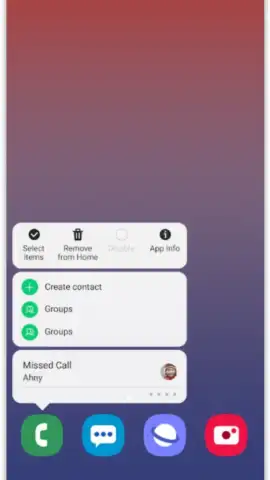
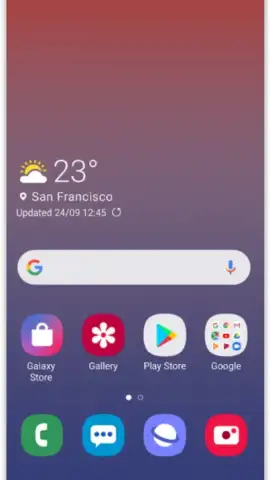
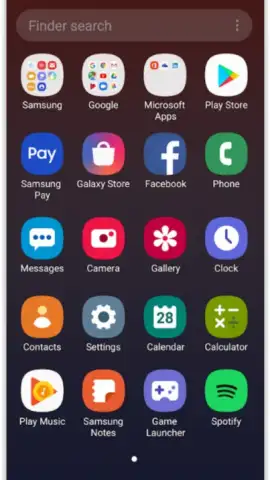
Samsung One UI Home hands you the keys to a deeply personalized interface. Move beyond a static grid of icons and craft a layout that mirrors your priorities. You gain the ability to rearrange application icons freely, grouping essential tools, favorite games, and daily services into clusters that make sense for you. This deliberate organization eliminates the frustrating hunt for apps, placing your most-used resources exactly where your thumb expects them to be, which translates to faster access and a smoother overall experience.
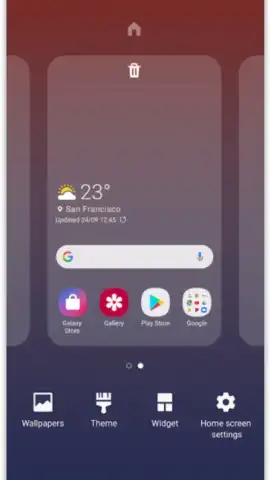
The customization extends powerfully to widgets. Samsung One UI Home provides intelligent optimization for widgets, allowing you to resize and position them for both aesthetic harmony and functional utility. A critical feature for maintaining your hard work is the icon lock. By activating this, you prevent newly installed applications from automatically populating your home screen and disrupting your carefully crafted organization. Your layout remains pristine, exactly as you designed it.
A Suite of Features for Effortless Control
Samsung One UI Home integrates a collection of practical features that promote efficiency and order. The addition of customizable gestures introduces a layer of quick-access control, letting you execute common actions with simple swipes or taps. When combined with an organized icon strategy, navigating your device becomes an intuitive and almost effortless activity. Every tool, game, and service you rely on is readily accessible, reducing clutter and mental load.
- Complete Icon Freedom: Drag and drop application icons to any position on your home screen, creating custom groups and layouts that suit your workflow perfectly.
- Widget Optimization: Resize and arrange widgets for optimal information display and visual balance, creating a home screen that is both useful and personally appealing.
- Icon Lock Protection: Safeguard your home screen layout by locking icon positions. New app installations won't add icons automatically, preserving your organizational system.
- Gesture Integration: Enhance navigation by assigning actions to specific gestures, allowing for faster access to frequent tasks directly from your home screen.
- Streamlined Daily Access: Achieve a cohesive and organized interface that puts all your essential tools within immediate reach, simplifying your daily digital routine.
Stop settling for a generic home screen. Take full command of your Samsung Galaxy device's interface and unlock a new level of personal efficiency. Transform your phone into a truly personalized tool.
Download Samsung One UI Home now and craft your perfect command center.
Internet required. IAP available.
 GooglePlay


