

Samsung Tips
Samsung Tips screenshots (10)
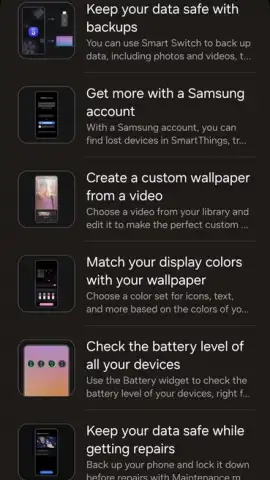
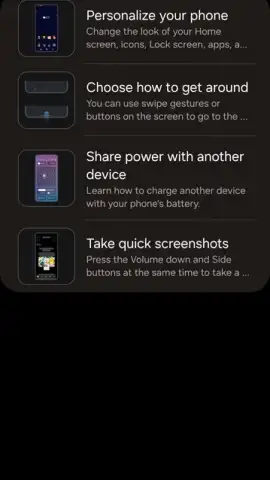
Description Samsung Tips
Unlock Your Samsung's True Potential
You have a powerful device in your hands, but are you truly using it to its fullest? It’s common to feel like you’re only scratching the surface of what your Samsung smartphone or tablet can do, missing out on features that could save you time, boost your productivity, or simply make daily tasks more enjoyable. Navigating complex settings and discovering hidden functions on your own can be a frustrating and time-consuming process. This is where having a dedicated guide makes all the difference, transforming confusion into confidence and unlocking a seamless, personalized experience tailored just for you.
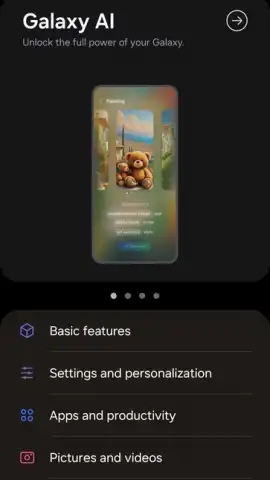
Samsung Tips serves as your personal onboard expert, designed to bridge the gap between owning a sophisticated device and mastering it. This application delivers clear, actionable guidance that evolves with your usage, ensuring that whether you’ve just unboxed your phone or have been a loyal user for years, you continuously discover new ways to enhance your digital life. It systematically walks you through everything from fundamental setup to advanced capabilities, turning potential overwhelm into a journey of exciting discovery.
Core Features and Guided Exploration
The application provides a structured learning path that demystifies your device’s ecosystem. You begin with a comprehensive introduction to core system functions, learning to customize your home screen layout, manage app permissions for optimal privacy, and configure essential settings for a smooth first impression. This foundational knowledge builds the confidence to explore further, ensuring you have a solid grasp of the operating environment before diving into more specialized tools.
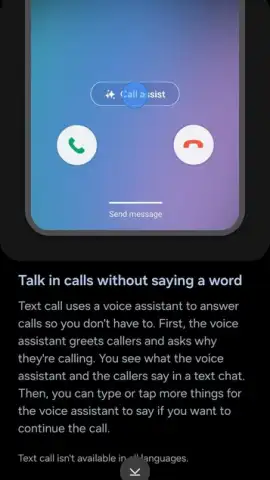
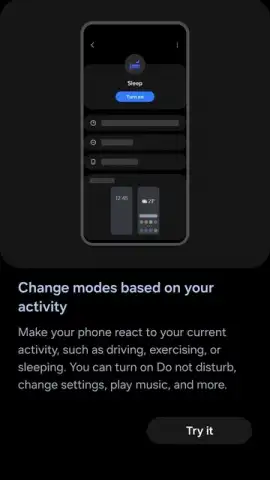
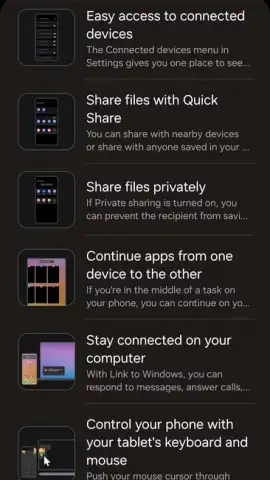
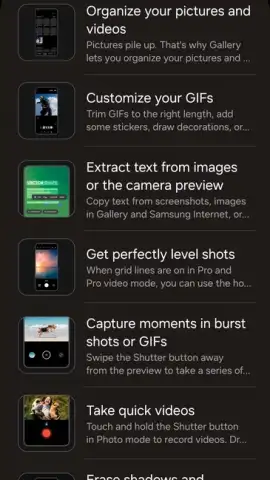
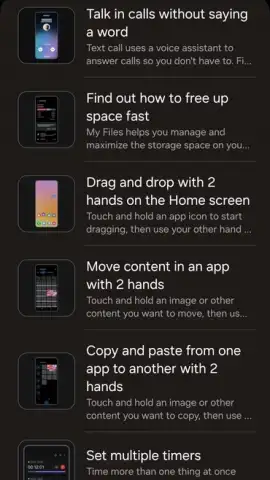
Moving beyond basics, you receive detailed, step-by-step tutorials on powerful proprietary features. These guides visually demonstrate how to leverage multi-window modes for multitasking, utilize the advanced photography settings within your camera app, and maximize productivity with integrated applications like Samsung Notes for seamless idea capture and organization. Each tutorial is crafted to be followed along in real-time on your own device, providing immediate, hands-on experience.
The experience becomes truly personalized as the app analyzes your interaction patterns to offer tailored suggestions. It intelligently identifies underused features that align with your habits, prompting you to set up convenient services like Samsung Pay for contactless payments or to add functional widgets to your home screen for instant information access. This proactive guidance ensures the advice you receive is always relevant, helping you uncover functionalities you didn’t know you needed but will quickly find indispensable.
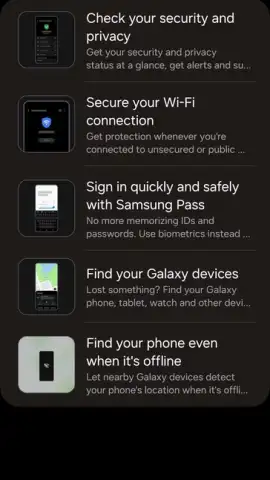
- Master Key Device Functions: Gain clear instructions on essential system operations, from home screen customization to managing privacy and security settings effectively.
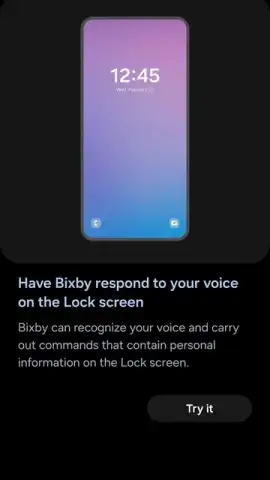
- Follow Step-by-Step Feature Tutorials: Access visual guides for advanced tools like the camera's professional modes, Samsung DeX for a desktop experience, and Bixby voice commands.
- Receive Personalized Usage Recommendations: Get intelligent tips based on your habits, suggesting features like Samsung Pay or new widgets to streamline your daily routine.
Download Samsung Tips Now
Don’t let your device's advanced capabilities remain a mystery. This is your exclusive access to becoming a power user, unlocking tips and shortcuts that are typically discovered only by chance or through extensive trial and error. Transform how you interact with your technology starting today—download Samsung Tips directly to your Samsung device and begin mastering every feature designed to enhance your life.
Disclaimer: This application requires an internet connection for certain content updates and functionality. It is designed for use with compatible Samsung devices. Features and availability may vary by device model and region.


