

SanDisk Memory Zone
SanDisk Memory Zone screenshots (11)

Description SanDisk Memory Zone
Struggling to Find Your Files Across Cloud and Device Storage?
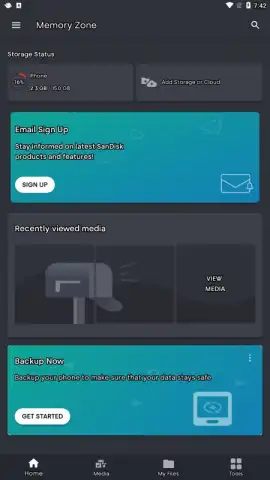
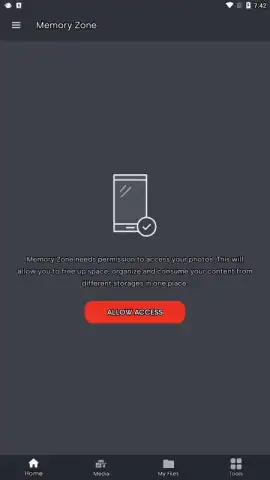
Managing documents, photos, and media scattered between your phone's internal storage, SD card, and multiple cloud accounts creates a fragmented digital experience. The SanDisk Memory Zone app consolidates all your storage locations into a single, unified file management interface, eliminating the need to switch between different apps to access your content.
Centralized File Management and Transfer Hub
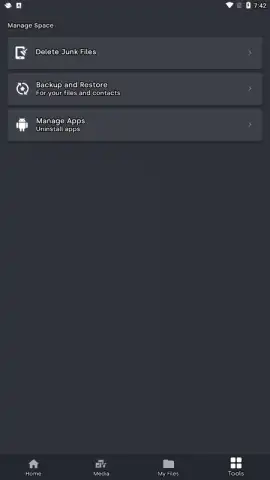
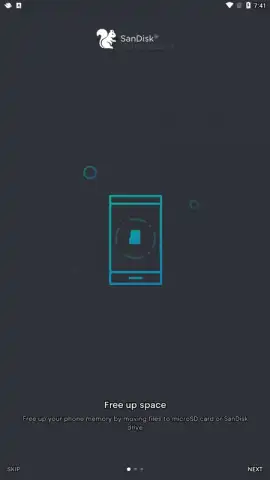
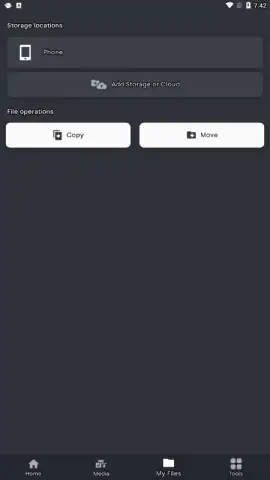
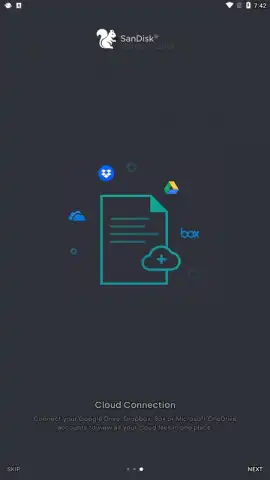
This utility functions as a dedicated control panel for all connected storage. The core mechanic involves granting the app access to your chosen cloud services—such as Google Drive, Dropbox, or OneDrive—and any inserted SanDisk microSD card or local device storage. Once connected, it presents a unified file system view. The primary toolset enables direct file operations like copy, move, backup, and restore between any of these linked sources and destinations. For instance, you can seamlessly back up your camera roll to a specified cloud folder or move a downloaded document from internal storage directly to your SD card without leaving the app's environment.
Engineered for Organized Access and Control
The app's design prioritizes utility over aesthetic flair, offering a straightforward, folder-based navigation system. Performance is focused on reliable file transfer integrity and providing clear status indicators for ongoing operations. A key functional advantage is the ability to set automatic backup rules for specific file types or directories, shifting the management burden from manual organization to automated processes. The interface provides granular control over where files are stored by default, allowing users to optimize their storage strategy based on speed, cost, or capacity of each connected location.
- Unified File Browser: Access and manage files across local storage, SD card, and linked cloud accounts from one single interface.
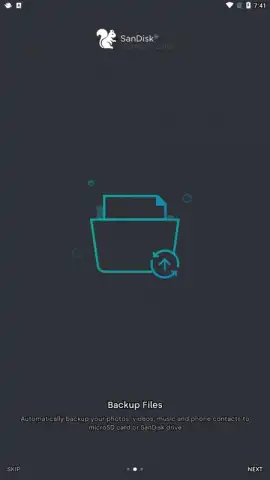
- Automated Backup Rules: Configure scheduled backups for photos, videos, and documents to your preferred storage destination.
- Direct Cross-Platform Transfers: Move or copy files between any connected services, such as from Dropbox directly to your SD card.
Download the Mobile App Now
Gain exclusive, streamlined access to all your files. Install today to transform your fragmented storage into a single, manageable system and take control of your digital space.
Disclaimer: This application requires an internet connection for cloud service integration and features. Some functions may require compatible SanDisk hardware or accounts with third-party cloud services. Data usage charges may apply for transfers and backups. Use of the app is subject to the developer's terms of service and privacy policy.


