
SAO Launcher
SAO Launcher screenshots (10)
Description SAO Launcher
What if your phone's interface could be as immersive as a virtual world?
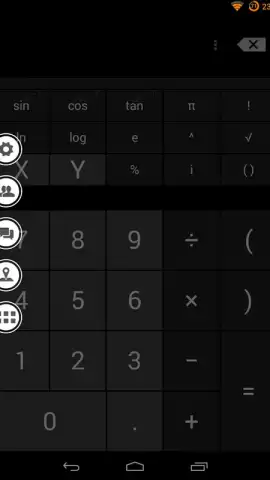
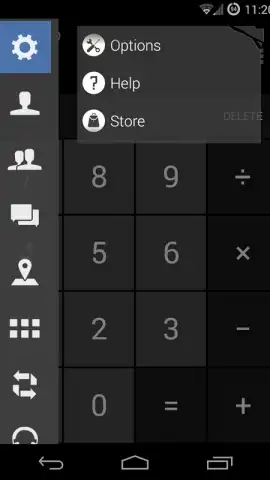
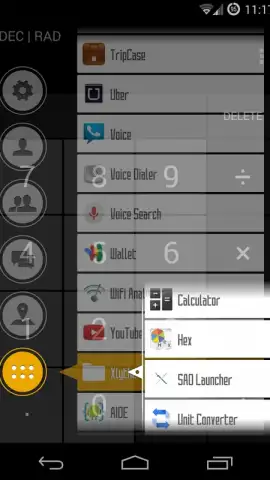
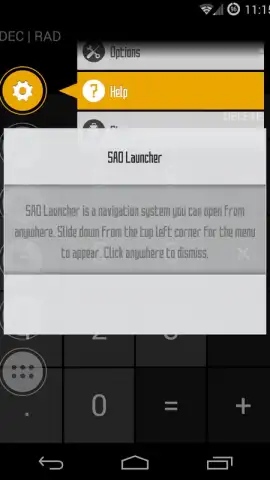
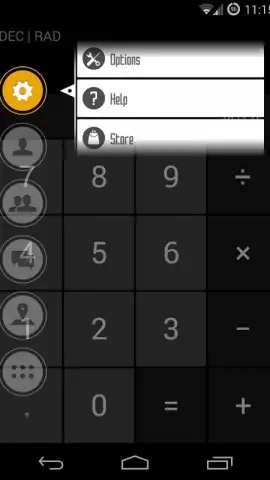
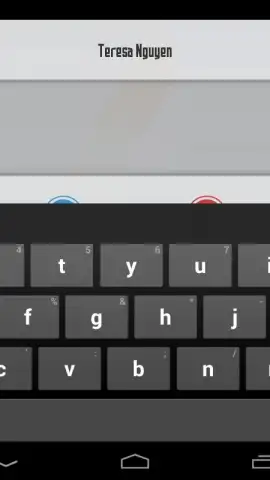
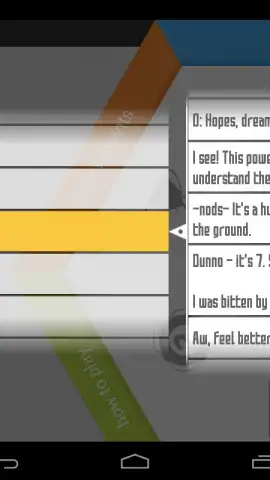
SAO Launcher is an Android system menu and overlay application that reimagines device navigation by drawing direct inspiration from the Sword Art Online universe. It does not replace your default home screen launcher but instead layers a highly customizable, gesture-activated panel over your existing system. The core interaction involves swiping down from the upper-left corner of the screen to summon a radial menu of interactive orbs. Each orb functions as a direct portal to a core phone function or a third-party application, creating a centralized hub for tasks like making calls, sending messages, launching apps, or controlling media playback without needing to open individual apps fully.
A Deep Dive into Customization and Functionality
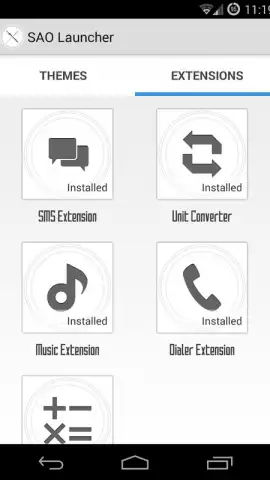
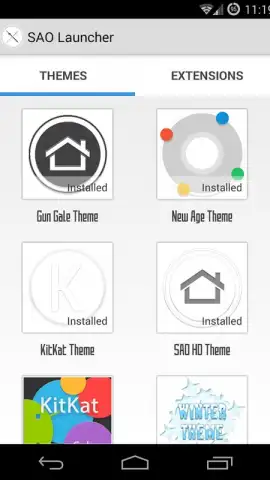
The application's framework is built around two primary customization pillars: themes and extensions. A dedicated in-app Store provides access to a wide array of both free and premium visual themes. These themes comprehensively alter the auditory and visual feedback of the launcher, including orb designs, background art, and sound effects. Extensions, on the other hand, are functional add-ons that introduce new orbs tied to specific applications or system functions, such as an SMS management orb or a direct media controller. For advanced users and developers, the project offers an API for creating complex custom integrations and behaviors, though this currently requires a willingness to engage with early-stage documentation.
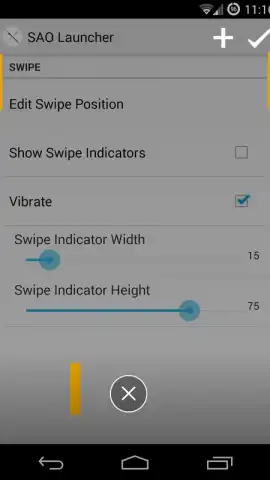
The Pro version, available as a one-time purchase, removes all advertising from the interface and unlocks a suite of enhanced capabilities. These include the creation of multiple gesture panels for different swipe directions, a custom user avatar system, and integrated modules for weather forecasts and map navigation. The developer demonstrates active commitment to refinement through consistent updates that address community feedback and bug reports, such as those related to SMS notification handling, which can typically be resolved with a device restart. Furthermore, the inclusion of community-driven translation tools via Localize broadens the app's accessibility for a global user base.
- Gesture-Activated Orb Menu: Swipe down from the screen's top-left edge to access a radial menu of functional orbs for instant app and tool access.
- Extensive Theme & Extension Store: Personalize visuals and sounds with themes and add new functional orbs through a dedicated in-app marketplace.
- Pro Version with Advanced Features: Unlock ad-free use, multiple gesture panels, custom avatars, and weather or map modules with a single purchase.
- Developer API for Deep Customization: Create bespoke integrations and orb behaviors using the provided application programming interface.
- Community-Driven Development: Regular updates address user reports, and translation tools allow for community localization efforts.
Consider downloading SAO Launcher if you seek a novel, highly personalized method of interacting with your Android device that prioritizes style and centralized control.
Download the SAO Launcher mobile app now to transform your device navigation.
Heads up: you'll need wifi for downloading themes and extensions from the Store. Some cool stuff, like the advanced Pro features, is extra.


