

Screener
Screener screenshots (6)
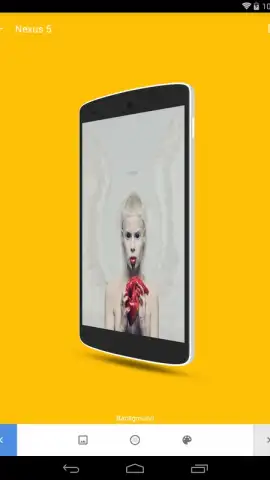
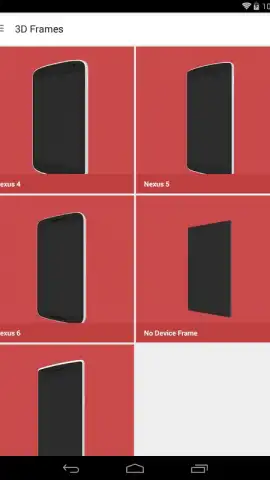

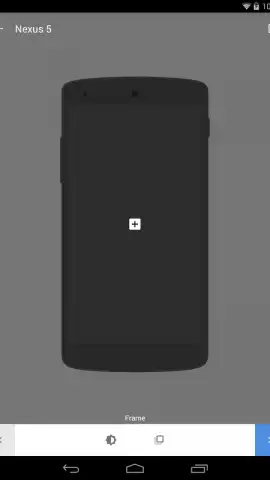
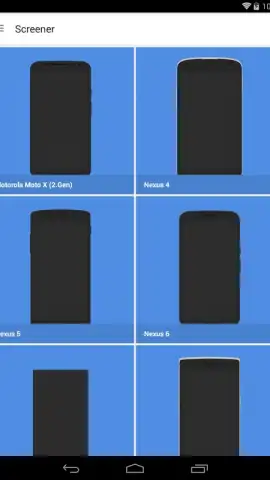
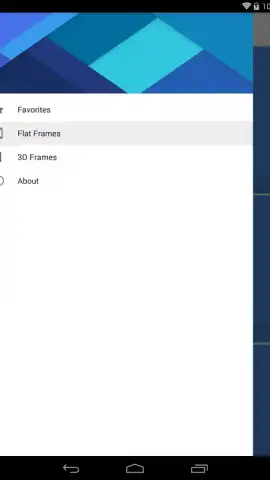
Description Screener
Your Screen, Your Rules. Take Control Back.
Imagine your phone's display is no longer a rigid, one-size-fits-all space. You're working on a document and need to reference a website, but constant switching is breaking your focus. You're following a recipe in the kitchen, and the video keeps minimizing every time you need to check a message. Your screen feels limiting, not liberating. That's where Screener transforms your experience. This tool turns your Android device into a multi-workspace powerhouse, allowing you to run apps in floating, resizable windows anywhere on your screen. It’s about ending the frustration of app juggling and creating a truly personalized, efficient workflow tailored to how you actually use your device.
Craft Your Perfect Multi-Tasking Environment
Screener provides the foundational tools to break free from full-screen confinement. You launch your favorite apps—be it a calculator, a messaging client, a note-taking app, or a browser—and instead of taking over the entire display, they become movable, scalable windows that hover above everything else. This means you can have a navigation map open in a corner while a podcast app plays in another, all while your main game or work document remains fully visible and interactive in the background. The core mechanic is intuitive: select an app, pop it into a window, and position it exactly where you need it. You control the opacity, the size, and the layout, creating a seamless flow between multiple tasks without ever hitting the recent apps button.
Engineered for Effortless Productivity
The true strength of Screener lies in its thoughtful design and robust performance. It’s built to be a lightweight yet powerful layer over your system, ensuring that this enhanced functionality doesn’t come at the cost of speed or battery life. The user interface is clean and unobtrusive, giving you quick access to your window management tools without clutter. Visual customization is key; you can adjust window transparency to keep an eye on underlying content or lock windows in place to prevent accidental moves. It’s the ultimate utility for anyone who uses their phone for more than one thing at a time, transforming your device from a simple portal into a dynamic command center.
- Floating, Resizable App Windows
- Multi-App Overlay & Interaction
- Custom Transparency & Positioning
- Lightweight & System-Friendly
Stop compromising your workflow. Unlock the true potential of your Android screen and experience a new dimension of productivity and convenience.
Download Screener now and build your perfect desktop anywhere.
Requires Android 4.1 or later. An active internet connection may be required for certain app functionalities within windows. This tool enhances system multi-tasking and does not contain in-app purchases. Use of this app with other applications is subject to their individual terms and data policies. Please use responsibly.


