

SD Card Manager
SD Card Manager screenshots (13)
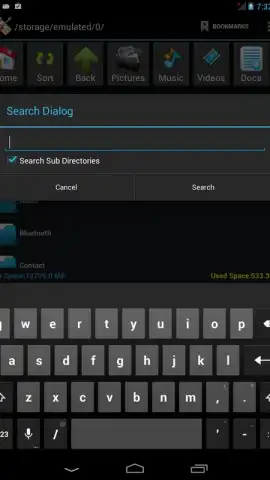
Description SD Card Manager
Imagine your phone's storage is a cluttered desk. Files are everywhere, finding what you need is a chore, and you're never quite sure how much space you really have left. Now, imagine a powerful, intuitive tool that transforms that chaos into a perfectly organized, fully controlled file system. That's the precision and power of SD Card Manager, your ultimate solution for direct, no-nonsense file management on your Android device.
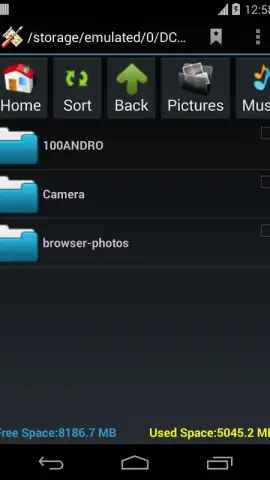
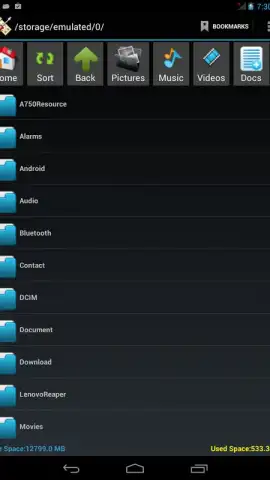
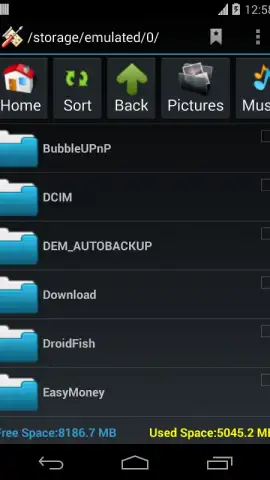
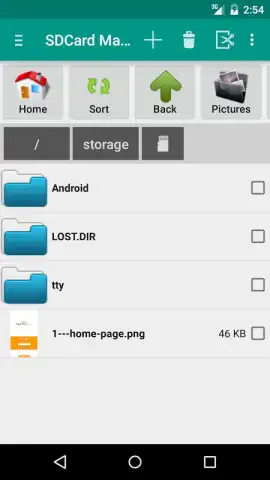
This application is engineered to provide absolute command over every file and folder stored on your SD card or internal storage. It bypasses limitations, granting you a true file system explorer with robust functionality. The interface is built for speed and clarity, offering both list and grid views for navigation, and allows you to create home screen shortcuts to your most critical folders for instant access. Beyond basic organization, it delivers deep storage insights by clearly displaying used and free space, empowering you to make informed decisions about your data.
Core Functionality & Advanced Tools
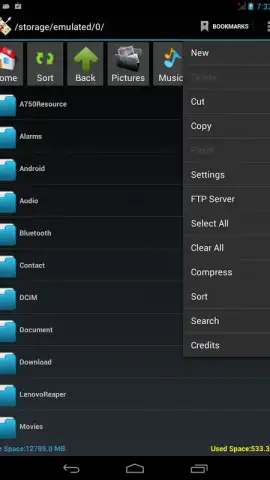
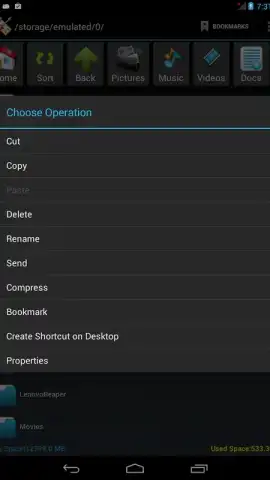
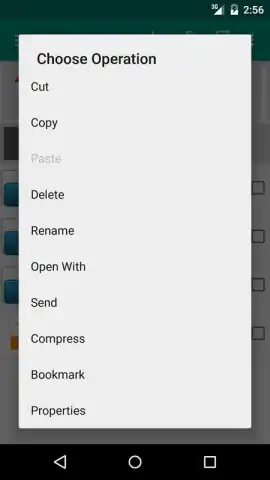
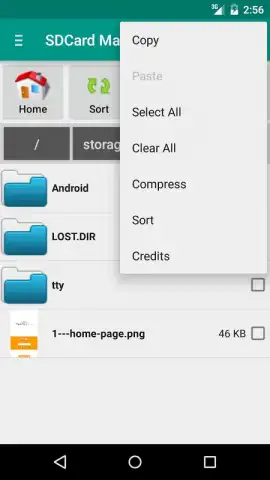
SD Card Manager operates as a comprehensive workstation for your files. You can execute all fundamental operations—cut, copy, paste, create, rename, and delete—with seamless efficiency. It extends into advanced territory with built-in tools for compressing files into ZIP archives and extracting them directly on your device. For software enthusiasts, the ability to browse and install .apk application packages directly from your SD card streamlines the process of testing new apps.
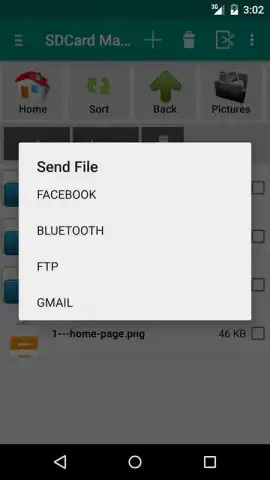
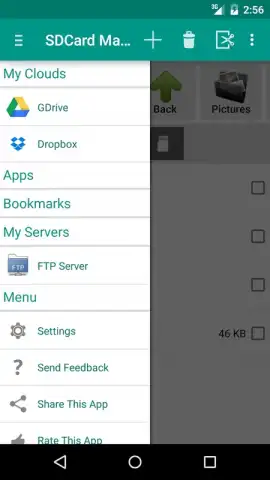
The application's capabilities expand beyond local storage through direct integration with major cloud services like Google Drive and Dropbox. This creates a unified management hub, letting you move files between your device and the cloud without switching apps. Content sharing is equally versatile, featuring intuitive Bluetooth transfer for photos, videos, music, documents, and apps. You can even upload photos to social platforms like Facebook directly from within the file manager.
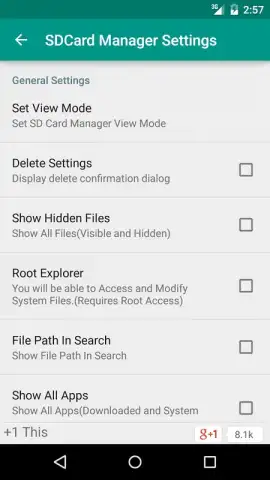
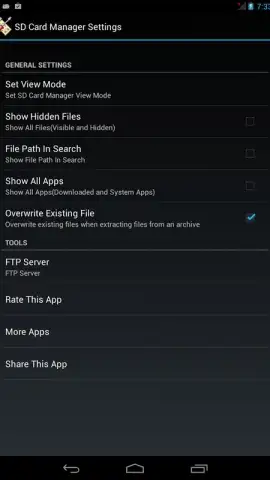
For advanced users with rooted devices, the dedicated Root Explorer function is a game-changer. This mode provides unparalleled access to the entire system directory, allowing for deep customization and file manipulation that standard apps cannot offer. While the app itself does not perform rooting, it fully unlocks the potential of a rooted phone. To serve a global audience, the interface supports multiple languages including English, German, Spanish, Russian, Japanese, Korean, Dutch, Italian, and Hindi.
- Full root directory access
- Cloud service integration
- Direct APK installation
- File compression & extraction
- Bluetooth file sharing
- Multi-language interface support
Stop struggling with disorganized files and limited control. Transform your Android device into a powerhouse of productivity and organization. This is the definitive tool you've been searching for.
Download SD Card Manager now and take complete command of your storage today!
Disclaimer: This application requires an internet connection for cloud service features. Some advanced functionalities may require a rooted device. Please be aware that handling system files on rooted devices carries inherent risks.
 GooglePlay



