

Share it
Share it screenshots (11)
Description Share it
Looking for a straightforward way to share files on a local network?
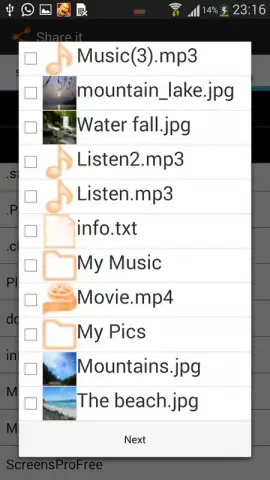
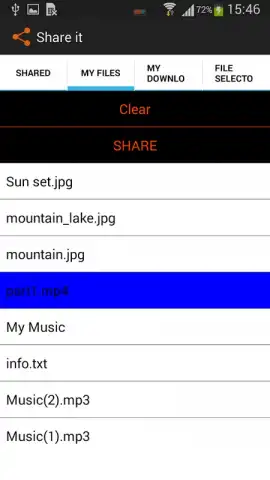
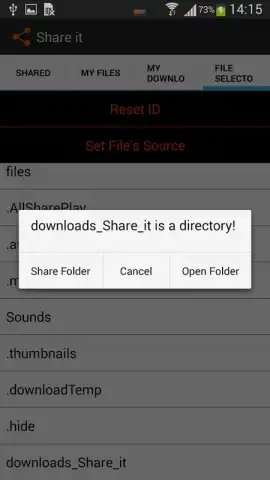
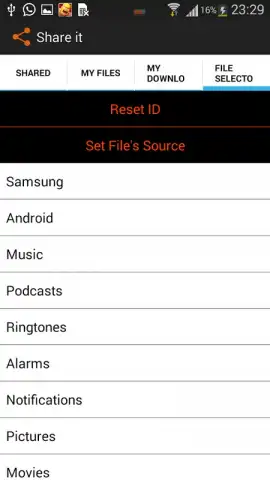
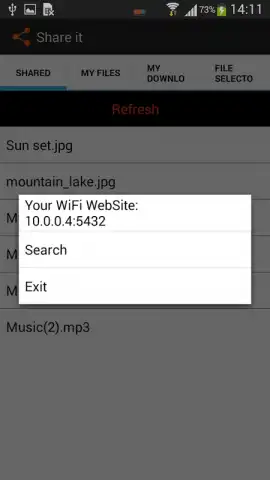
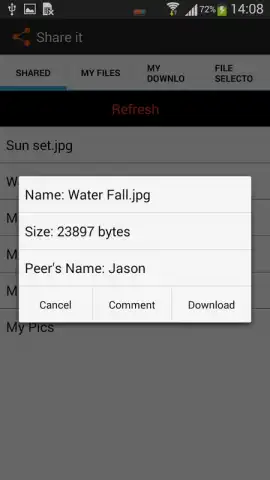
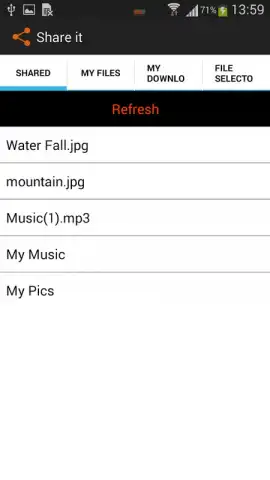
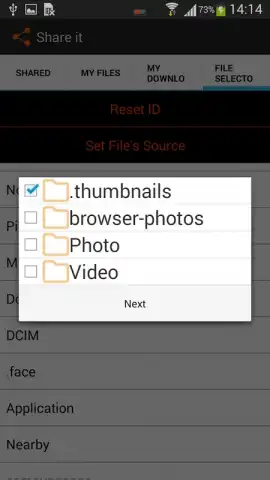
Share It is a utility application designed for direct file and folder transfer between devices connected to the same WiFi network. The core functionality operates by allowing a user to select specific files, mark them as public, and make them accessible to any device on the chosen local WiFi network. This method facilitates a simple, server-less sharing process without requiring external cloud services or internet data usage. For environments without an active WiFi connection, the application provides a fallback mode using Bluetooth technology, requiring only that both devices have Bluetooth capability enabled. This dual-mode approach ensures file transfer functionality is maintained in various connectivity scenarios.
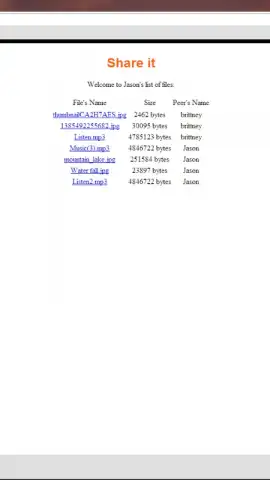
The application's architecture also supports cross-platform operations, enabling the exchange of documents between mobile devices and computers, including both Windows PC and Mac systems. This is managed without integrating complex network drives or requiring specialized software on the desktop end, streamlining the process for sending files from a computer to a mobile device or vice versa. The absence of advertising within the core transfer process is noted, with optional performance enhancements such as a Turbo mode available, which is typically associated with in-app purchases designed to accelerate data transmission speeds.
Key Operational Features
- WiFi Network Sharing: Select and publish files for direct access by any device on your local wireless network.
- Bluetooth Fallback Transfer: Enables direct device-to-device file sending when a shared WiFi network is unavailable.
- Cross-Platform Compatibility: Facilitates document exchange between mobile devices and desktop systems like PC or Mac.
We suggest trying Share It if you frequently need to move files between devices in the same physical location without using mobile data or email attachments.
Download the mobile app now.
Disclaimer: This application requires network permissions for WiFi and Bluetooth functionality. Features may require internet access for initial setup or optional services. In-app purchases may be present for enhanced features. Data usage depends on file size and transfer method. Please review the app's data privacy policy and terms of use before downloading. Compatible device and operating system requirements apply.


