

Shell
Shell screenshots (7)
Description Shell
A Full-Featured Linux/Unix Terminal and System Emulator for Android
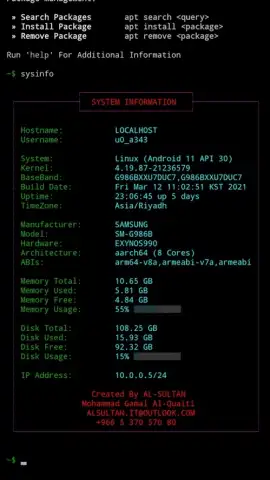
Shell provides a comprehensive terminal emulation and Linux environment for Android devices, functioning with or without root access. This application delivers a complete command-line interface, enabling users to execute a vast array of development, networking, and system administration tasks directly from their mobile device. It bridges the gap between mobile convenience and desktop-level terminal utility, supporting everything from basic scripting to complex programming environments and remote server management.
Core Functionality and System Integration
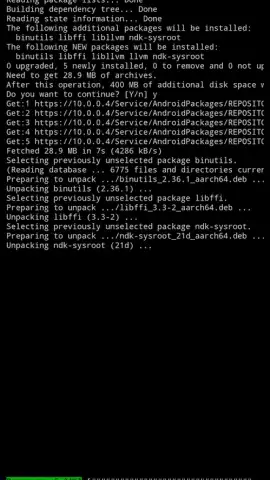
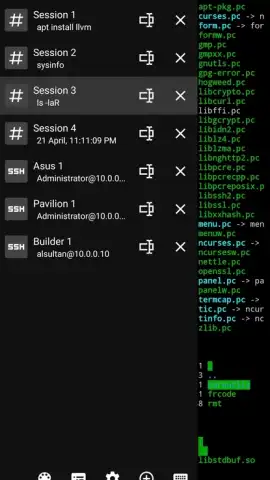
The application establishes a fully operational Linux subsystem, complete with robust package management via Debian and Pacman. Users can install hundreds of pre-configured packages to extend functionality. The environment natively supports execution of Python, SSH, Clang, Make, Node.js, Git, and Mono, among other critical tools. For extended graphical applications, the emulator integrates X11 and VNC server support, allowing for a desktop-like experience. Multi-session support leverages device CPU cores to run several independent terminal instances simultaneously.
Interface, Customization, and Pro Features
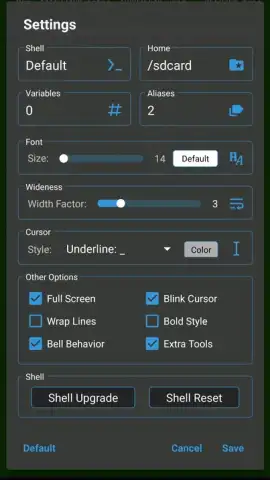
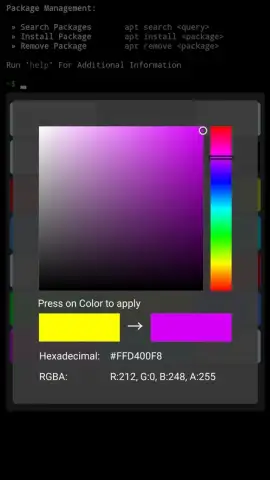
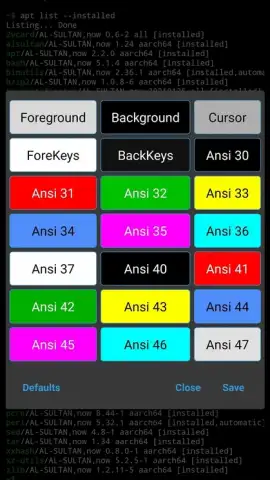
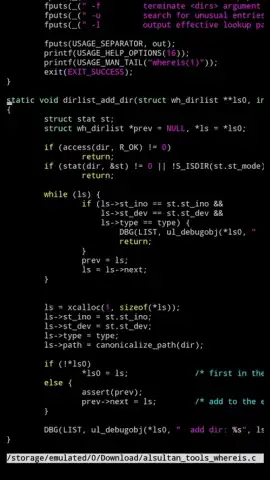
The interface is designed for efficiency, featuring two customizable bottom panels for quick-access keys and extensive keyboard shortcut combinations. Display options are highly adjustable, including support for 256-color palettes, ANSI codes, custom fonts, styles, and sizes. Users can toggle full-screen mode, scroll left/right, and choose from three blinking cursor indicator styles. The Pro version unlocks advanced capabilities such as running an SSH server from the device, saving built-in SSH connection profiles, and applying custom color themes to the terminal environment.
- Execute all standard Android commands and run batch files directly from device storage.
- Install and manage software using integrated Debian APT and Arch Linux Pacman package managers.
- Develop and run code in multiple languages including Python, Node.js, C/C++ (via Clang/Make), and .NET (Mono).
- Operate multiple concurrent terminal sessions and connect to remote systems via integrated SSH client.
- Customize the terminal with 256-color themes, adjustable fonts, and full-screen or multi-panel layouts.
Start building, managing, and developing from your Android device today. Download the mobile app now to unlock professional-grade terminal access.
Internet required. IAP available.


