

Shizuku
Shizuku screenshots (9)
Description Shizuku
Unlock Your Android's True Potential Without Rooting
Imagine having the keys to your Android device's deepest settings, granting you control that usually requires risky and complex rooting procedures. Shizuku hands you those keys. This powerful tool acts as a privileged system server, bridging the gap between standard user apps and the protected inner workings of your Android OS. It creates a secure pathway for applications to request elevated permissions, enabling functionality you thought was reserved for developers or devices with modified firmware. You gain the power to manage app permissions at a granular level, automate system tasks, and unlock advanced features in your favorite utility apps, all while keeping your device's warranty and security fully intact.
Your Gateway to Advanced Android Management
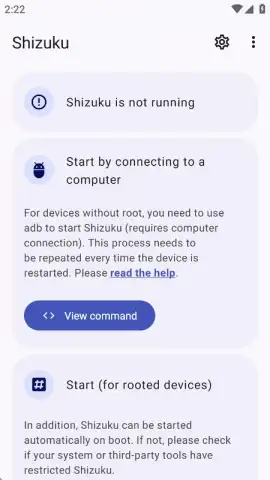
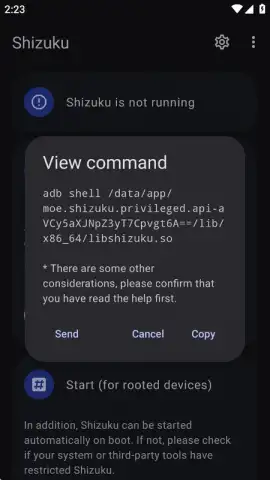
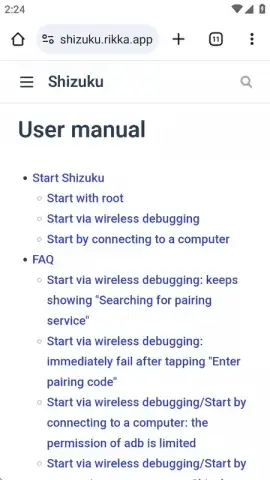
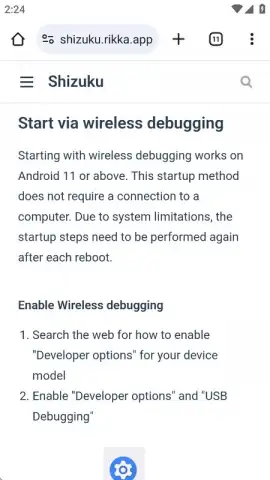
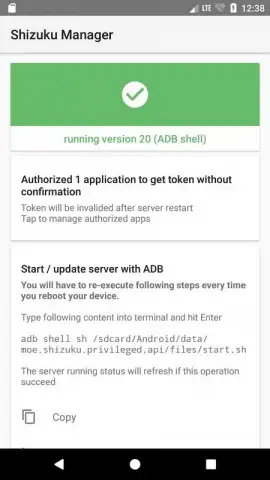
Shizuku operates by running a background server on your device. This server can be started through one of two primary methods: using Android Debug Bridge (ADB) from a computer or, if available, directly via root access. For the vast majority of users, the ADB method is the gateway. While this might sound technical, the application provides a clear, step-by-step guide that walks you through the entire process. You will need a USB cable and a computer to issue the initial commands, but this is a one-time setup. Once completed, the Shizuku service runs independently, seamlessly integrating with supported applications to elevate their capabilities.
The environment is clean and focused, free from advertisements and unnecessary clutter. This ensures a smooth, uninterrupted experience where the focus remains squarely on functionality. By leveraging this framework, you transform your device into a more powerful and personalized tool. Supported applications can interact with system APIs that are normally restricted, allowing for deeper customization, better privacy controls, and more efficient file management without altering your device's core system partition.
Popular Applications Supercharged by Shizuku
Once Shizuku is active on your device, a world of enhanced applications opens up. These apps integrate with the service to offer features that typically require a rooted phone.
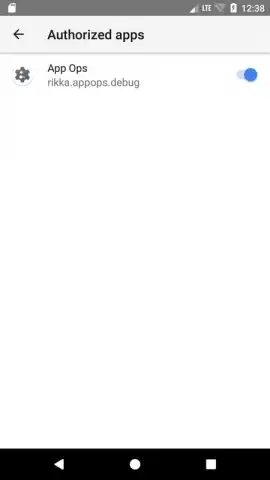
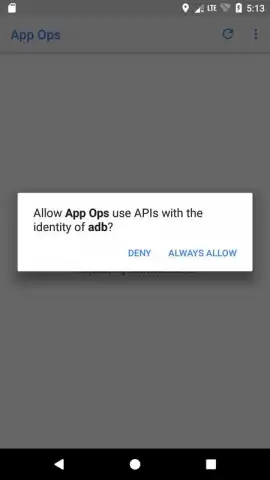
- App Ops: This is a quintessential example. With Shizuku, you can use App Ops to gain detailed control over individual permissions for every application on your device, revoking specific access like background location or sensor data without breaking app functionality.
- Aniyomi and Mihon: Enhance your manga reading experience with these popular readers. Shizuku can enable advanced download management and deeper integration with system storage for better library organization.
- File Managers (MT Manager, Solid Explorer): Unlock powerful operations within these file managers, such as directly editing system files, managing root-level directories, and performing batch operations with greater efficiency.
- Canta (Debloater): Take full control of your device by safely disabling or removing pre-installed bloatware applications that come from your carrier or manufacturer, freeing up resources and improving battery life.
- Automation Tools: Various task automation apps can use Shizuku to perform system-level actions, like precise screen toggles or settings adjustments, that go far beyond standard accessibility services.
Consider Downloading Shizuku Now
For any Android user who craves more control, values deep privacy management, and wants to explore the advanced capabilities of their device without committing to a permanent root, Shizuku is an indispensable utility. It democratizes access to powerful system features through a safe and reversible framework. We suggest trying Shizuku to transform your relationship with your Android device, unlocking a layer of customization and power that feels both professional and liberating.
Heads up: you'll need a computer and a USB cable for the initial ADB setup via the guided process. The Shizuku server itself runs on your Android device. Some of the most advanced features are enabled through third-party applications that require Shizuku to be active.
 GooglePlay


