

Simple Draw
Simple Draw screenshots (7)

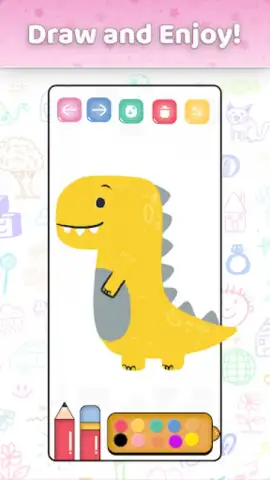
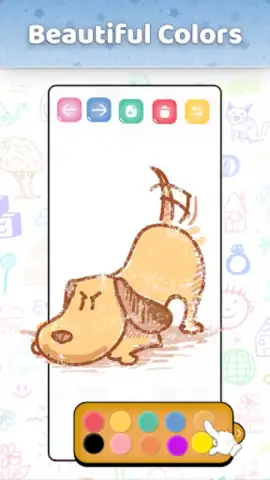
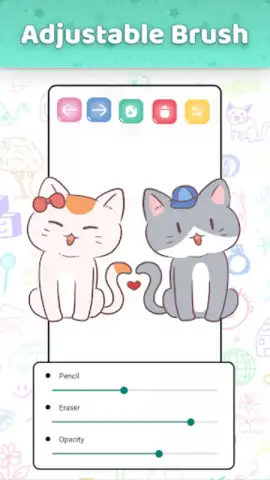
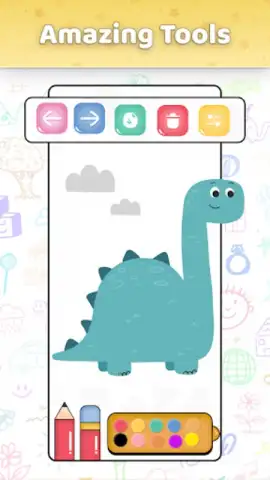
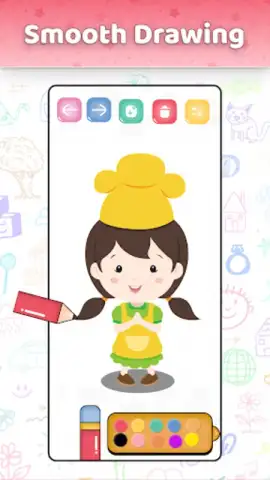
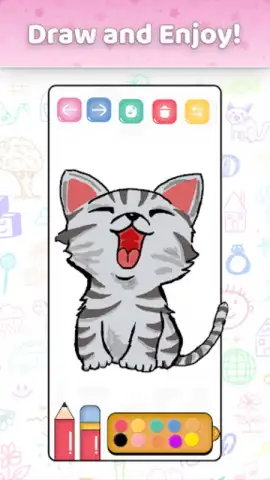
Description Simple Draw
A Comprehensive Digital Art Studio Accessible to All Skill Levels
Simple Draw functions as a full-featured digital art studio, engineered to translate the tactile experience of drawing and sketching directly onto a mobile device. It replaces the need for physical materials by providing a versatile, layer-based canvas system that responds to touch and stylus input with minimal latency. The application’s architecture is built around a customizable workspace, allowing users to arrange tools, color palettes, and brush settings to match their personal workflow, whether they are making quick conceptual sketches or detailed finished illustrations.
Core Functionality and Artistic Tools
The application provides a professional-grade toolset typically found in desktop software, condensed into an intuitive mobile interface. Users have access to a variety of brush engines that simulate real-world media such as pencil, ink, charcoal, and airbrush, each with adjustable parameters for size, opacity, flow, and texture. The color system includes standard palettes, a custom mixer, and support for HEX and RGB values, enabling precise color selection. Layer management features, including blending modes, opacity control, and grouping, allow for complex, non-destructive editing and composition, facilitating the creation of intricate artwork directly on a smartphone or tablet.
Structured Learning and Creative Development
Beyond being a blank canvas, Simple Draw integrates educational components designed to build foundational artistic skills. It offers a library of guided tutorials that break down drawing techniques into sequential steps, covering subjects from basic shape construction to advanced perspective and figure drawing. This structured approach is particularly effective for beginners, as it demystifies the drawing process and provides immediate, actionable practice. The environment is designed to be safe and distraction-free for younger users, with curated lessons on drawing simple characters and objects, fostering creativity without exposure to external content.
Performance and Usability Considerations
The application operates smoothly on a wide range of hardware, optimizing brush rendering and canvas navigation to prevent lag during detailed work. Critical user experience features include an unlimited undo/redo history, canvas rotation and zooming with multi-touch gestures, and multiple export options including high-resolution PNG and JPEG files. The interface employs clear iconography and logical menu organization, reducing the learning curve and allowing users to focus on creation rather than navigation. This focus on performance stability ensures that the creative process is not interrupted by technical limitations.
- Adaptable Brush Engine: Features customizable brushes that mimic traditional art tools with adjustable pressure sensitivity and texture.
- Guided Tutorial Library: Provides step-by-step instructional content for skill development across various drawing disciplines and complexity levels.
- Advanced Layer Workspace: Supports multiple layers with blending modes and opacity controls for professional-grade digital illustration and editing.
We suggest trying Simple Draw if you are seeking a capable and educational digital art platform that scales from beginner practice to serious creative work. Consider downloading it to explore a comprehensive set of drawing tools within a streamlined mobile interface.
Disclaimer: The application requires a stable internet connection for initial download and potential tutorial access. It may contain optional in-app purchases for additional brush packs or advanced tutorial modules.
 GooglePlay


