

Simple System Monitor
Simple System Monitor screenshots (11)
Description Simple System Monitor
Ever wondered what's really happening under the hood of your Android phone? You notice a sudden slowdown, a battery draining faster than usual, or an unexpected warmth in your hand. Instead of guessing, you could have a clear, real-time window into every vital sign of your device, transforming uncertainty into precise control. That's the clarity offered by a dedicated system monitor, putting detailed diagnostics directly in your palm.
A Clear View of Your Device's Health
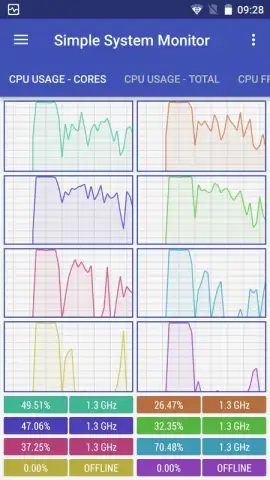
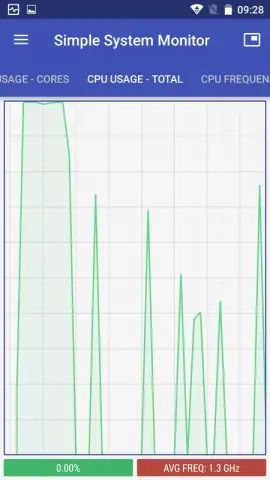
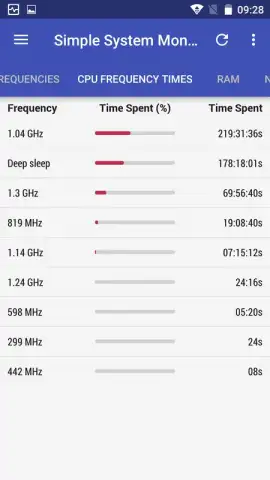
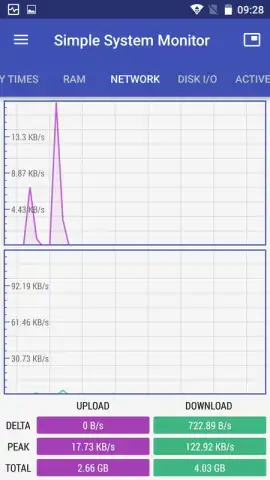
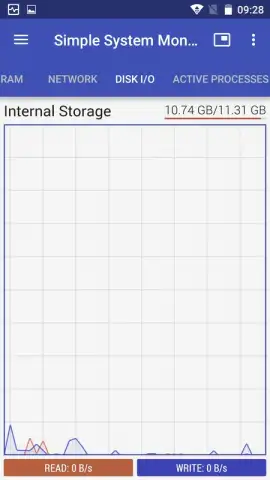
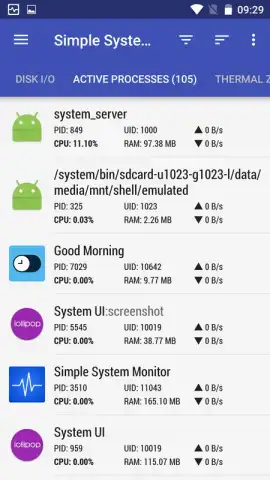
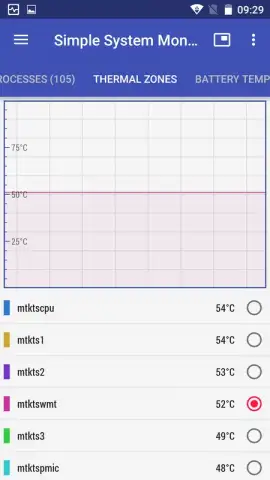
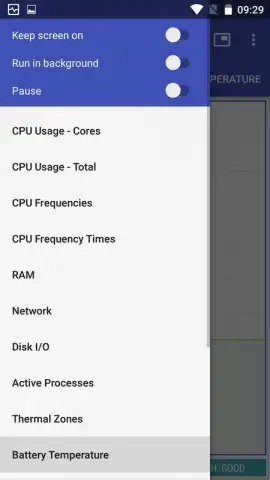
This application provides a comprehensive dashboard for your Android operating system, presenting complex data through intuitive graphs and accessible menus. You watch live charts tracking CPU utilization across all cores, observing how each core's frequency scales with demand. Alongside this, a clear display shows your RAM usage, illustrating exactly how your memory is allocated between apps and system processes. Navigating this wealth of information feels seamless; a simple swipe left or right moves you between dedicated tabs for each parameter. For direct access, a dropdown menu positioned at the top-left of the screen lets you jump instantly to the specific data screen you need, whether it's network activity, battery temperature, or sensor readings.
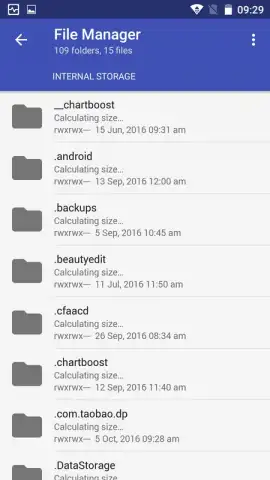
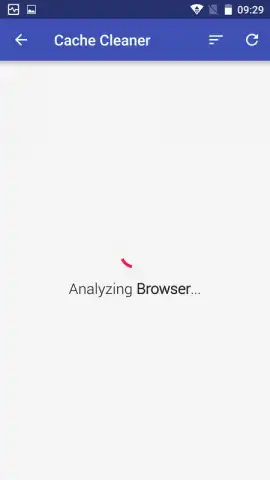
The experience is designed to be unobtrusive and focused. You engage with your device's metrics without disruptive advertisements, allowing for uninterrupted monitoring. For users with rooted devices, the toolset expands significantly, granting access to advanced utilities like terminating specific processes and clearing system cache. It's important to understand that root access is strictly optional; the core monitoring functions for CPU, RAM, battery, and network are fully operational on any standard Android device, making powerful oversight available to everyone.
Core Features at a Glance
- Real-time CPU and RAM graphs
- Multi-core frequency monitoring
- Battery temperature and health data
- Network activity and sensor status
You gain a powerful ally for ensuring your system runs optimally. From monitoring kernel activity to checking background processes, this tool helps you identify potential resource hogs and understand your device's behavior. Having this level of transparency means you're no longer in the dark about performance dips or battery issues, enabling more informed decisions about your device management.
We suggest trying Simple System Monitor to take command of your device's performance. Consider downloading it today for a transparent and detailed look at your system's inner workings.
Download the Simple System Monitor mobile app now.
Disclaimer: This application requires an active internet connection for certain features and potential updates. It may contain optional in-app purchases. Data usage varies based on monitoring activity. Some advanced features require a rooted device. Please be aware of your device's age restrictions and review the app's data collection policies as outlined on the official Google Play Store listing.


