

SketchUp Viewer
SketchUp Viewer screenshots (10)
Description SketchUp Viewer
Your Pocket-Sized Design Studio
Imagine holding a complex architectural model, a detailed product prototype, or an entire interior design concept in the palm of your hand. You can rotate it, zoom into the finest details, and walk through it as if you were really there. That’s the power you get with SketchUp Viewer. This is your direct portal to view, explore, and present any 3D model created in SketchUp, turning your mobile device into a portable window for professional design review and immersive visualization.
Dive Deep Into Every Dimension
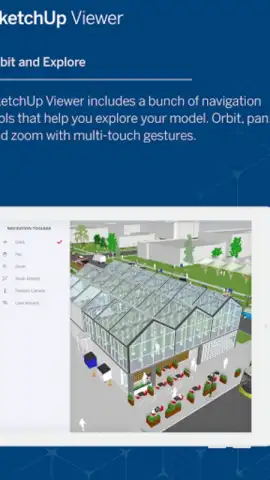
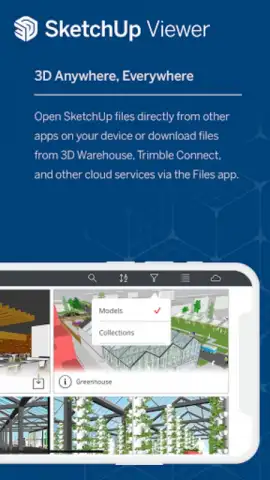
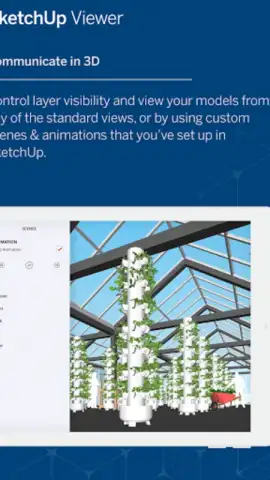
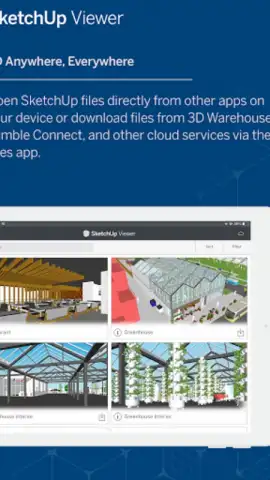
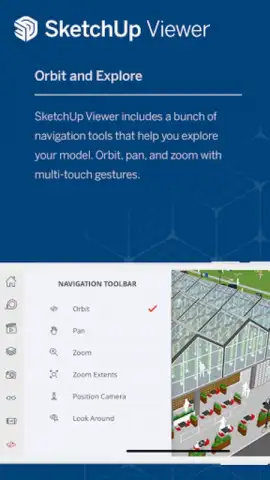
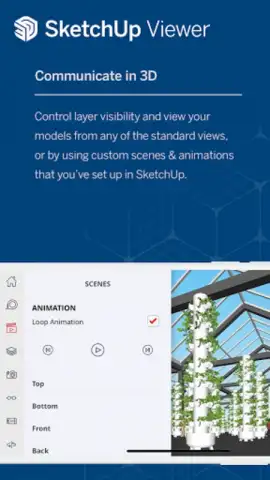
SketchUp Viewer is built for precision and clarity. You open any .SKP file directly from your device, cloud storage, or email, and the model loads with all its layers, scenes, and components intact. Navigate effortlessly with intuitive touch gestures: pinch to zoom, drag with one finger to orbit around the model, and use two fingers to pan across your scene. The true magic happens when you step into Walkthrough mode, allowing you to navigate the space at eye level, giving you an authentic sense of scale and spatial relationships that static images can never provide.
Key Advantages That Set It Apart
- Uncompromised Model Fidelity: Experience your models exactly as they were intended. View every texture, material, and component with high visual fidelity. The app maintains the integrity of complex models, ensuring you see every detail.
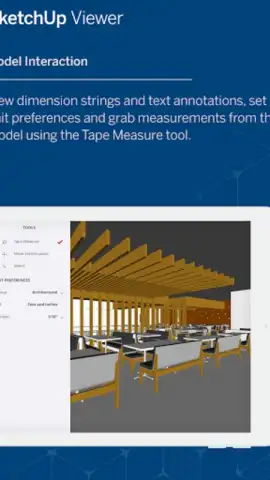
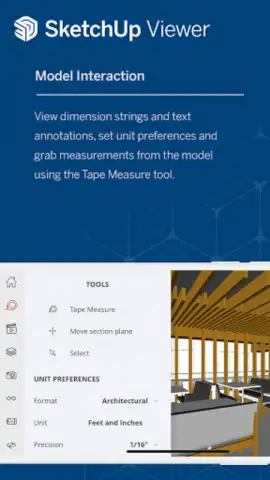
- Enhanced Communication Tools: Need to provide feedback? Use the built-in annotation tools to add text notes, dimension callouts, and screen captures directly onto the model. These markups are saved with the file, streamlining collaboration between teams on-site, in the office, or with clients.
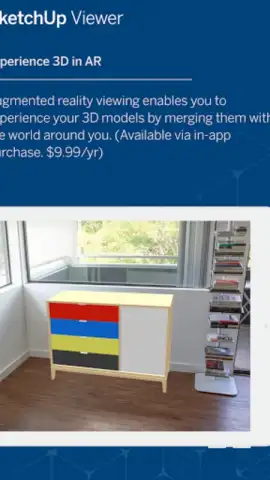
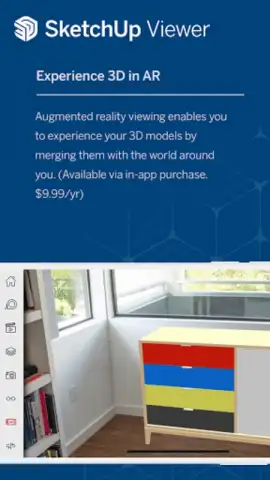
- Augmented Reality (AR) Integration: One of the most transformative features. Place your 3D model directly into your real-world environment using AR. See how a new piece of furniture fits in your room, or visualize a building extension on your property at true 1:1 scale, blending digital design with physical reality.
- Offline Accessibility: Download models to your device for secure, offline viewing. This is essential for site visits where internet connectivity is unreliable, ensuring your critical design data is always available.
Download SketchUp Viewer Now
Stop being limited by your desk or laptop. Transform how you interact with 3D designs. Whether you're a professional architect presenting to a client, a contractor verifying details on a job site, or a designer sharing concepts, this app is your essential tool. For a limited time, experience professional-grade 3D viewing and AR visualization—download today and unlock exclusive, streamlined access to your projects anywhere.
Heads up: You'll need a Wi-Fi connection for initial model downloads and AR features. Some advanced cloud collaboration and markup syncing features may require a Trimble Connect subscription.


