
Slidey
Slidey screenshots (11)
Description Slidey
Struggling to Build Presentations on Your Phone? Your All-in-One Mobile Studio is Here
Crafting a compelling presentation on a mobile device often feels like a compromise. You’re either stuck with clunky, online-only editors or oversimplified apps that lack professional output. This friction ends now. Slidey is engineered as a complete, offline-first presentation suite that transforms your smartphone or tablet into a powerful design workstation. It understands the dynamic needs of students and on-the-go creators, providing not just tools, but a streamlined environment where sophisticated design meets intuitive operation. Forget about being tethered to Wi-Fi or a laptop; your best ideas can be structured, designed, and polished from anywhere, turning idle moments into productive sprints toward a finished deck.
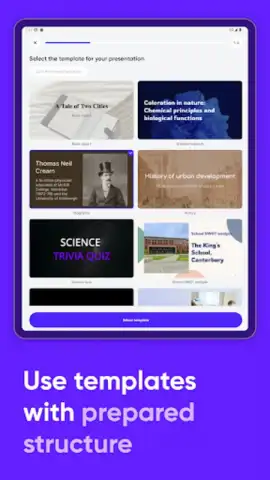
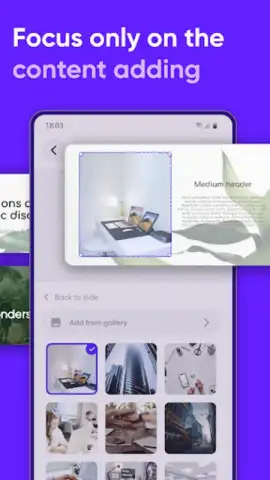
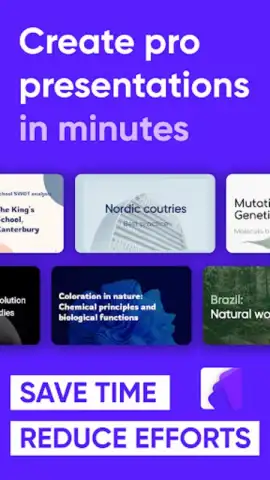
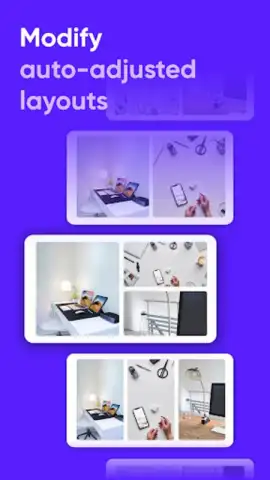
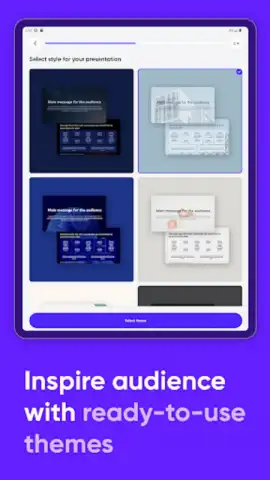
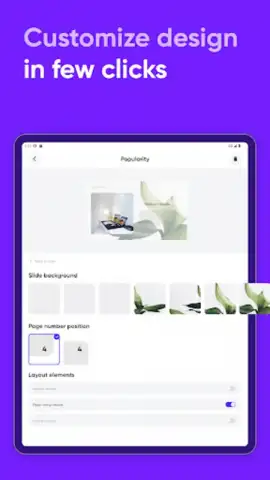
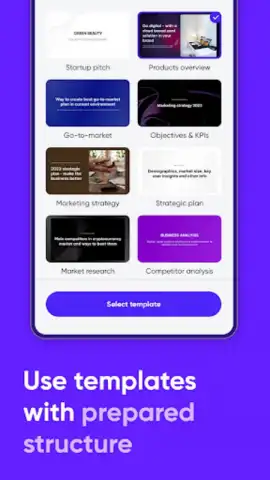
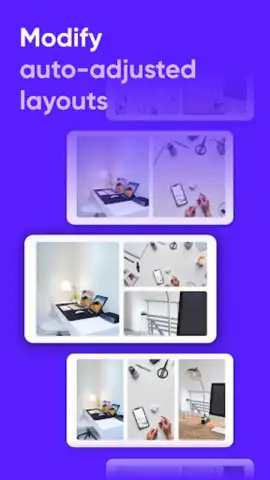
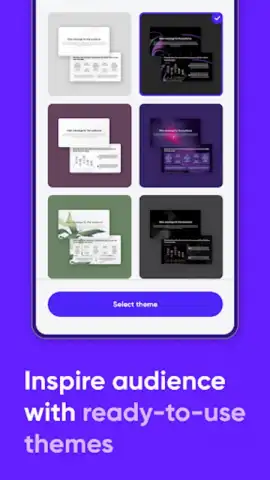
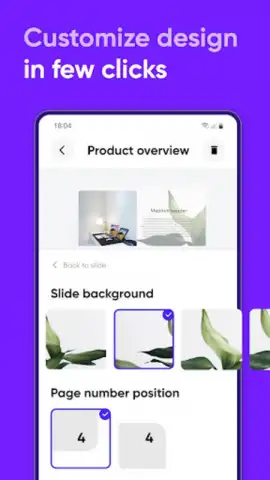
The core of Slidey is its dedicated focus on a seamless, professional workflow. You begin with a vast and organized library of pre-designed templates, each with fully coordinated themes and intelligent layout options for titles, text, images, and data. These aren’t just static backgrounds; they are flexible frameworks. Every element is fully customizable—fonts, colors, image placement, and bullet points can be tailored to your exact content needs without breaking the visual harmony of the slide. The editor itself functions like a precision toolkit, featuring smart alignment guides, drag-and-drop content blocks, and instant style applicators that make complex formatting simple. This combination of depth and control ensures your final presentation has a cohesive, polished look that stands out in any academic or professional setting.
Beyond creation, Slidey is built for real-world use and sharing. The application operates fully offline, allowing you to develop, refine, and finalize every slide without ever needing an internet connection. Once complete, you have full control over export. Generate your presentation as an editable PowerPoint (PPT) file for further work on desktop, a universal PDF for guaranteed formatting consistency, or as a series of high-resolution JPEG images for instant sharing. An integrated progress tracker gives you a clear overview of your project’s status, helping you manage time and visualize completion. This isn’t just an app for making slides; it’s a systematic platform for managing the entire presentation lifecycle from a blank page to a delivered file.
- Access a comprehensive library of professionally designed templates and themes for any topic.
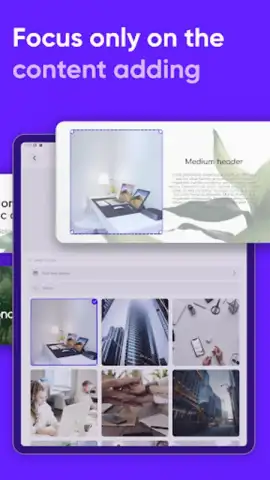
- Fully customize every slide element with intuitive drag-and-drop editing and style tools.
- Create, edit, and finalize complete presentations entirely without an internet connection.
- Export finished work in multiple formats including PPT, PDF, and high-quality JPEG.
- Track your project’s progress with a built-in overview to manage your workflow efficiently.
Download the Slidey mobile app now! This is a limited-time opportunity for new users to access premium-grade presentation tools typically reserved for desktop software. Don’t settle for less when you can install the definitive mobile presentation studio today—your next project deserves it.
Heads up: you'll need wifi for the initial download and template library sync. Some advanced templates and export features are part of the optional Turbo upgrade for an enhanced experience.
 GooglePlay


