

Smart Cleaner
Smart Cleaner screenshots (10)
Description Smart Cleaner
Is Your Phone Slowing Down Under the Weight of Digital Clutter?
You know the feeling. Your phone starts to lag, apps take forever to open, and that dreaded "storage almost full" notification pops up yet again. It feels like you're constantly fighting against your own device, deleting precious photos one by one just to make room for an important update. What if you could take back control with a single tap? Smart Cleaner is designed to be your personal digital janitor, meticulously sweeping through your Android device to reclaim lost space and restore lost speed. It transforms the complex task of system optimization into a simple, four-step process, putting powerful tools directly in your hands without any confusing technical jargon.
Experience Effortless Optimization and Control
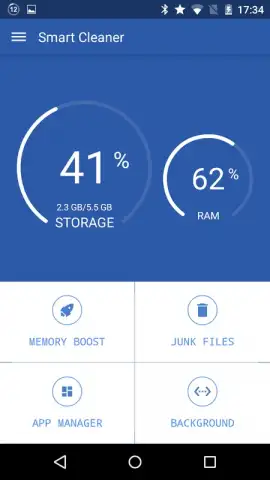
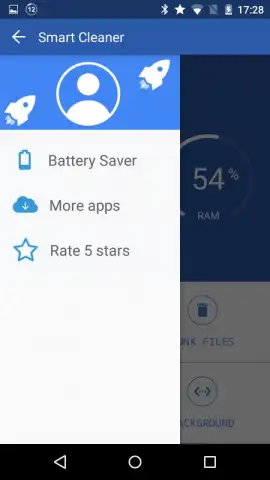
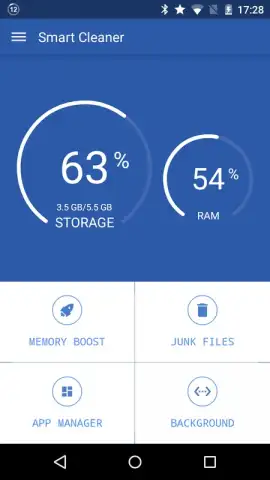
Smart Cleaner operates through four distinct, purpose-built tabs, each targeting a specific area of performance. This modular approach lets you focus on exactly what your device needs at any moment, whether it's a quick speed boost or a deep storage cleanse.
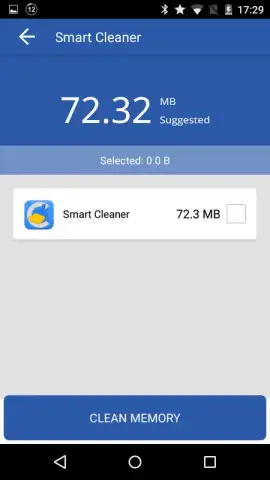
The Memory Boost function is your first line of defense against slowdowns. It scans for and halts all non-essential background processes and services that silently drain your phone's RAM. You are presented with a clear view of which apps are consuming resources and how, allowing you to make informed decisions. Within seconds, a detailed report shows you exactly how many megabytes of RAM were recovered, giving you immediate feedback on the performance gains you've just unlocked.
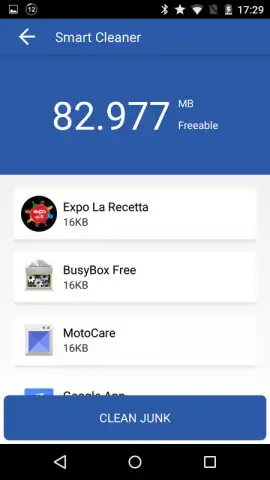
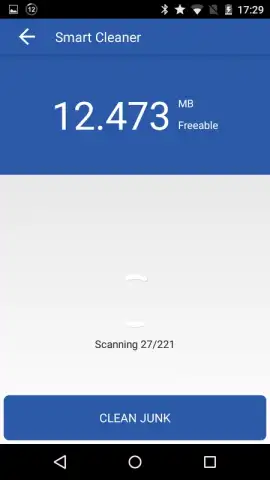
Navigate to the Junk Files tab to tackle storage bloat. This feature performs a deep scan for residual files that serve no purpose: temporary data left behind by your daily apps, leftover APK files from old installations, and various other cache files that accumulate over time. By using this tool regularly, you establish a routine that keeps your device's internal storage clean and organized, systematically preventing clutter from building up and ensuring you always have room for what matters most.
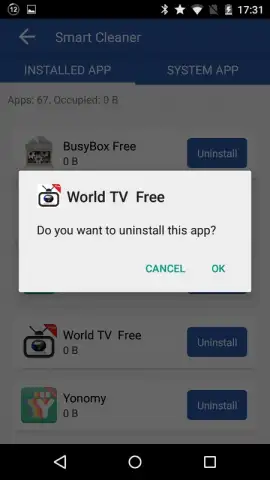
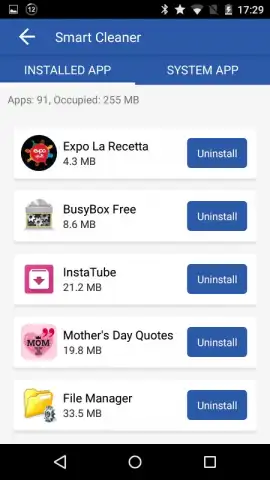
The App Manager provides a comprehensive and comfortable way to declutter your app drawer. You are shown a complete list of all installed applications, including those that came pre-installed on your device. A simple 'delete' button next to each entry lets you swiftly uninstall any app you no longer use, removing not just the app but often its associated data, freeing up significant space in a single action.
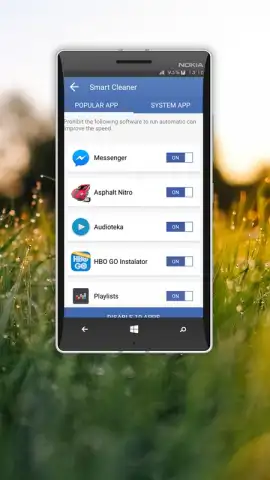
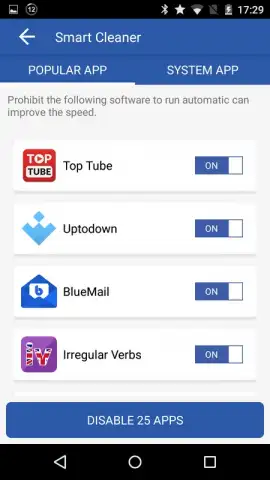
Finally, the Autostart Apps tab gives you visibility and control over what happens when you turn on your phone. Here, you can see every application set to launch automatically upon startup. By disabling unnecessary autostart apps, you prevent them from consuming resources from the moment you power on, leading to faster boot times and improved overall system performance from the very beginning.
Key Features at a Glance
- One-Tap Memory Acceleration: Stop background processes to free up valuable RAM and instantly improve device responsiveness.
- Deep Junk File Cleaner: Remove temporary files, cache data, and residual APK files to reclaim substantial storage space.
- Streamlined App Manager: View all installed and system apps in one list for easy bulk uninstallation and storage management.
- Autostart Application Control: Disable apps from launching on startup to enhance boot speed and background performance.
- Real-Time System Monitor: Keep an eye on your available memory percentage and current RAM usage with a live status indicator.
- Ad-Free Experience: Enjoy a clean, uninterrupted interface focused entirely on optimizing your device.
Don't let a sluggish phone hold you back any longer. Take immediate action to unlock the full potential of your Android device. This is the tool you need to stop managing storage and start enjoying your phone.
Download Smart Cleaner now and feel the difference in seconds!
Disclaimer: This application requires an internet connection for initial functionality and updates. The app is free to download and use. It is designed for general Android device maintenance. Please note that while the app manages system processes and files, always ensure you review app selections before uninstalling. Data usage may apply depending on your connection. Suitable for users of all ages, but device administration permissions are required for core features.


