
Smart Keyboard Trial
Smart Keyboard Trial screenshots (7)
Description Smart Keyboard Trial
Tired of a Clunky, Inflexible Keyboard on Your Phone?
You know the feeling. You're trying to send a quick message, but the default keyboard feels slow, the predictions are off, and it just doesn't adapt to how you type. It interrupts your flow, making every text, email, or note a small chore rather than a seamless action. What if your keyboard could actually learn from you, match your style, and transform typing from a task into an effortless extension of your thoughts? That's the experience waiting for you with Smart Keyboard Trial. This isn't just another keyboard replacement; it's a comprehensive toolkit designed to rebuild your text input experience from the ground up, putting complete control and personalization in your hands.
A Deeply Personal Typing Experience, Tailored by You
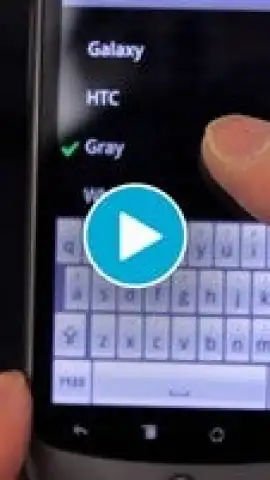
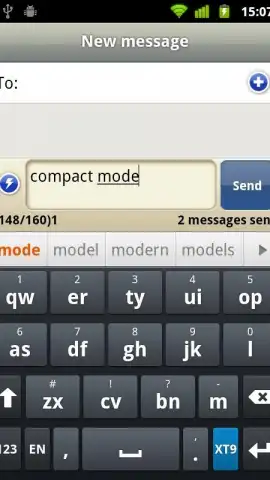
From the moment you install Smart Keyboard Trial, you begin shaping it into your perfect tool. The core promise is profound customization, allowing you to adjust every tactile and visual element until the keyboard feels uniquely yours. You can completely transform its look with a vast selection of themes. Start with the integrated designs or explore a library of downloadable skins to match your mood, your phone's wallpaper, or simply to add a splash of color to your daily interactions. This visual customization goes hand-in-hand with practical layout adjustments, letting you switch between compact, one-handed modes or full layouts to suit any situation, whether you're typing with a thumb on the go or using both hands.
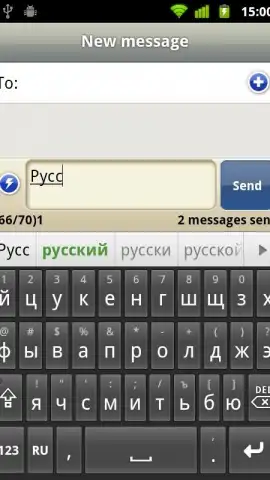
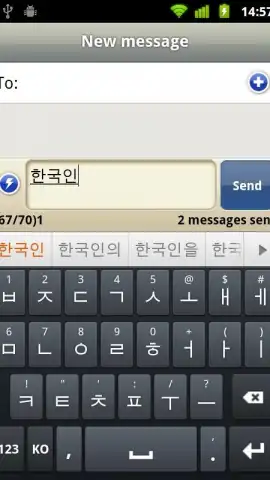
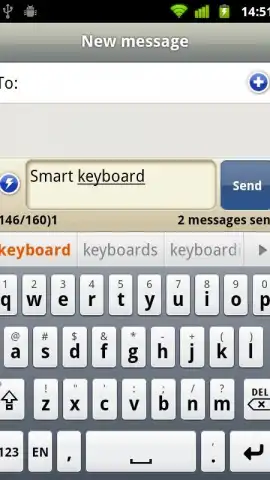
The intelligence of this keyboard is what truly sets it apart. Its smart dictionary doesn't just come pre-loaded; it actively learns your personal vocabulary, slang, and even your common typos, evolving to predict your next word with startling accuracy over time. You can teach it directly by long-pressing on suggestions to add them permanently, ensuring your name, specialized terms, or favorite phrases are always a tap away. For those moments when typing isn't convenient, robust voice input support lets you speak your messages hands-free, and seamless multilingual switching means you can converse in different languages without missing a beat, perfect for polyglots or international communication.
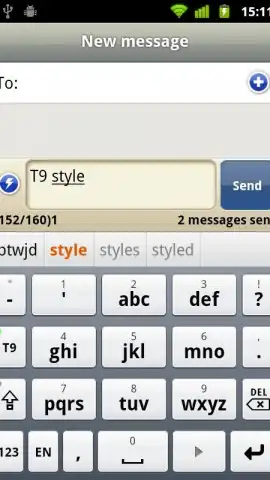
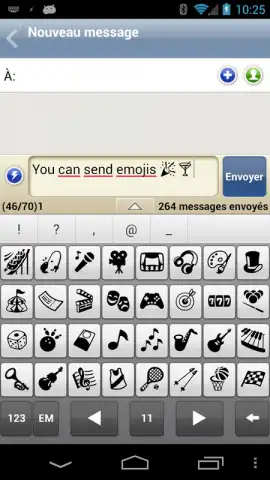
Efficiency is engineered into every feature. You can create custom text shortcuts, turning long email addresses or common phrases into quick two-character codes. The inclusion of T9 predictive input for many languages offers a familiar and fast alternative for those who prefer it. Gesture controls add another layer of speed, letting you perform actions like deleting words or bringing up emojis with a simple swipe. For the enthusiast who always wants the latest improvements, access to beta versions is available, letting you test new features before anyone else. The trial period is fully featured, and should you choose to upgrade, the transition to the Pro version is seamless—your personalized settings, themes, and learned dictionary can be saved and restored effortlessly, so you never lose your finely tuned setup.
- Fully customizable themes and layouts
- Smart dictionary that learns your style
- Efficient gesture controls and text shortcuts
- Seamless multilingual typing support
We suggest trying Smart Keyboard Trial to experience firsthand how a truly personalized keyboard can streamline your digital communication. Consider downloading it to replace the generic typing experience on your Android device with one that you've designed yourself.
Download mobile app now
An internet connection may be required for initial setup, voice input, and downloading additional themes. The app may offer in-app purchases to unlock the full Pro version features.
 GooglePlay


