
Software Data Cable
Software Data Cable screenshots (22)

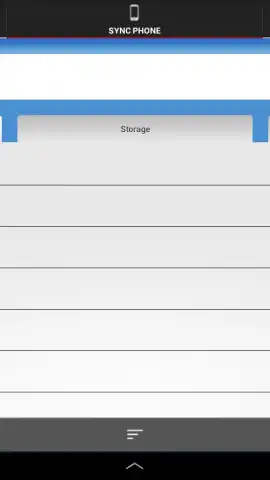
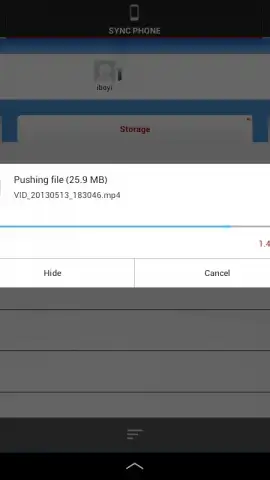
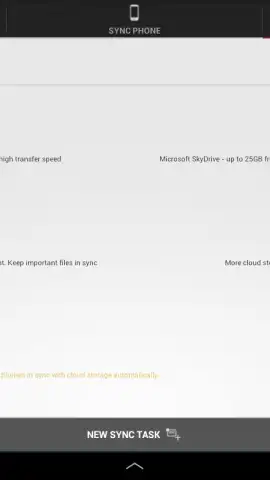
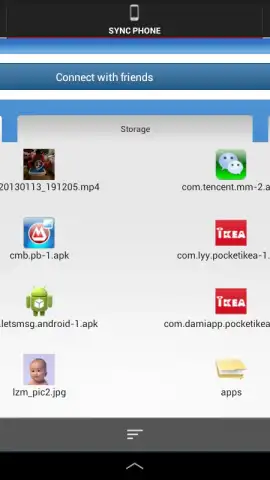

Description Software Data Cable
Imagine needing to access a document from your phone while working on your PC, or wanting to back up a video from your tablet without searching for the right cable. Software Data Cable transforms this common scenario by establishing a direct, wireless data transfer channel between your devices. This application functions as a virtual bridge, enabling instant file management and synchronization across Android smartphones, tablets, and computers using a standard web browser interface.
Core Functionality and Operational Modes
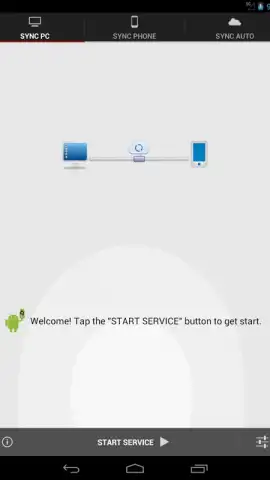
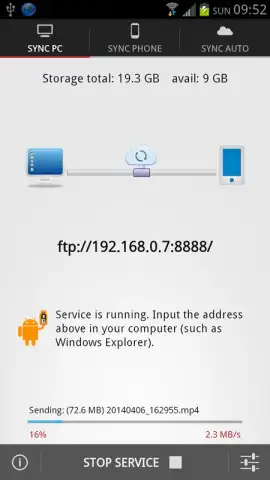
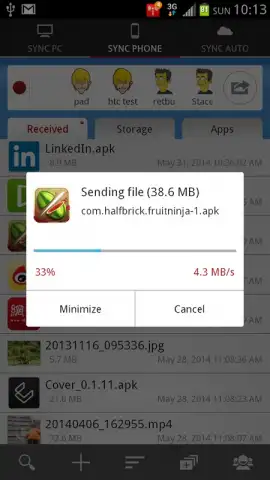
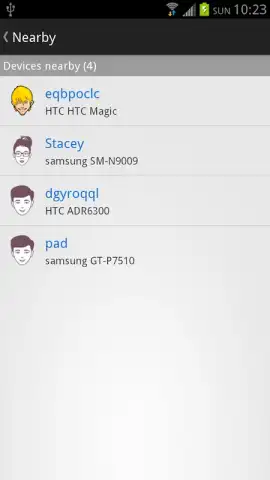
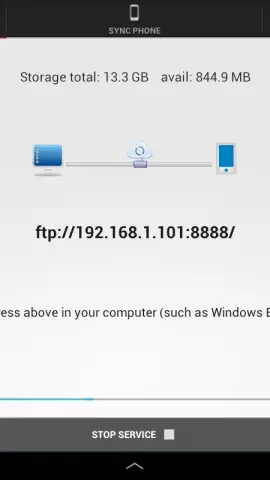
The primary operation involves generating a local FTP server on your Android device. By entering a unique FTP address into the address bar of a web browser on any connected PC or another device, you gain immediate read and write access to the Android device's storage. This creates a seamless window for managing files directly from the browser. The system supports the transfer of diverse file types, including high-resolution images, office documents, compressed archives, and video files. A dedicated synchronization mode allows for the automated backup of selected folders, with the application periodically updating the backup to reflect any new or modified files.
Detailed Feature Set and Capabilities
- Establish a wireless FTP connection between Android devices and PCs using any standard web browser.
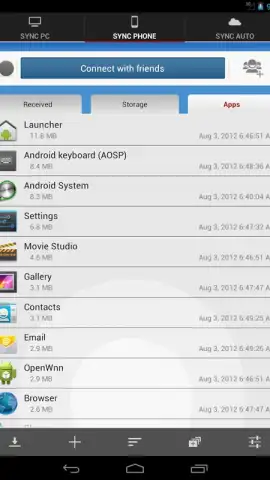
- Transfer multiple file formats including photos, videos, PDFs, and APK files without size restrictions per file.
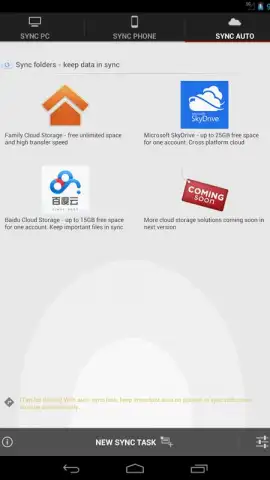
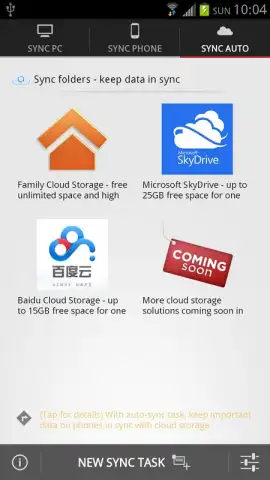
- Synchronize and automatically back up selected device folders to a connected computer at set intervals.
- Send and receive text messages directly between connected devices through the application interface.
- Utilize a Turbo mode for accelerated transfer speeds and an ad-free operational environment.
We suggest trying Software Data Cable to eliminate physical cable dependencies for your daily file management and cross-device workflows. Consider downloading the application to experience streamlined local network transfers.
Internet required. IAP available.


