

Stories – Timeline Diary
Stories – Timeline Diary screenshots (9)
Description Stories – Timeline Diary
A Method for Memory
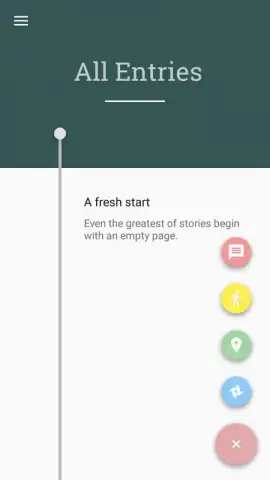
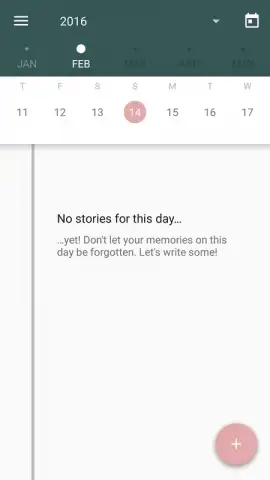
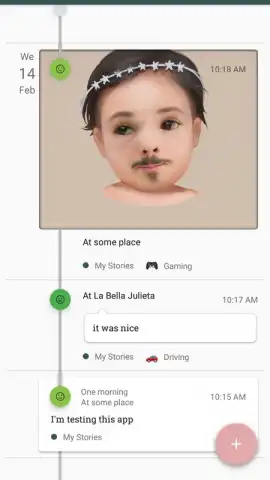
The core challenge of digital journaling is often retrieval—scrolling through endless entries to find a specific moment. Stories – Timeline Diary by developer Hadi Satrio addresses this directly by structuring every entry along a horizontal daily timeline. This visual chronology transforms the journal from a simple list into a navigable map of your experiences, where locating any record requires only a glance at the relevant point on the timeline. The interface enforces a clean, minimal aesthetic that prioritizes this chronological clarity, making the act of reviewing past entries as streamlined as the act of creating them.
Functional Architecture and Data Organization
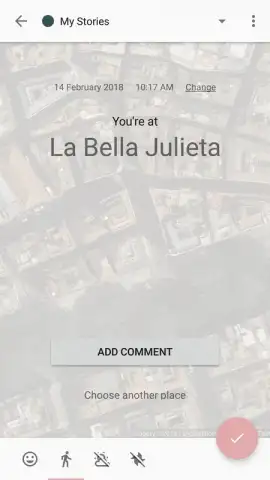
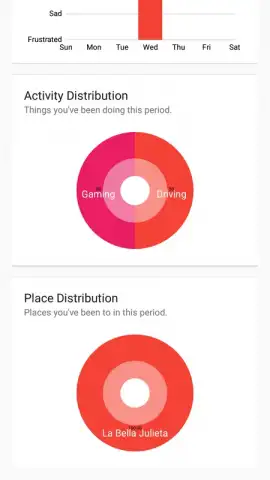
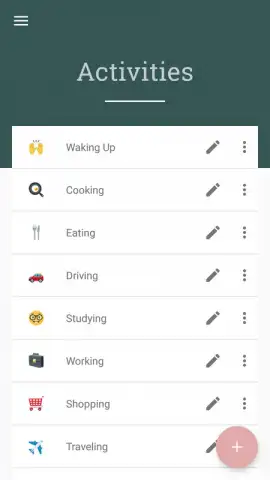
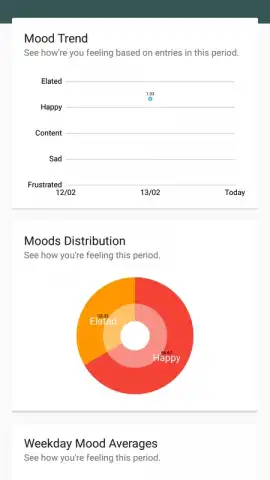
The application provides a structured yet flexible framework for entry creation. Each post can be tagged with a geographic location, categorized by user-defined labels, and marked with a specific mood indicator. This metadata is not merely decorative; it enables powerful filtering. Users can isolate all entries tagged "Work," view every moment logged in a specific city, or generate a report tracking emotional shifts over a selected week or month. The option to create entries as pure text blocks or to enrich them with photographs offers adaptability for different types of reflection, from detailed narratives to visual logs.
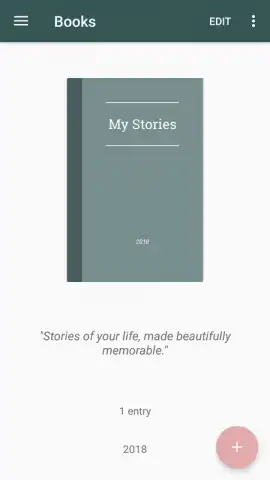
Beyond basic entries, the app introduces a macro-organizational tool: the book compiler. This feature allows users to select a range of days—such as the duration of a vacation, a project timeline, or a personal challenge—and compile all associated entries into a single, named volume. This effectively creates themed chapters of your life, pulling scattered timeline events into a cohesive narrative document that can be further curated with additional photos, serving as a finished digital scrapbook or a focused personal report.
Security and Operational Notes
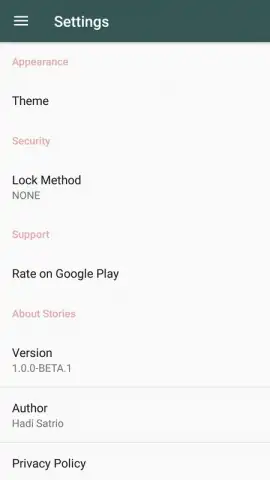
Given the personal nature of a diary, the app incorporates multiple access control layers. Protection can be configured via a custom gesture pattern, a numeric PIN, or biometric authentication using a fingerprint scanner where supported. This ensures that the journal's contents remain private even if the device is accessed by others. The overall design philosophy balances this security with simplicity, avoiding overly complex menus in favor of the central timeline view and a straightforward entry creation process.
- Visual timeline for instant navigation
- Mood tracking and category filters
- Compile entries into themed books
- Multi-lock security with biometrics
Start organizing your narrative today and build your personal history with clarity.
Download mobile app now
Heads up: you'll need wifi for initial download and for some location-based features. Some advanced compilation and export options are part of additional premium modules.


