

Super Proxy
Super Proxy screenshots (7)
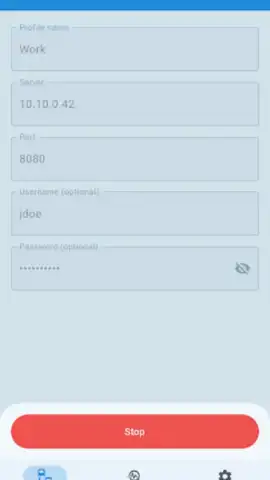
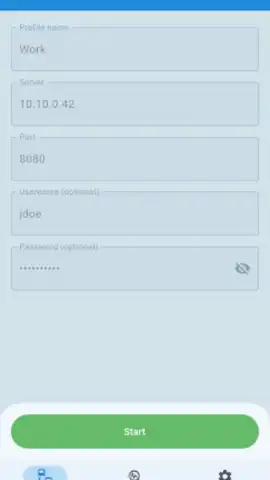

Description Super Proxy
Ever feel like you're stuck behind a digital wall, watching the rest of the internet have all the fun? Whether it's your office, school, or even your own ISP putting up barriers, it’s frustrating when you can’t access what you need. What if you had a master key for your phone, one that could route any app around those restrictions instantly?
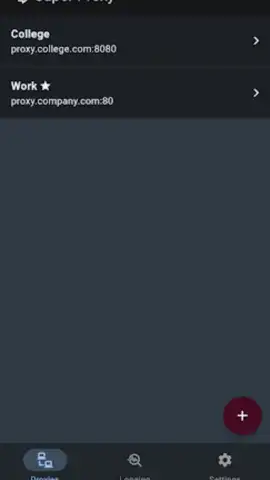
That’s the exact freedom Super Proxy delivers. This powerful utility app acts as your personal gateway, creating a seamless tunnel for all your app traffic to flow through. It cleverly uses a local VPN service on your device, meaning no complicated root access is required—just a simple setup and you're in control. Imagine directing your browsing, streaming, and social apps through your chosen HTTP or SOCKS5 proxy server with a single tap. The walls come down, and you get an open, unrestricted web experience exactly as it was meant to be.
Unlock a Truly Open Internet
Super Proxy is more than just a bypass tool; it's about reclaiming your digital autonomy. You’ll experience the web without the usual chokeholds, enjoying faster, more liberated browsing. The app ensures robust compatibility, so whether you're a professional needing secure access on a corporate network or a student researching on campus Wi-Fi, your connection becomes private and boundary-less. It’s the smart, simple solution for anyone tired of "access denied" messages.
Here’s what you gain by making Super Proxy your go-to tool:
- Route all app traffic securely through HTTP or SOCKS5 proxy servers.
- Bypass network restrictions at work, school, or from your ISP effortlessly.
- Enjoy a root-free setup using a stable local VPN tunnel on your device.
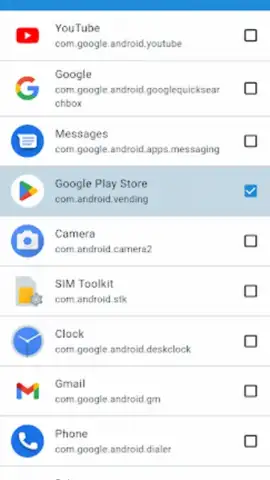
- Unlock the full internet for every app on your phone, from browsers to games.
- Experience ad-free, turbo-charged browsing for a smoother online journey.
Ready to tear down those digital barriers? Get exclusive, early access to unlimited browsing today—download Super Proxy now and transform your phone into a portal to the open web!
Heads up: you'll need wifi or a stable data connection for most features. The local VPN service runs on your device, but setting up your own external proxy server is on you.
 GooglePlay


