
SuperDisplay - Virtual Monitor
SuperDisplay - Virtual Monitor screenshots (14)
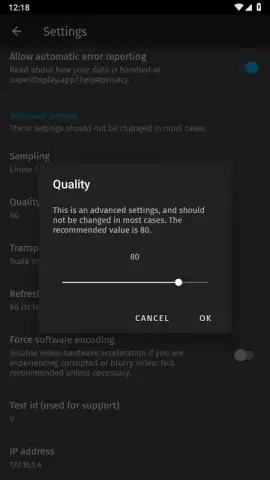
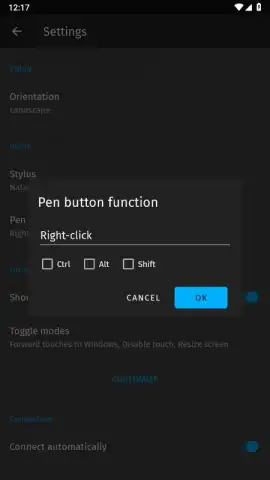
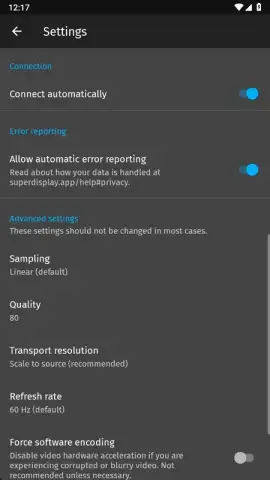
Description SuperDisplay - Virtual Monitor
What if your old Android tablet could become a high-performance second monitor for your PC?
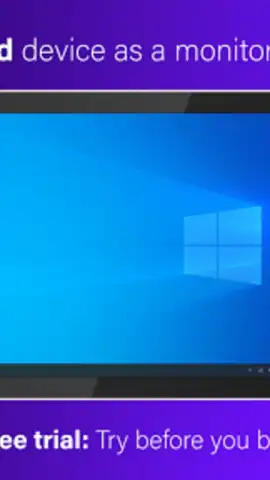
SuperDisplay - Virtual Monitor by Coffee & Work is a utility application that transforms an Android device into a secondary display for a Windows 10 or 11 computer. The core functionality relies on a direct USB connection, which the developer states provides lower latency and a more stable image compared to wireless screen-mirroring solutions. While compatible with many Android devices, the application's performance and utility are specifically optimized for tablets and smartphones with larger screens, making effective use of the available screen real estate. The setup process is methodical, requiring the installation of both a mobile application and a dedicated Windows driver before establishing a physical USB link between the two devices.
Detailed Analysis of Functionality and Use Cases
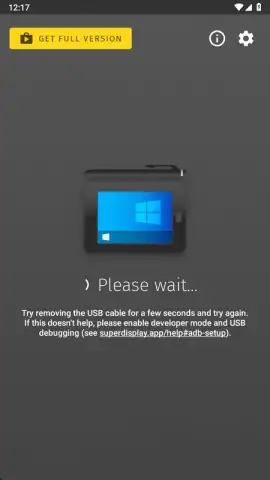
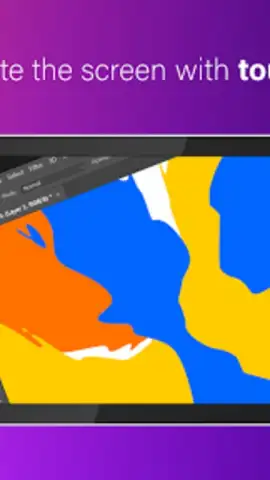
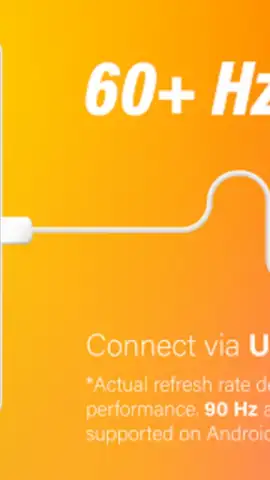
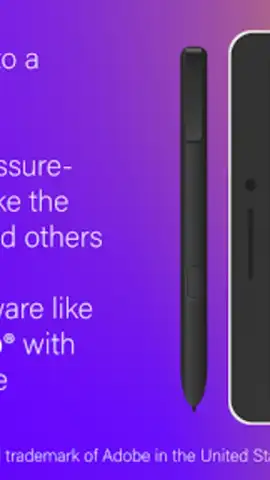
The operational procedure is a three-step sequence: install the Android app, install the companion Windows driver, and connect the devices via a standard USB cable. A successful connection is confirmed by an on-screen notification. This wired approach is designed to minimize lag, which is a critical factor for professional applications. One of the most technically significant features is the app's support for pen input. It can interface with a wide array of styluses, including those with pressure sensitivity like the Samsung S Pen, effectively converting a compatible Android tablet into a graphics drawing tablet for software such as Adobe Photoshop, Illustrator, or Krita on the primary PC.
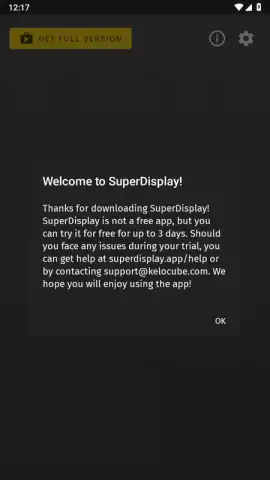
The application operates on a freemium model. It is offered with a three-day full-featured trial period, after which continued use requires a one-time license purchase to unlock the permanent, full version. This payment model removes recurring subscriptions and, according to the developer, also eliminates in-app advertisements. The premise positions the app as a cost-effective method to repurpose older or underutilized Android hardware, extending its functional lifespan by integrating it into a modern desktop computing workflow as an auxiliary monitor.
- Wired USB Connection for PC: Establishes a secondary display via a physical USB cable for reduced latency and stability.
- Graphics Tablet Emulation with Stylus: Supports pressure-sensitive stylus input for drawing directly in desktop design applications.
- Optimized for Large Android Screens: Delivers enhanced performance and usability on tablet-sized displays and larger smartphones.
- One-Time Purchase License Model: Requires a single payment after the trial to unlock permanent, ad-free access to all features.
- Driver-Based Windows Integration: Uses a dedicated Windows driver for seamless system recognition and display extension.
Limited offer: Exclusive access for first users to the full, unlocked version at the current rate. Download the mobile app now to convert your tablet before the trial period ends.
Heads up: you'll need wifi for the initial download and driver acquisition, but the core display function uses a USB connection. Some cool stuff, like the full, ad-free experience after the trial, is extra.
 GooglePlay


