

SV File Manager
SV File Manager screenshots (7)
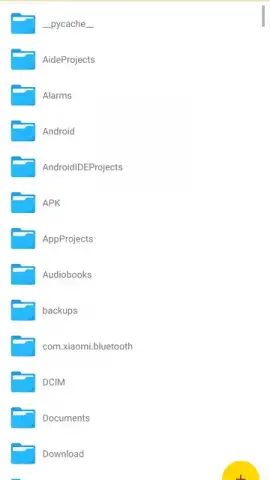
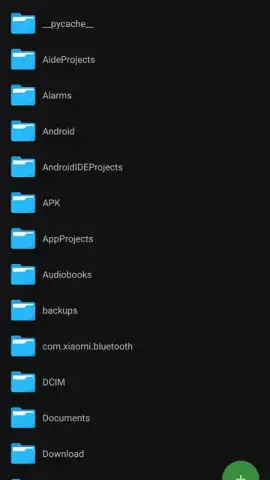
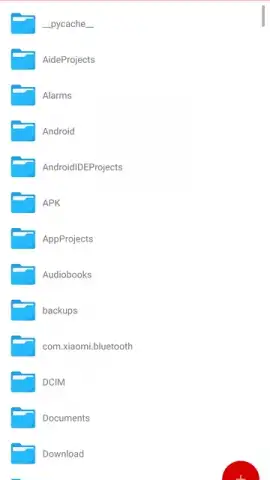
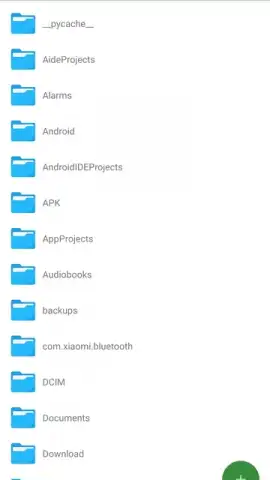
Description SV File Manager
A Comprehensive File Management Solution That Actually Respects Your Time
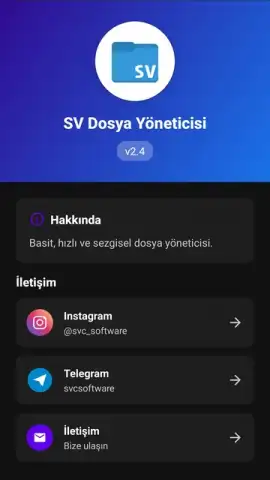
In a digital landscape cluttered with bloated utilities, SV File Manager by savci19 presents a focused, no-nonsense approach to Android file management. This tool distinguishes itself not through flashy gimmicks, but through a deliberate consolidation of essential, performance-oriented features into a single, ad-free interface. It operates as a unified control panel for your device's storage, addressing the core tasks of organization, access, and security without forcing the user to juggle multiple specialized apps. The experience is defined by its operational clarity and a tangible emphasis on user privacy from the moment you launch the application.
The application's architecture is built around robust core utilities. File handling is comprehensive, supporting not just basic movement and deletion, but also advanced operations like creating and extracting ZIP and RAR archives directly, which is a critical function for handling downloaded bundles or compressing groups of files for sharing. Its integrated viewer suite is particularly noteworthy, eliminating the need to constantly switch between apps; it renders high-resolution images, plays back videos in multiple formats, and provides a native PDF reader with a unique conversion tool to transform PDF pages into standard JPEG images for easier sharing or archival. For APK management, the app streamlines the process of installing application files, handling permissions and prompts in a transparent manner. A detailed file properties inspector offers immediate access to metadata like size, creation date, and modification history, which is invaluable for system audits or simple curiosity.
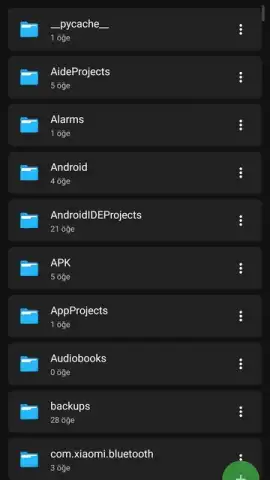
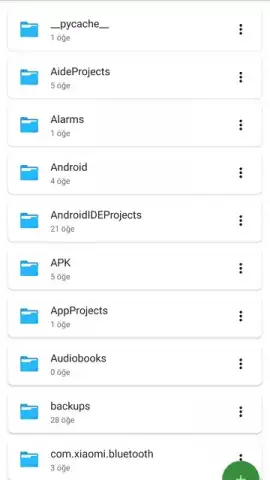
Security is treated as a fundamental layer, not an afterthought. The built-in file encryption function allows you to password-protect sensitive documents, photos, or archives, creating a private vault within your local storage. This local-first encryption model means your data never needs to leave your device to be secured. Complementing this is a system-wide dark mode, engineered to reduce visual strain during prolonged use and contribute to battery conservation on OLED displays. The interface itself is a study in efficient design, employing a logical folder hierarchy and clear iconography that makes navigation intuitive for beginners while keeping advanced tools readily accessible for power users, thus avoiding the common pitfall of an overwhelming or oversimplified layout.
Core Feature Analysis
- Ad-Free Turbo Experience: Operates with zero advertisements, providing an uninterrupted, fast workflow for all file management tasks, from simple organization to complex operations.
- Multi-Format Media & Document Hub: Functions as a universal viewer for photos, videos, and PDFs, with added utility to convert PDF pages into standard JPEG image files seamlessly.
- Secure File Encryption & Archive Tools: Protects private files with direct encryption and manages storage efficiently through built-in support for creating and extracting ZIP/RAR archives.
Final Assessment
SV File Manager version 2.4 delivers a notably polished and purposeful toolset that successfully bridges the gap between basic file browsing and professional-grade storage management. Its decision to forgo advertising revenue in favor of a clean user experience is a significant differentiator. The combination of practical media viewers, robust file manipulation, and genuine security features like local encryption makes it a compelling replacement for both the default system file app and a collection of disparate single-purpose utilities. It handles the mundane—moving photos, installing apps—with the same considered approach as it does the critical, such as securing financial documents.
Limited Offer: Exclusive ad-free access is available for new users. Download SV File Manager now to instantly upgrade your device's organizational capabilities and security.
Disclaimer: This application requires an internet connection for initial download and certain file operations. It may offer optional in-app purchases for future premium features. Always ensure you have a secure connection when handling sensitive data.


