

SwiftKey Keyboard
SwiftKey Keyboard screenshots (13)


Description SwiftKey Keyboard
Imagine a Keyboard That Learns Your Every Quirk
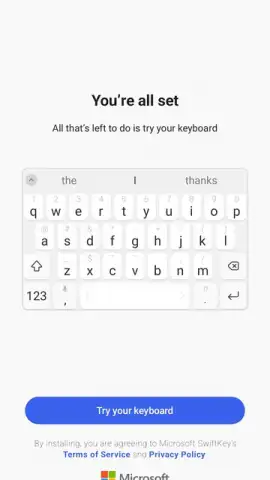
Ever felt like your phone's keyboard just doesn't get you? You're not alone. The SwiftKey Keyboard for Android, developed by Microsoft, transforms that frustrating relationship into a seamless partnership. It moves beyond being a simple tool to become a true digital extension of your personal communication style. By leveraging advanced artificial intelligence, it meticulously studies your unique typing patterns, vocabulary, and habits, building a personalized database that grows smarter with every tap and swipe. This foundational intelligence powers a suite of features designed not just for typing, but for thinking and communicating with unprecedented speed and accuracy.
A Deep Dive into Customization and Core Functionality
The true power of SwiftKey Keyboard lies in its dual commitment to deep personalization and robust, intelligent functionality. From its visual presentation to its core text-input engines, every aspect is designed to be molded to your preferences.
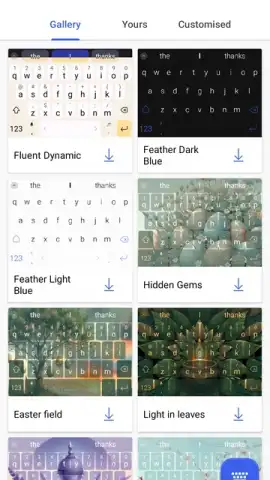
Upon installation, you gain access to an extensive theme store filled with hundreds of free, downloadable designs to instantly refresh your keyboard's look without needing additional apps. For the ultimate personal touch, the built-in theme creator lets you design a keyboard from scratch, choosing your own background images, key styles, and color palettes for a truly unique setup.
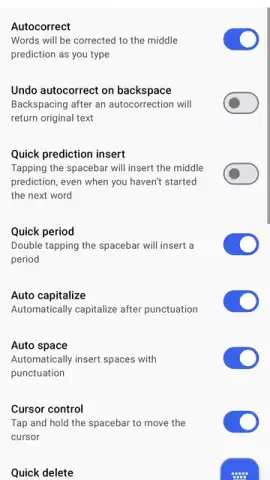
The typing experience itself is revolutionized by two key modes. For traditionalists who prefer tapping, the AI-driven predictive engine and high-precision autocorrection learn from your personal database to offer startlingly accurate word and phrase suggestions, dramatically cutting down on manual corrections. For speed demons, the SwiftKey Flow feature enables glide typing—simply slide your finger across the letters to form words without lifting it. This system is intricately tuned to recognize your swiping patterns and, crucially, it integrates real-time error detection to fix potential misspellings, missed spaces, and typos on the fly.
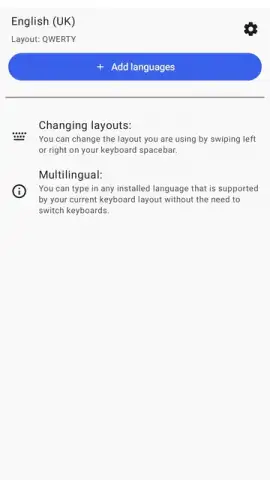
Furthermore, SwiftKey excels in global communication with its robust multilingual support. You can enable multiple languages simultaneously (from a library of over 400), and the keyboard will intelligently recognize and autocorrect words in any of your active languages without requiring you to manually switch settings mid-conversation. It’s a boon for bilingual households, language learners, or professionals working in international contexts.
Key Features at a Glance
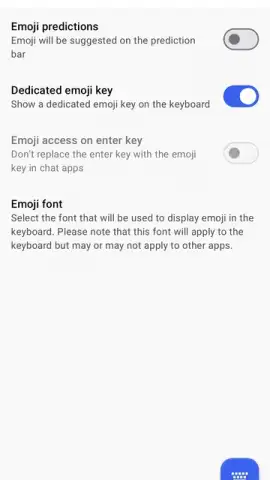
- AI-Personalized Database: Continuously learns your typing style, slang, and emoji use for tailored predictions and corrections.
- SwiftKey Flow Glide Typing: Enables fast swipe-to-type input with integrated, real-time error detection and automatic space insertion.
- Extensive Theme Library & Creator: Offers hundreds of free themes and a powerful built-in tool to design your own custom keyboard visuals.
Claim Your Typing Advantage Now
Stop adapting to a generic keyboard and start using one that adapts to you. Download SwiftKey Keyboard today to unlock faster, smarter, and truly personalized communication. Transform your Android device into an extension of your mind—get your intelligent typing partner now.
Heads up: you'll need wifi for initial theme downloads and language pack updates. Some premium theme packs are extra.
 GooglePlay


