

Syncplicity
Syncplicity screenshots (8)
Description Syncplicity
Looking for a secure and unified way to manage all your files across every device and cloud service?
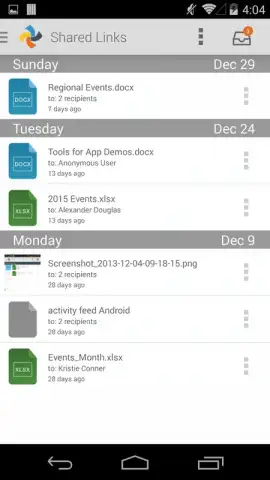
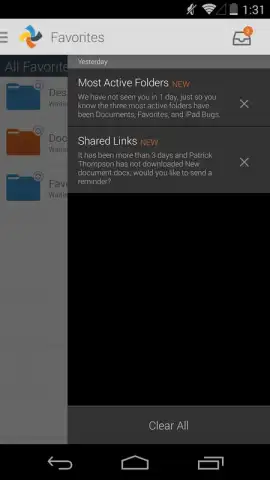
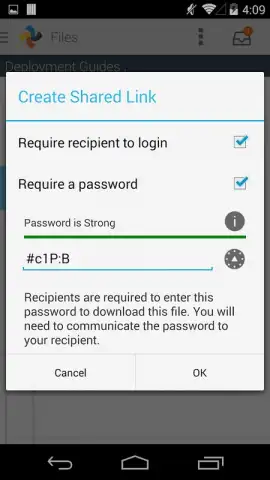
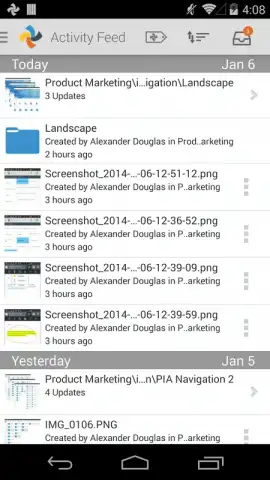
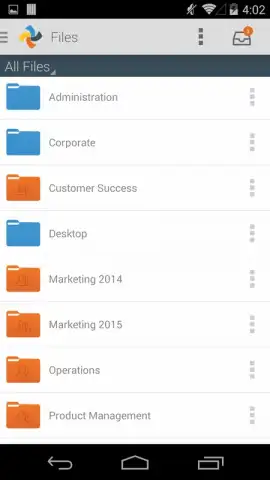
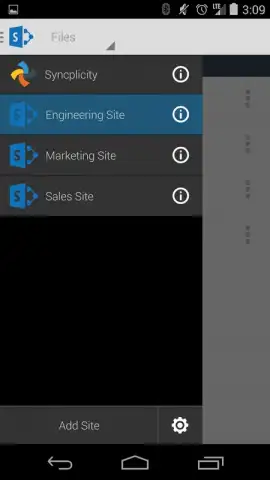
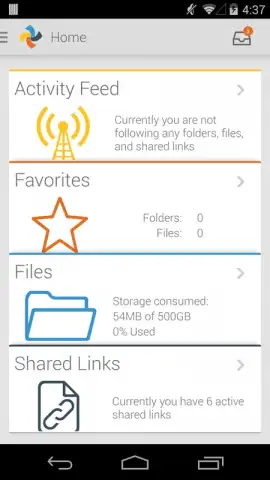
Syncplicity provides a centralized enterprise file sync and sharing (EFSS) platform. It allows you to access, share, and collaborate on documents from a single application, whether your files are stored locally, on corporate servers, or in other cloud storage solutions like Google Drive or SharePoint. The app features robust security protocols, including data encryption both in transit and at rest, with administrative controls for compliance. Real-time synchronization ensures the latest version of any file is available across your desktop, mobile devices, and web portal. Users can securely share files and folders via shared links with customizable permissions and expiration dates, while built-in collaboration tools support tasks like co-editing and version history tracking.
Core Functionality
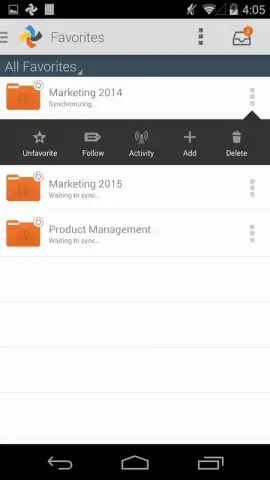
The application integrates multiple storage endpoints into one streamlined interface, eliminating the need to switch between different apps. It offers granular administrative features for IT departments, such as remote wipe and detailed audit trails. For end-users, it simplifies workflows with offline access to critical files and seamless background syncing.
Key Advantages
- Centralized File Access: Brings together personal, corporate, and cloud storage in one secure location.
- Enterprise-Grade Security: Implements encryption, access controls, and compliance management.
- Enhanced Collaboration: Enables secure sharing, version control, and co-editing capabilities.
We suggest trying Syncplicity to streamline your document management and secure your collaborative workflows.
Consider downloading the mobile app now to unify your file access.
*An internet connection is required for synchronization and certain features. The app may offer in-app purchases or require a subscription for full functionality.
 GooglePlay


