

text decoration
text decoration screenshots (4)
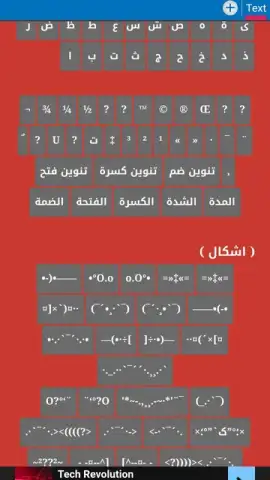
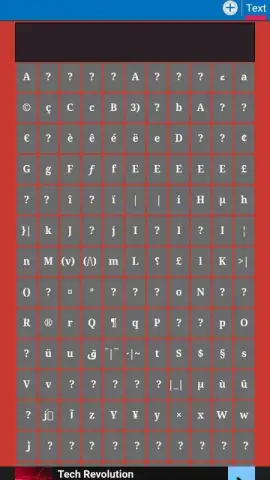
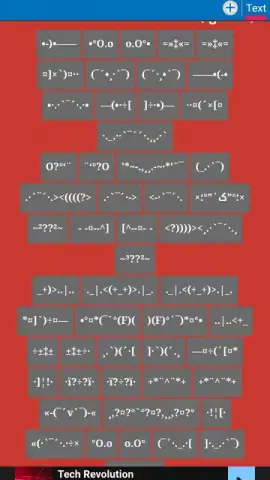
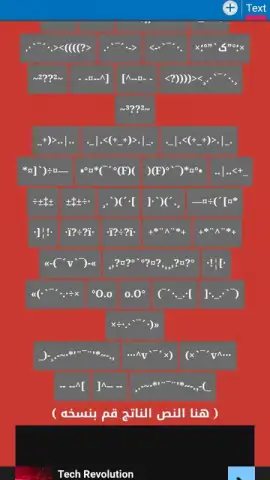
Description text decoration
What if your phone's text could reflect your personality as vividly as your wallpaper or ringtone?
In a digital landscape where personal expression is often limited to pre-set themes, Text Decoration offers a granular, creative-level toolset for transforming the very typography and presentation of text across your Android device. This application functions as a dedicated stylist for your system and app text, allowing you to modify font styles, apply custom shadows and glows, adjust letter spacing and line height, and inject color gradients into your words. It moves beyond simple font changers by providing a layer of detailed aesthetic control typically reserved for graphic design software, turning functional text into a personalized design element. The mechanics involve granting necessary permissions, after which you can craft and save multiple text style profiles, applying them system-wide or to specific applications for a cohesive or contextually varied look.
Core Features & Customization Tools
The app's utility is built on a foundation of precise, adjustable features that cater to both aesthetic preference and readability needs.
- Advanced Font Engine: Import and apply custom TTF/OTF font files or choose from a curated selection, with real-time previews for accuracy.
- Dynamic Text Effects: Apply and fine-tune multi-layered shadows, outer glows, and background hues to make text pop on any screen.
- Granular Spacing Control: Precisely adjust character kerning, line height, and paragraph spacing to improve readability and visual flow.
Key User Experience Advantages
Text Decoration distinguishes itself through a commitment to user-centric design and performance stability, ensuring the customization process is both powerful and seamless.
The interface is logically structured, separating global system modifications from app-specific profiles, which prevents style conflicts and allows for highly organized theming. Visual feedback is immediate; every slider adjustment for shadow opacity or color shift is reflected in a live preview panel, eliminating guesswork. Crucially, the app is engineered for minimal system resource consumption, running background services that maintain your text styles without impacting battery life or device performance, ensuring your personalized look is consistent and reliable.
Start designing your unique digital typography today.
Download the mobile app now.
Heads up: you'll need wifi for downloading font packs and initial setup. Some premium font collections and advanced effect palettes are extra.


