

Themes for Android
Themes for Android screenshots (13)






Description Themes for Android
A New Hue for Your Daily Routine
Imagine unlocking your phone and being greeted not by a grid of familiar icons on a static background, but by a cohesive visual environment that feels personally curated. The default interface, while functional, often lacks character, making the most personal device in our lives feel impersonal. "Themes for Android" addresses this by transforming system-wide aesthetics from a simple wallpaper change into a comprehensive stylistic overhaul. It serves users who seek to break the monotony of their device's interface, offering a direct path to a more visually engaging and customized mobile experience that reflects individual taste.
Mechanics of Visual Transformation
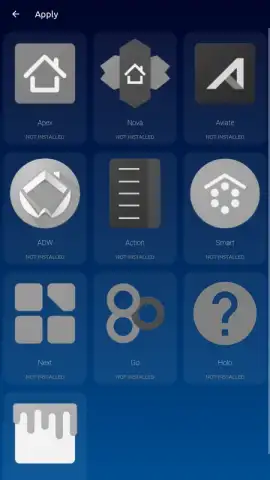
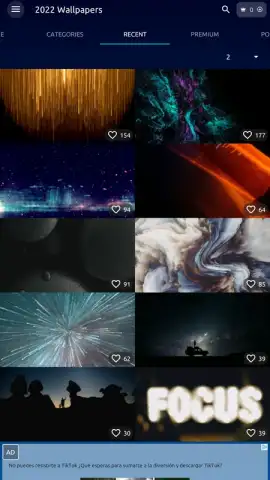
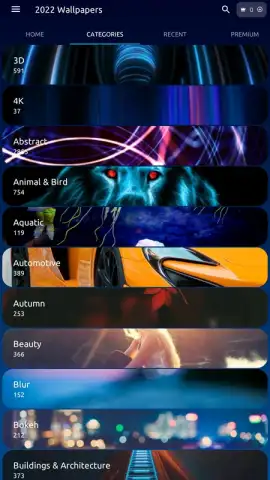
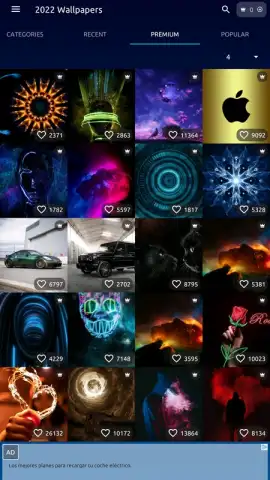
The app operates as a centralized library and application tool for Android theme packs. Upon opening, users browse through a categorized collection of themes, each designed to alter multiple elements of the phone's interface simultaneously. Selecting and applying a theme is a streamlined process: a single tap downloads the theme pack, and a subsequent prompt guides the user through the necessary permissions to apply it. The core mechanics involve the app managing the assets and coordinating with the Android system's theming capabilities to ensure changes are applied cohesively, affecting elements like app icons, system accent colors, notification panel shades, and sometimes even cursor designs and system fonts, depending on the depth of the theme and device support.
Key Advantages in Customization
The primary strength of "Themes for Android" lies in its role as an aggregator and one-tap applicator, removing the technical friction from deep customization. It consolidates what would typically require searching across multiple platforms and manual asset management into a single, intuitive interface. The visual impact is immediate and comprehensive, offering a level of personalization that far exceeds changing a wallpaper. From a performance perspective, well-optimized themes ensure that the aesthetic enhancement does not come at the cost of system stability or battery life, maintaining a smooth user experience.
- Unified Theme Packs: Apply coordinated styles that change icons, colors, and system elements simultaneously for a holistic look.
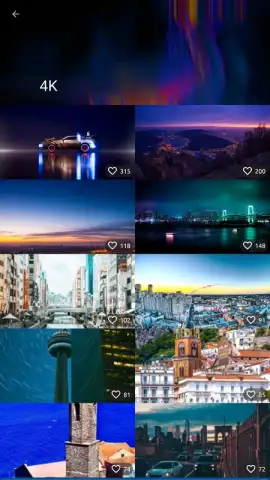
- Streamlined Browser & Apply: Browse categorized collections and install new visual schemes with just a few simple taps.
- Non-Intrusive Operation: Themes run efficiently in the background after application, with no need for constant active processes.
We suggest trying "Themes for Android" if you feel your device's interface has grown stale and you desire a quick, impactful refresh without technical hassle.
Download mobile app now.
An internet connection is required to browse and download theme packs. The app may contain offers for in-app purchases.
 GooglePlay


