

Themes Manager
Themes Manager screenshots (8)
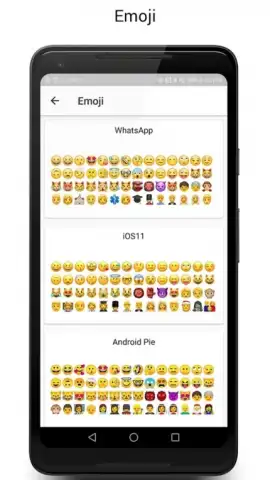
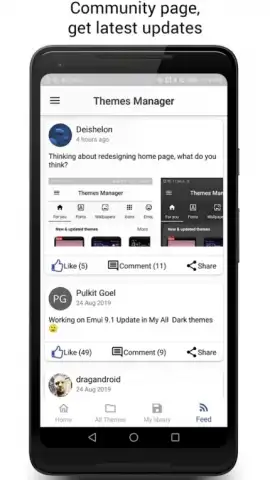
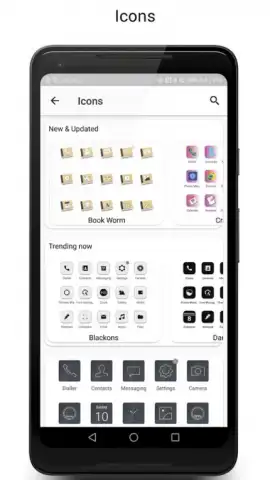
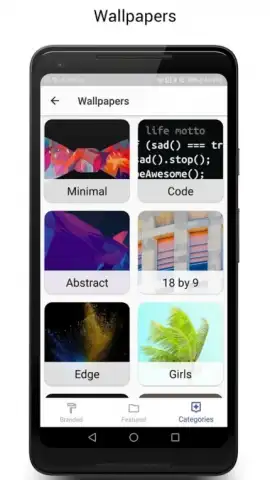
Description Themes Manager
A System-Level Overhaul for Your Android Device
Themes Manager provides direct control over the core visual layer of your Android operating system, moving beyond simple wallpapers and icon packs. This application enables a granular, system-wide theming process that modifies interface colors, accent shades, and system component styles for a cohesive and personalized user experience. It operates by applying themes that redefine the visual parameters of the system UI, offering a method to visually distinguish your device from the standard factory appearance without requiring custom firmware.
Core Theming Mechanics and Tools
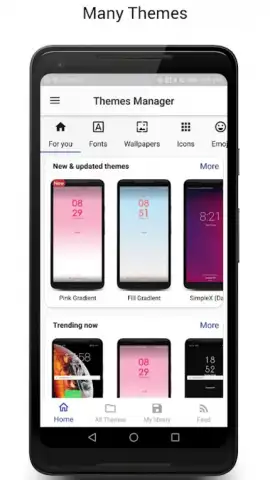
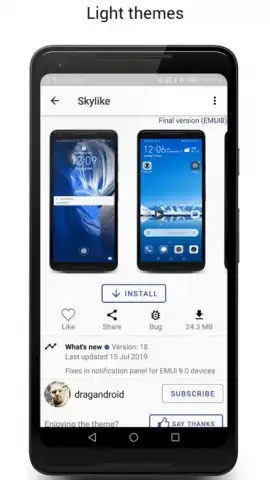
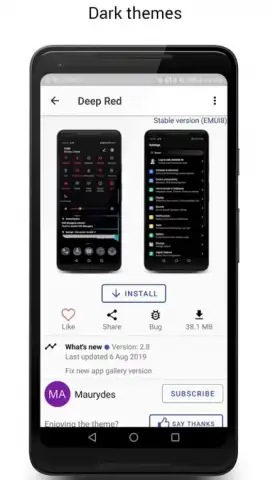
The application functions as a centralized hub for applying and managing visual presets. Users browse, preview, and install theme packages that contain specific asset and configuration files. Upon application, the tool modifies the system's resource overlays to change the appearance of the settings menu, quick panel, volume controls, and other native interfaces. The process is designed to be non-destructive, allowing for quick reversion to the default theme or switching between multiple installed themes. The manager includes a built-in preview function to visualize changes before finalizing them, and it handles the necessary file permissions and overlay management automatically.
Operational Advantages and User Experience
The primary utility of Themes Manager lies in its focused approach to system customization. It consolidates a technically complex procedure into a streamlined user workflow, removing the need for manual file manipulation. Performance is centered on stability and resource efficiency, ensuring that applied themes do not introduce system lag or excessive battery drain. The interface is structured for clarity, separating theme discovery, management, and application into distinct sections. This results in a tool that prioritizes functional reliability and a predictable theming process over superfluous decorative features.
- System-Wide Visual Cohesion: Applies a unified color palette and style across core system menus and dialogs for a consistent look.
- Non-Destructive Theme Switching: Installs themes as reversible overlays, allowing instant changes and safe restoration of defaults.
- Integrated Preview and Management: Features a built-in viewer to see theme impacts and a centralized dashboard to control all installed packs.
Download the mobile app now and execute a complete visual transformation of your device's interface. Don't wait to replace the generic system look with a personalized design.
Get it immediately!
Disclaimer: This application requires an internet connection to browse and download theme packages. Some premium themes may require in-app purchases. The app requires specific system permissions to apply themes and is intended for users familiar with Android customization. Data usage may apply when downloading content. Ensure your device meets the minimum Android version requirement.
 GooglePlay


