
Tinkercad
Tinkercad screenshots (4)
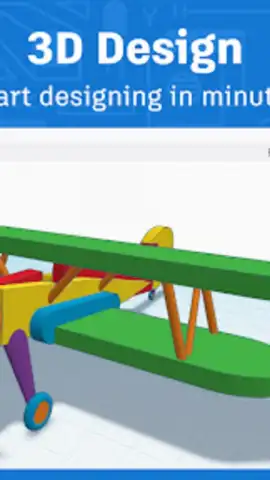
Description Tinkercad
Imagine a world where your ideas leap off the screen and into reality.
You’ve got that spark—a vision for a custom gadget, a dream for a 3D-printed masterpiece, or a student eager to build the future. But where do you start without years of complex training? This is the moment Tinkercad changes everything for you. It’s your personal gateway, transforming that initial curiosity into tangible, working creations. Feel the thrill as you move from a blank canvas to a finished design, all within a space that feels built just for your creative journey.
Your all-in-one studio for making, coding, and learning.
Tinkercad dismantles the intimidating walls of professional design software, placing an incredibly powerful yet friendly toolkit right into your hands. This isn’t just about dragging shapes; it’s about a holistic experience where every tool has a purpose, guiding you from novice to confident creator. The environment is crafted to make you feel supported and capable, turning potential frustration into pure flow. You’ll discover that learning feels like play, and complex concepts become intuitive puzzles you’re excited to solve.
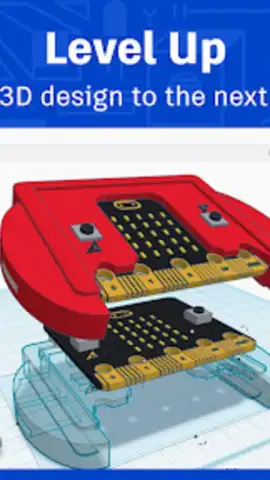
- Master 3D Design with Intuitive Controls: Dive into a workspace optimized for your touchscreen. Manipulate shapes, combine objects, and sculpt your ideas with controls that feel natural and responsive. Watch as your concept evolves from a simple block into a detailed, printable model, ready for the real world.
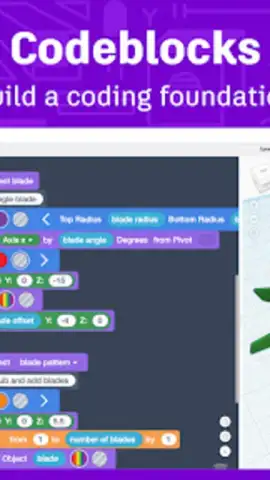
- Unlock Creativity with Visual Codeblocks: Merge the art of design with the logic of programming. Using simple, block-based coding, you can generate intricate patterns, automate designs, and add dynamic behaviors to your models. It’s the perfect bridge between artistic expression and computational thinking.
- Seamless Workflow with Full File Compatibility: Your projects aren’t trapped in one app. Effortlessly import common file types like STL, OBJ, and SVG to build on existing work. Then, export your finished creations to use in other software, send to a 3D printer, or share with collaborators anywhere.
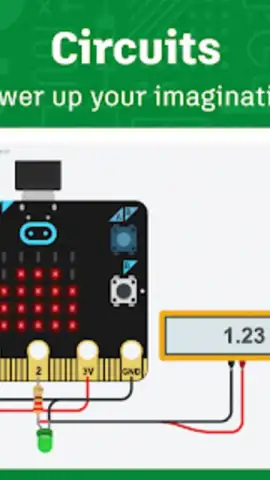
- Build & Simulate Electronic Circuits: Step beyond static models. Populate a virtual breadboard with resistors, LEDs, microcontrollers like Arduino, and write code to bring your circuits to life with interactive simulations. It’s a safe, solder-free way to master electronics.
- A Certified Safe & Ad-Free Space: Focus entirely on your creativity in a digital environment free from distractions and privacy concerns. The platform is KidSafe certified and contains no advertising, making it a trusted space for learners of all ages to explore confidently.
- Powerful Classroom Management Tools (For Educators): If you’re teaching, you gain a complete dashboard. Easily create Classrooms, distribute assignments, monitor student progress in real-time, and provide feedback—all streamlined to make digital project-based learning effortless.
- Access Ready-Made Lesson Plans: Jumpstart learning with a rich library of curriculum-aligned projects. These guides lead you or your students step-by-step through CAD design, circuit simulation, and block programming, providing structure and inspiration.
- Simple Integration with Google Classroom: Enhance your existing tech ecosystem. The platform connects directly with Google Classroom, allowing for smooth roster imports and assignment management, saving you precious time.
This is more than an app; it’s the foundational toolkit for the next generation of designers, engineers, and problem-solvers. The skills you build here—confidence, persistence, systematic thinking—are the very skills that shape innovators.
Download the Tinkercad mobile app now! For a limited time, new users are getting exclusive access to curated starter projects to launch their first creation today. Don't just imagine the future—start building it.
Disclaimer: An internet connection is required to use this application. The app is free to download and use, with optional in-app purchases available for advanced features and content.
 GooglePlay


