
Toon Blocks: Build Anything
Toon Blocks: Build Anything screenshots (9)
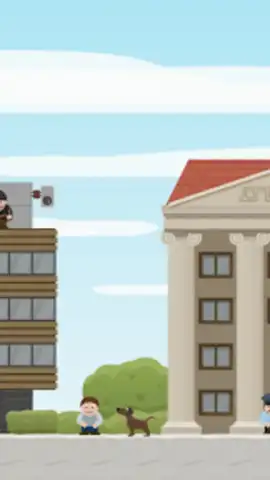
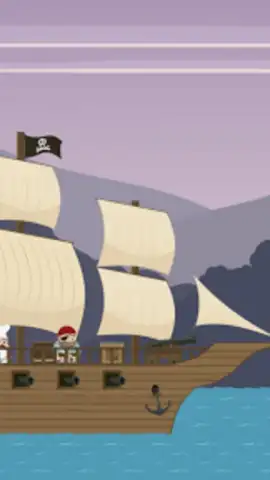
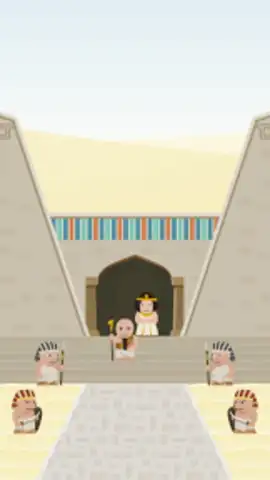
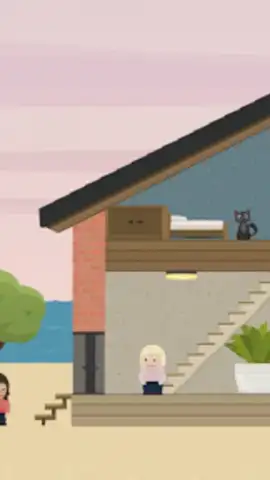
Description Toon Blocks: Build Anything
Ever wanted to create your own comic strips but felt limited by your drawing skills or the complexity of professional software? Toon Blocks: Build Anything offers a different approach, providing a library of pre-drawn assets and a flexible building system for rapid visual storytelling.
Core Mechanics and Features
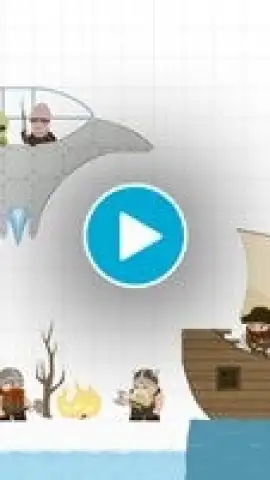
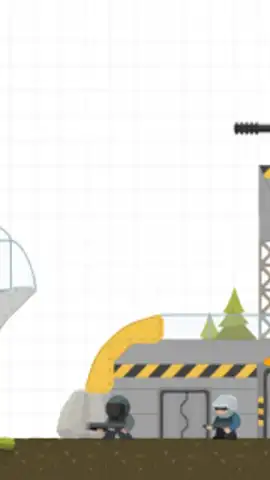
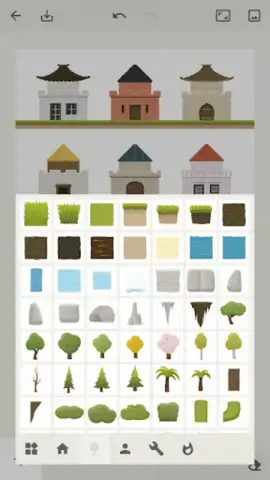
This application functions as a digital comic construction kit. The primary mechanic involves a drag-and-drop interface where users select from a vast categorized library of characters, objects, backgrounds, and speech bubbles. These modular "blocks" can be resized, rotated, and layered on a multi-panel canvas to build complete comic strips. The app includes a text tool for custom dialogue and captions, with a variety of fonts to match different tones, from classic comic book to modern sans-serif. A key operational mode is the Scene Builder, which allows for the detailed staging of individual panels, controlling character poses and object placement to create specific actions or jokes. For narrative flow, the Strip Sequencer mode lets users arrange these built panels in order, adjusting transitions and pacing to deliver the final comic.
Key Functional Advantages
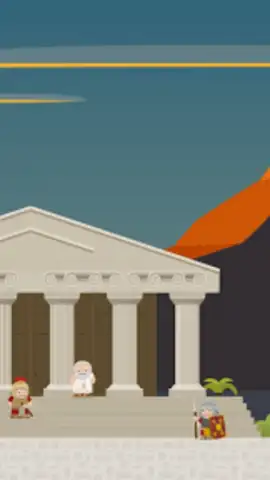
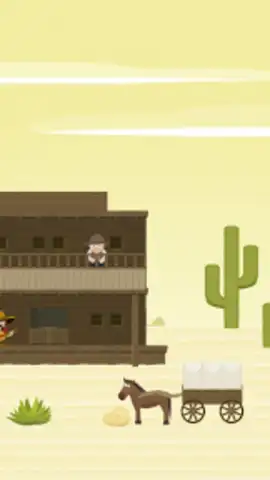
The user experience is defined by its accessibility and speed. The intuitive, grid-based snapping system makes alignment and composition straightforward, removing the friction often associated with freeform design. Visually, the asset library maintains a consistent, high-contrast cartoon art style, ensuring all elements combine cohesively without clashing aesthetics. Performance is optimized for mid-range devices, with smooth canvas navigation and quick asset loading, allowing for uninterrupted creative sessions. The export functionality provides multiple resolution options, facilitating easy sharing to social platforms or for personal printing.
- Drag-and-drop comic creation using hundreds of pre-designed character and prop assets.
- Multi-panel canvas editor for constructing full comic strip narratives sequentially.
- Customizable text tools with diverse fonts and scalable speech bubble shapes.
- Layer management system for controlling object overlap and depth within each scene.
- One-tap export options to save or share your creations in high-quality image formats.
This toolkit removes the technical barriers to comic creation, making it a practical solution for hobbyists, educators, and social media users. The opportunity to build and share professional-looking comics without prior artistic training is a limited-time proposition for new users exploring digital storytelling.
Download Toon Blocks: Build Anything now and start constructing your comic universe today—exclusive early access provides the full asset library.
Requires an internet connection for initial asset download and sharing features. The app may contain optional in-app purchases for expanded asset packs.
 GooglePlay


