
TTS Reader
TTS Reader screenshots (8)
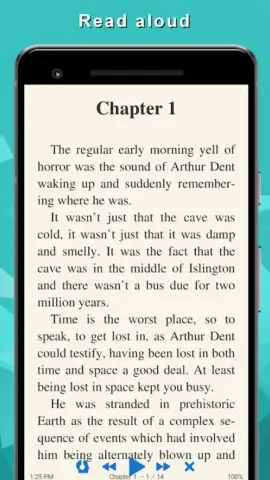
Description TTS Reader
Turn Any Text into Spoken Audio
Transform your reading list into a listening library. TTS Reader converts eBooks, articles, and documents into high-quality speech, letting you absorb content while commuting, working, or relaxing your eyes.
Core Functionality and Tools
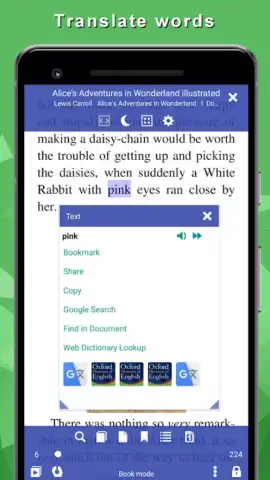
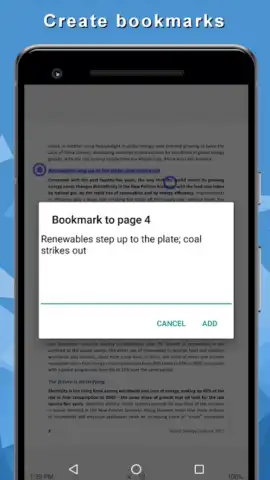
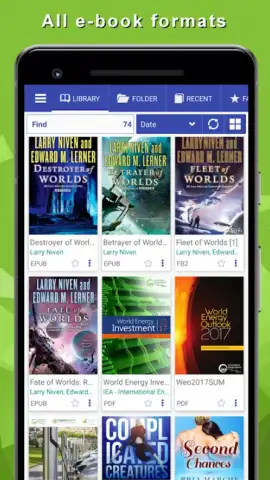
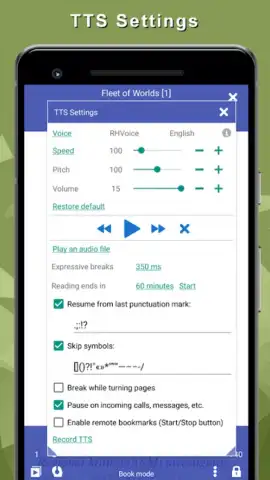
This app functions as a versatile text-to-speech engine and document manager. It supports a wide array of file formats including EPUB, PDF, MOBI, FB2, and plain text, extracting the text for seamless audio playback. The core mechanic involves loading your document, configuring voice parameters like speed, pitch, and volume, and initiating playback with full playback controls for play, pause, skip, and bookmarking. A unique mode allows for creating audio files from text, enabling offline listening on any media player. The app integrates with system TTS engines and supports additional high-quality voice downloads for expanded language and dialect options.
Key Operational Advantages
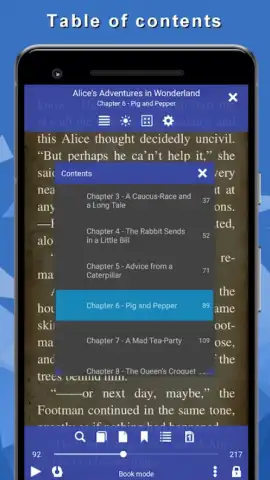
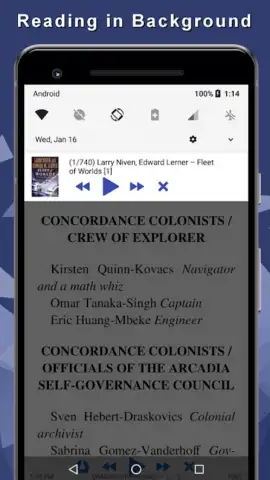
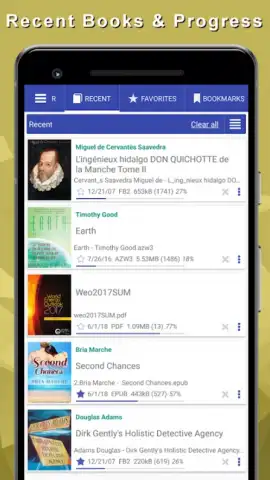
The interface provides a bookshelf-style library for organizing all your imported documents and web articles saved for later listening. Visual customization is extensive, offering themes, font controls, and a reading ruler to reduce eye strain during direct reading sessions. Performance is optimized for background operation, allowing audio playback to continue while using other apps or with the screen off, maximizing battery efficiency during long listening sessions.
- Multi-format document support
- Customizable voice speed & pitch
- Background playback mode
- Create offline audio files
- Save articles from the web
- Adjustable visual reading aids
Download TTS Reader now and give your eyes a rest while staying informed and entertained.
Heads up: you'll need wifi for downloading additional voice packs. Some premium high-quality voices are extra.
 GooglePlay


