

Twilight
Twilight screenshots (16)

Description Twilight
A Quiet Experiment in Digital Darkness
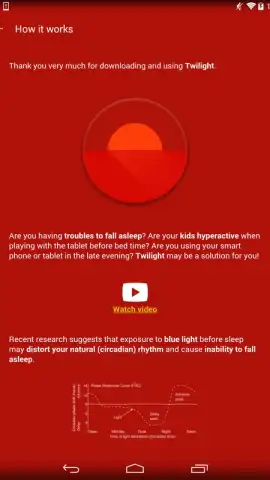
There is a peculiar, modern irony in using the very device that often keeps us awake to instead help us sleep. Many find themselves scrolling through a brightly lit screen late into the night, only to then struggle to find rest. Twilight approaches this paradox not as a cure, but as a deliberate environmental adjustment for your Android device. It operates on a widely discussed principle: that exposure to the blue light wavelengths emitted by screens can suppress melatonin production and disrupt the body's natural circadian rhythms, potentially making it harder to fall asleep. The application functions as a dynamic, intelligent filter that gradually reddens your screen's color palette as evening progresses, theoretically reducing this stimulating blue light before bedtime. It's a tool for those seeking to create a more sleep-conducive digital environment, offering a layer of control over an otherwise constant source of potential sleep interference.
Granular Control for Personalized Wind-Down
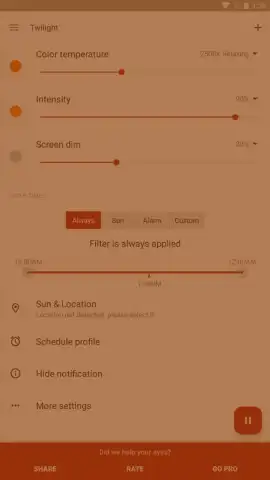
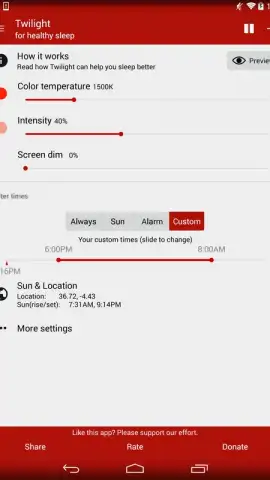
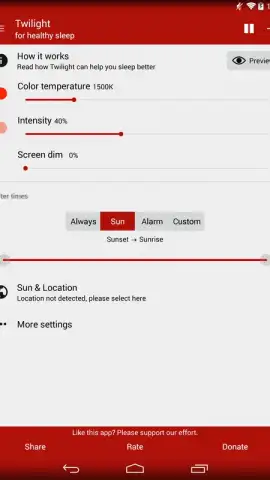
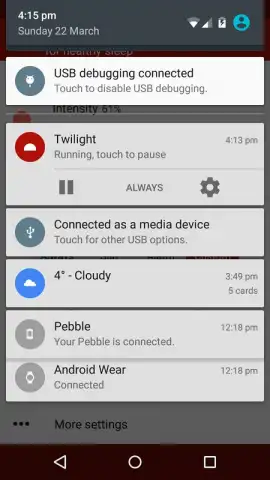
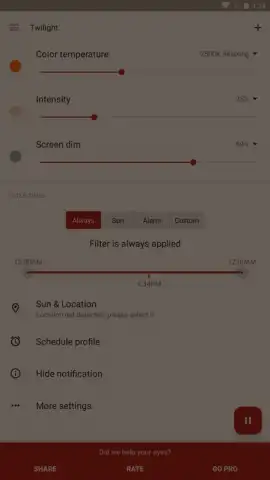
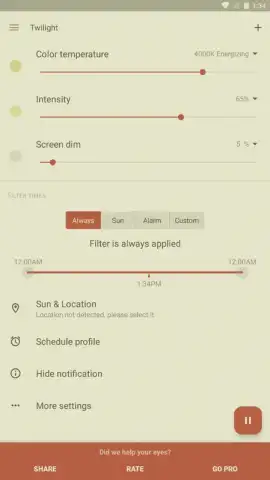
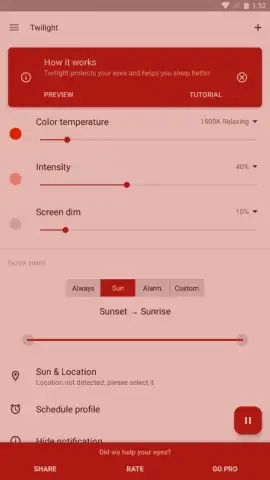
Twilight distinguishes itself through a suite of detailed, user-configurable settings that move beyond a simple static filter. The core adjustment lies in managing the color temperature and intensity of the overlay. You can precisely define the warmth of the red filter, shifting the screen from a mild amber tint to a deep, darkroom red, and control its opacity to find the perfect balance between readability and light reduction. This filter is designed to activate automatically based on your local sunset and sunrise times, or on a custom schedule, seamlessly integrating into your evening routine. The application thoughtfully covers the entire display, including system elements and the notification panel if permitted, ensuring a consistent visual experience. For users with specific performance needs or older hardware, an optional GPU rendering mode is available, though it is noted this may lead to increased battery consumption.
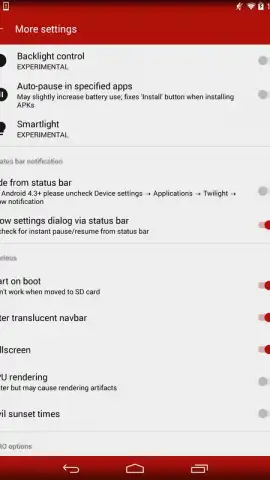
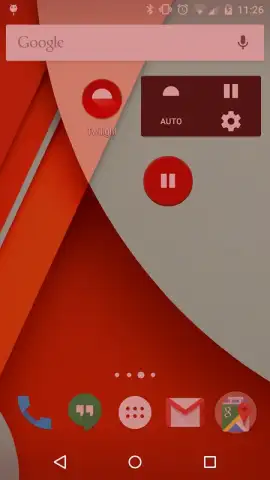
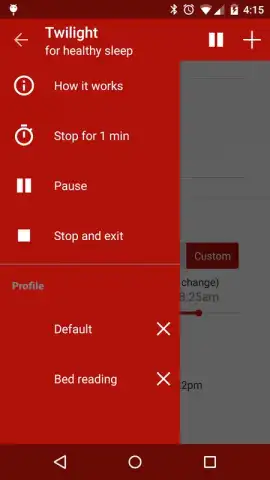
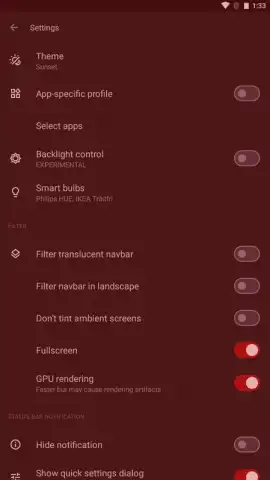
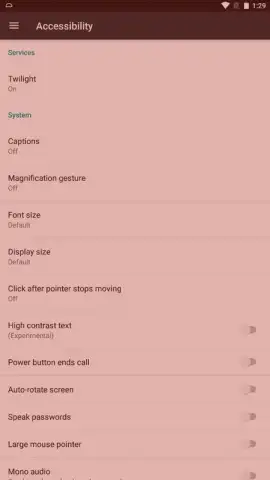
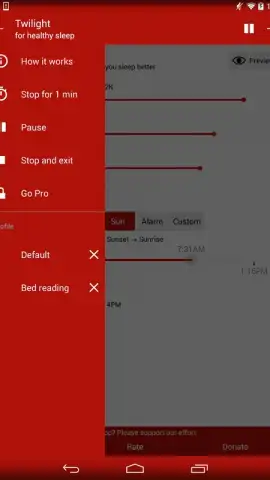
The configuration extends to system-level integrations that enhance automation. You can set Twilight to launch automatically upon device boot, ensuring the protection is always in place without manual intervention. The settings also allow you to manage its interaction with system notifications and status bars, providing a choice between a fully immersive filter or one that allows for easier checking of alerts. This level of detail underscores the app's design philosophy: it is a utility meant to work persistently and unobtrusively in the background, adapting the device's display to the natural rhythm of the day rather than demanding your constant attention.
- Automatic sunset-to-sunrise scheduling
- Adjustable color temperature and intensity
- System-wide overlay including notifications
- Optional GPU rendering for performance
For individuals exploring every avenue for improved sleep hygiene, dedicating a trial period to using Twilight involves minimal risk and no financial barrier. The application presents a logical, configurable method to potentially mitigate one common digital-age sleep disruptor. Download Twilight now and begin your own experiment in creating a gentler, nighttime-ready screen!
Heads up: you'll need wifi for initial setup and schedule updates. Some advanced automation features are part of the optional Turbo upgrade.
 GooglePlay


