

UC Browser HD
UC Browser HD screenshots (7)

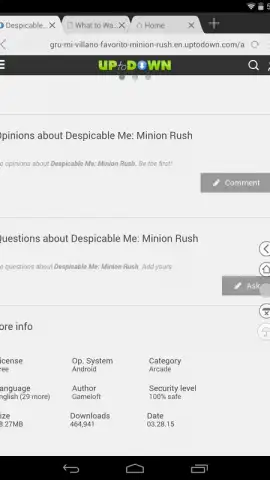
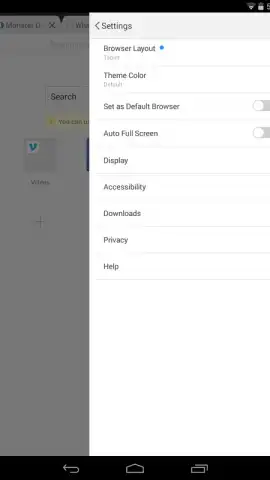
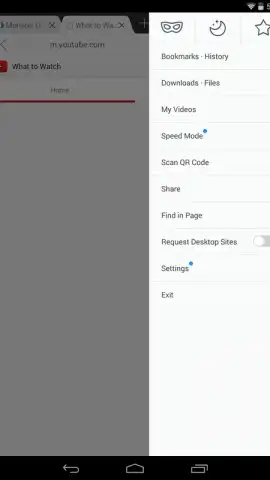

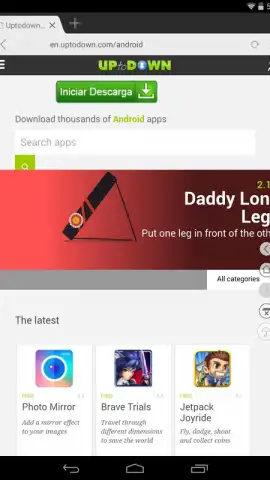
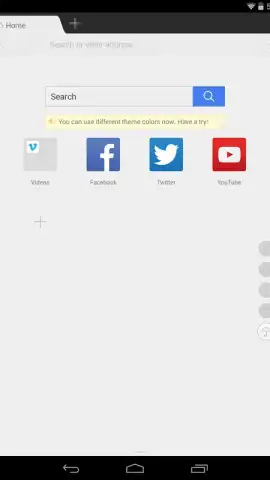
Description UC Browser HD
Navigating the Web on Android Demands a Browser Built for Mobile
Standard mobile browsers often struggle with the specific demands of Android-powered web browsing, from cluttered interfaces to inefficient data handling. UC Browser HD positions itself as a dedicated solution, engineered to address these core mobile user challenges. This analysis examines its feature set and operational mechanics to determine its utility as a primary browsing tool on the Android platform.
A Feature Set Focused on Mobile Efficiency and Control
The application's architecture is built around several key functionalities designed to enhance the mobile browsing experience. The gesture-based navigation system allows users to execute commands like going back, forward, or refreshing a page by drawing predefined symbols directly on the screen, reducing reliance on the standard button interface. Tab management is handled through a visually accessible carousel, enabling rapid switching between multiple open web pages. For user comfort and accessibility, a dedicated night mode applies a darkened color filter across web content, significantly reducing screen glare in low-light conditions. Privacy is addressed through an incognito browsing mode that, upon session closure, deletes history, cookies, and search records from the device. Furthermore, the browser incorporates a proprietary data compression technology, often branded as Turbo mode, which is designed to accelerate page loading times and reduce cellular data consumption by routing traffic through optimized servers.
- Gesture-based navigation for executing commands by drawing symbols on the screen.
- Rapid tab switching interface with a visual carousel for managing multiple pages.
- Integrated night mode to reduce eye strain during low-light browsing sessions.
- Private incognito mode that automatically clears browsing data post-session.
- Turbo acceleration technology for faster load times and reduced data usage.
The browser also includes supplementary tools such as voice search capability for hands-free query input and a dedicated Facebook quick-access panel for streamlined logins. The interface maintains a simplified layout, prioritizing core navigation elements while providing access to these advanced settings through a side menu. Performance is geared towards stability on mobile networks, with a focus on rendering web pages correctly on smaller screens without unnecessary desktop-centric clutter.
Objective Assessment of Operational Parameters
From a functional standpoint, UC Browser HD consolidates a range of mobile-specific browsing features into a single package. The gesture controls and tab management system offer tangible efficiency gains for users who browse extensively. The data-saving Turbo feature presents a clear value proposition for those on limited or expensive mobile data plans, though its efficacy can vary based on server load and connection type. The incognito mode operates as expected for a standard private session, though users should note it does not make browsing anonymous to internet service providers or websites themselves. The absence of intrusive banner or pop-up advertisements within the app interface is a notable design choice that contributes to a less interrupted user experience compared to some ad-supported alternatives.
Claim your advantage now by installing UC Browser HD to access a streamlined, feature-focused browsing toolkit designed explicitly for the Android environment.
Disclaimer: This application requires an active internet connection. The Turbo data compression feature routes traffic through remote servers; users should review the developer's privacy policy regarding data handling. The app is free to download and use. It may contain in-app purchases or promotions. This product is intended for users over a standard age rating for tools/applications, typically 12+. Data usage and performance depend on network conditions. UC Browser HD is a product of UCWeb Inc.


