
Ulysse Speedometer
Ulysse Speedometer screenshots (21)
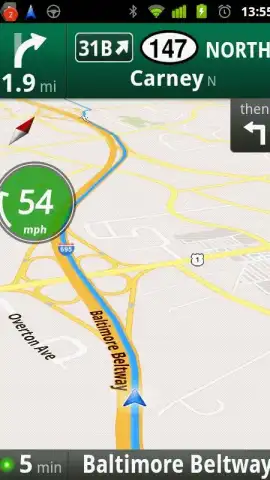
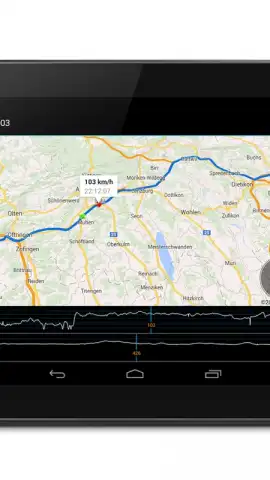
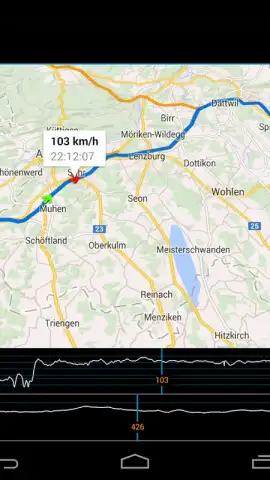
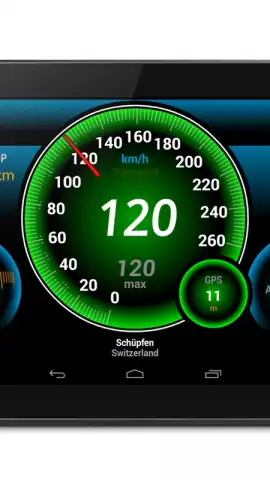
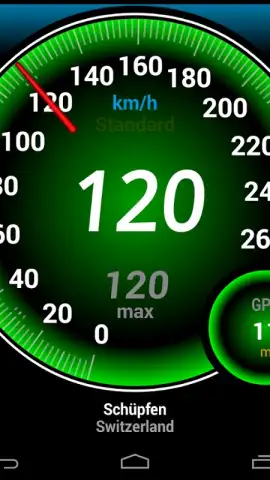
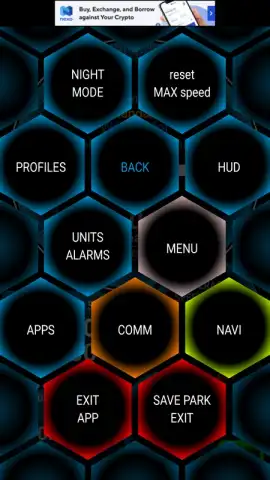
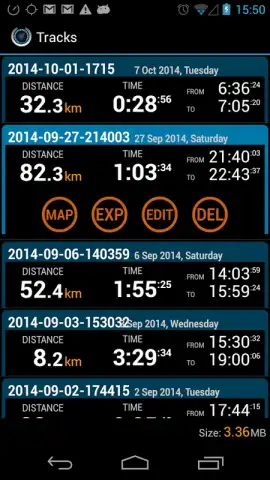
Description Ulysse Speedometer
What if your phone could become a professional-grade dashboard for any journey?
For travelers, drivers, cyclists, and navigators, accurate real-time data transforms a simple trip into a measured, informed experience. Ulysse Speedometer fulfills this need by converting your Android device into a comprehensive and highly customizable speed and navigation instrument. It goes beyond the basic speed readout found in standard maps apps, offering a suite of tools designed for those who appreciate precision, whether on a highway, a hiking trail, or the open water. The interface presents data with the clarity of dedicated hardware, but with the flexibility and connectivity of a modern smartphone.
Core Features and Mechanics
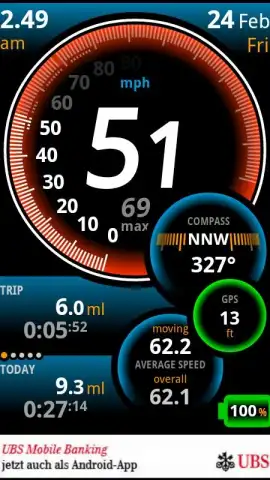
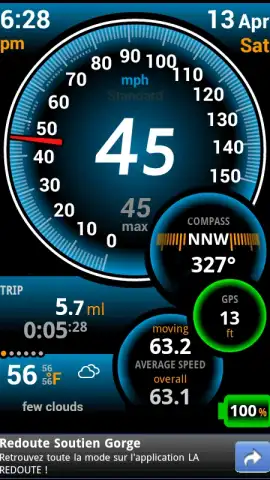
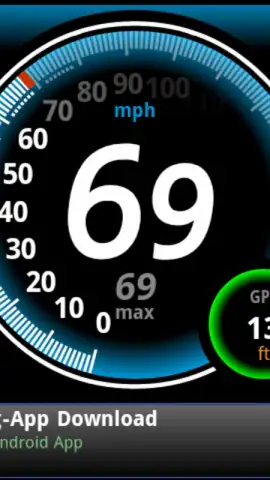
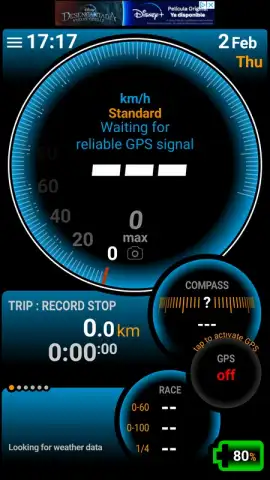
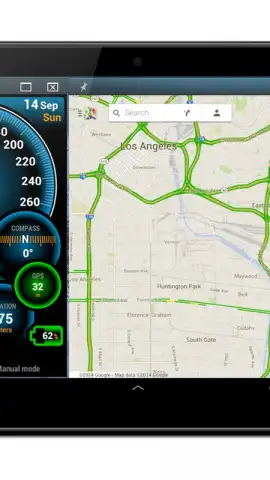
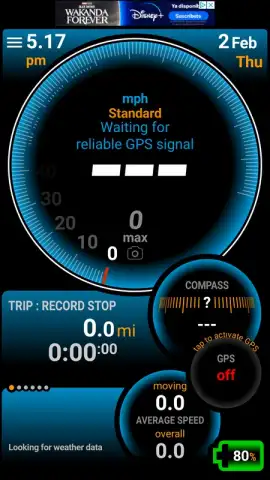
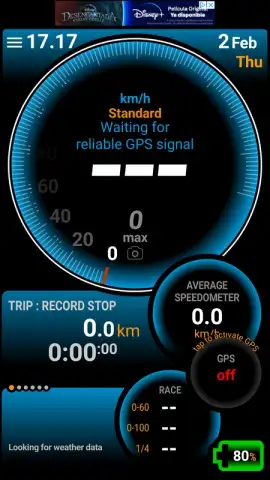
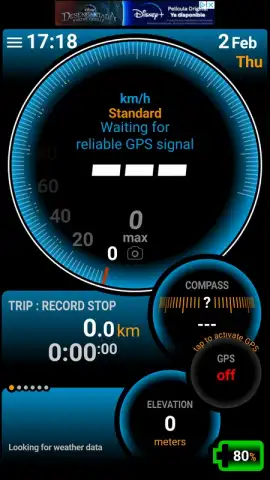
The application functions as a multi-faceted digital instrument cluster. Its primary display is a highly configurable speedometer that shows your current speed with exceptional accuracy, leveraging your device's GPS. Beyond this central readout, the app provides a wealth of concurrent data streams. You can monitor your average speed for the trip, maximum speed reached, and total distance traveled. For navigational purposes, it offers precise latitude and longitude coordinates, altitude, and a dynamic compass. A unique and practical feature is the "HUD" (Heads-Up Display) mode, which projects a reversed, simplified version of your speed onto the windshield, allowing for safer viewing while driving. The app is designed to be used in various scenarios, from car travel and running to sailing, by supporting different unit measurements and display themes.
Key Advantages and User Experience
The strength of Ulysse Speedometer lies in its depth of customization and its focused, ad-free user experience. Users have significant control over the visual presentation, from choosing different analog and digital gauge styles to selecting color schemes that ensure readability in day or night conditions. The data presentation is dense yet organized, allowing you to see all critical information at a glance without unnecessary clutter. Performance is optimized for reliability, providing stable GPS locking and consistent updates without draining excessive battery life. It serves a specific purpose with a level of detail and professionalism that general travel apps often omit.
- Real-time GPS Speedometer with highly accurate digital and analog gauge displays.
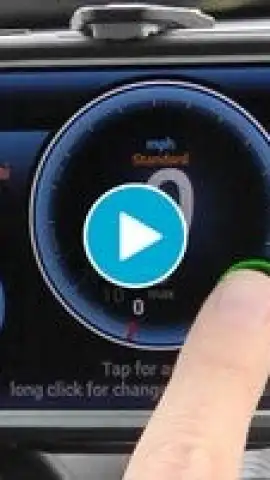
- Heads-Up Display (HUD) Mode projects speed info onto your windshield for safer driving.
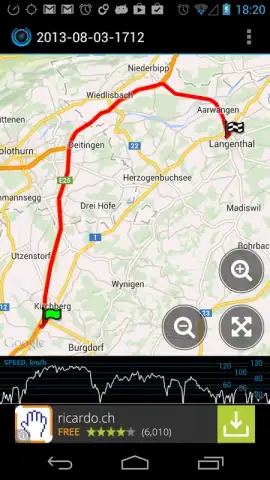
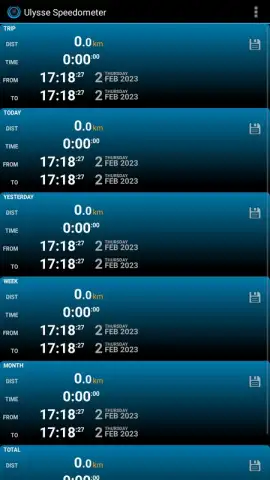
- Trip Computer tracking average speed, maximum speed, distance, and total duration.
- Advanced Positioning Data including altitude, compass bearing, and precise coordinates.
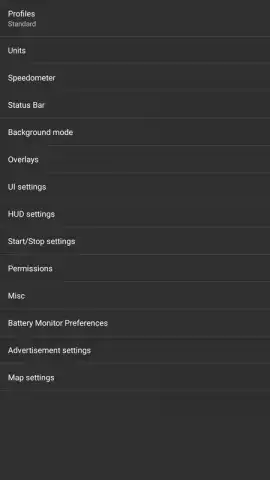
- Fully Customizable Interface with multiple themes, units, and data field selection.
We suggest trying Ulysse Speedometer if you value precise metrics and a clean, customizable tool for your travels. Consider downloading it to turn your next journey into a data-rich experience.
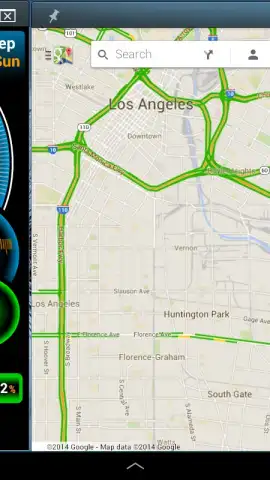
Heads up: you'll need wifi for initial map downloads. Some advanced themes or data logging features may be extra. Continued use of GPS running in the background can dramatically decrease battery life.


