

V2Box
V2Box screenshots (10)
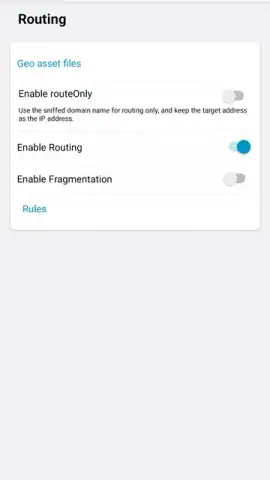
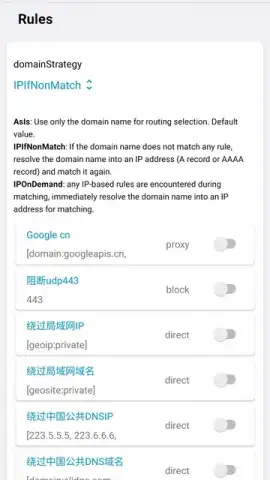
Description V2Box
Looking for a VPN client that prioritizes protocol flexibility and a no-fuss setup over bloated features? V2Box by HexaSoftware functions as a streamlined, high-efficiency conduit for your mobile traffic, focusing on core connectivity and advanced encryption without the clutter. It operates less as a traditional all-in-one VPN service and more as a sophisticated client for managing your own proxy connections, placing powerful network tools directly in your hands. This review examines its mechanics as a utility for users who understand the value of specific protocols like V2ray and Shadowsocks, and who seek direct control over their connection parameters.
Core Functionality and User Interface
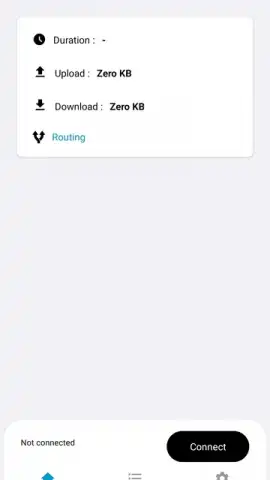
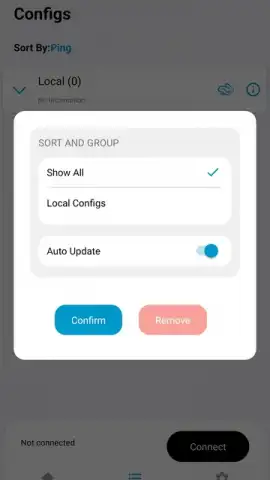
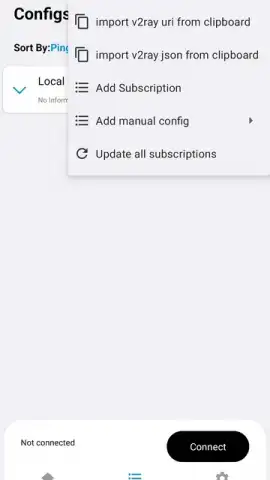
The primary operation of V2Box centers on importing and managing proxy server configurations. The interface is deliberately minimal, presenting a clear list for your added servers and straightforward options for connection management. Configuration is handled externally; you do not subscribe to servers within the app. Instead, you import details via standardized links or configuration files for supported protocols, which the app then activates. This process is efficient: tapping an "Import" button allows you to paste a V2ray, VMess, VLESS, or Shadowsocks link from your clipboard, or to select a corresponding JSON file from your device storage. Once imported, each connection is listed with its basic parameters, and connecting is a one-tap action. The absence of onboarding surveys or account registration screens underscores its purpose as a pure technical tool.
Technical Architecture and Performance
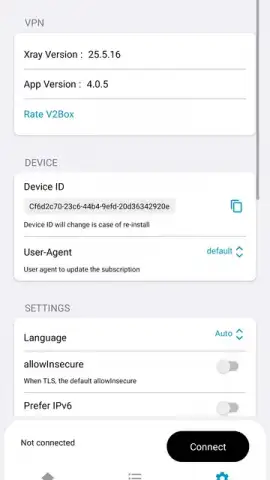
At its core, V2Box utilizes the stable V2ray/Xray kernel, a project renowned for its efficiency in handling modern proxy protocols. This foundation is responsible for establishing the actual encrypted tunnels. Performance is inherently tied to the quality of the proxy server you configure, but the client itself imposes minimal overhead. The app supports a comprehensive suite of current encryption methods to secure the data channel, including AES-128-GCM, AES-192-GCM, AES-256-GCM, Chacha20-IETF-Poly1305, and Xchacha20-IETF-Poly1305. This selection ensures that your chosen server's security capabilities can be fully leveraged. A notable operational feature is the "Turbo" mode, which is designed to optimize connection handshakes and data packet flow for reduced latency and improved stability during sustained data transfers.
Security Implications and Practical Use
The security model of V2Box is straightforward: it encrypts all traffic from your device to the endpoint of your configured proxy server. This is most critical on untrusted networks, such as public Wi-Fi, where it prevents local network eavesdroppers from intercepting your browsing data, login credentials, or communication. By masking your original IP address with that of the proxy server, it also provides a basic level of anonymity from the websites you visit. It is important to note that the ultimate privacy guarantee depends on the trustworthiness and logging policy of the proxy server operator you use. The app itself contains no advertisements and does not monetize user data, which aligns with its security-focused ethos.
- Multi-Protocol Client Support: Seamlessly handles configuration import and connection management for V2ray, VMess, VLESS, and Shadowsocks protocols.
- Advanced Encryption Suite: Employs robust ciphers like AES-256-GCM and Xchacha20 for securing all transmitted data through the tunnel.
- Zero-Friction Operation: Requires no user registration and features an ad-free interface with one-tap connection toggles and simple server import.
This tool is for those who have access to proxy server configurations and want a reliable, no-nonsense client to activate them. The combination of a clean interface, powerful underlying kernel, and support for top-tier encryption makes it a competent gateway.
Get it immediately! Download the V2Box APK for Android now to take direct control of your mobile network security with professional-grade protocols.
Heads up: you'll need wifi or mobile data for all connectivity. The app is a client for your own proxy servers; it does not provide them.
 GooglePlay


