

Vector Ink: SVG, Illustrator
Vector Ink: SVG, Illustrator screenshots (19)







Description Vector Ink: SVG, Illustrator
From Sketch to Masterpiece: Your Professional Vector Studio, Unleashed
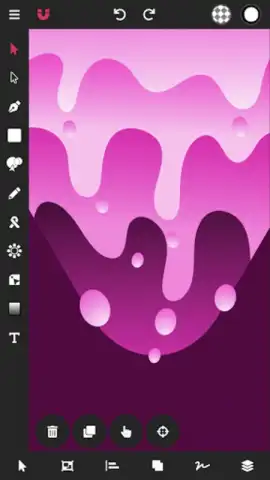
Imagine this: a client needs a logo by tomorrow. You're away from your desk, but inspiration strikes. With Vector Ink: SVG, Illustrator, you don't need a powerful desktop computer or a physical stylus. You pull out your phone or tablet, open the app, and start drawing directly on the screen with your finger. The lines are crisp, the curves are smooth, and within hours, a polished, scalable vector logo is ready for export. This is the new reality of mobile graphic design, built for the professional who needs powerful tools without the tether to a studio. Whether you're crafting a brand identity, designing a detailed character, or producing business materials like flyers and posters, this application delivers a complete vector workflow in your pocket, transforming spontaneous ideas into finished, professional assets with astonishing speed and precision.
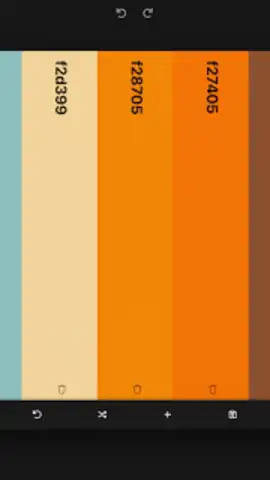
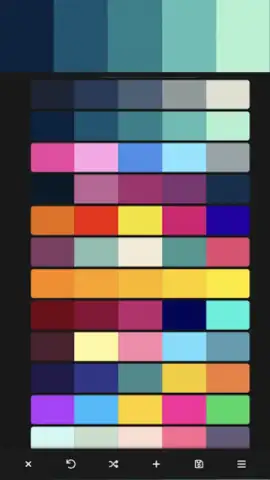
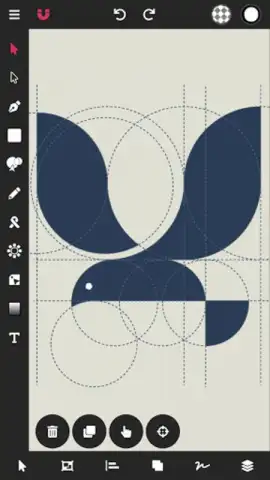
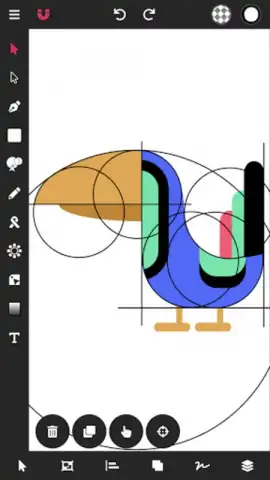
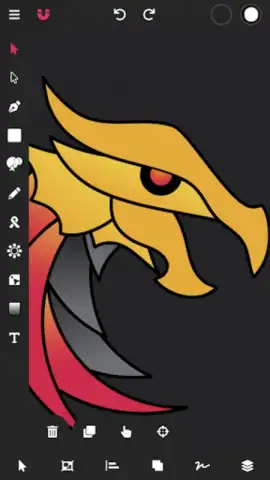
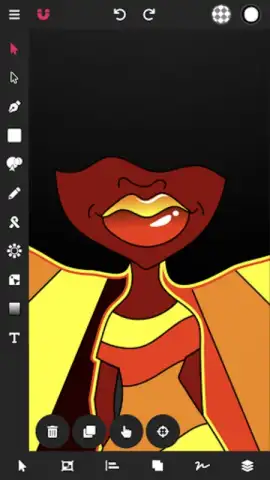
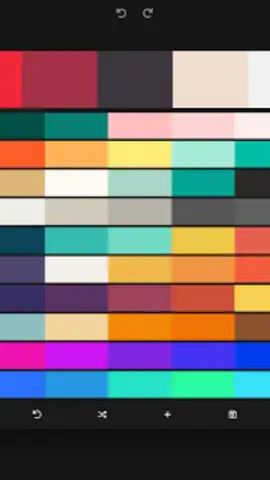
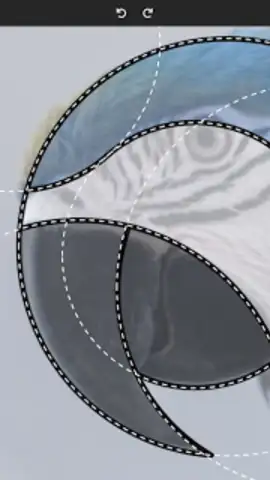
The core of Vector Ink is its revolutionary approach to vector path creation, which dismantles the traditional barriers of complex pen tools. Its intelligent path-building system allows you to trace sketches, merge shapes, and construct clean vectors with geometric accuracy, effectively automating the most tedious parts of the design process. This is complemented by a fully-featured digital stylus engine engineered for touchscreens, providing pressure-sensitive-like precision for freehand drawing and outlining without any extra hardware. For color work, you gain command over advanced linear and radial gradients, a versatile eyedropper for sampling any hue on your screen, and a comprehensive palette editor to build and save custom color libraries for consistent branding across all your projects.
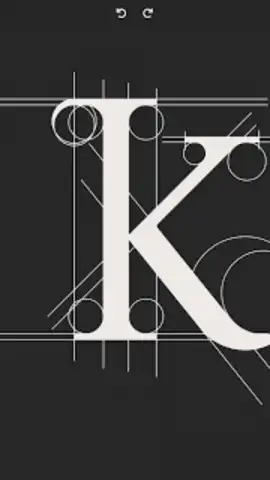
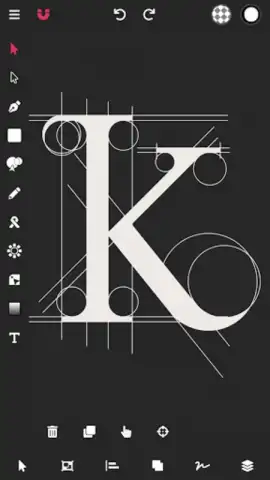
Beyond drawing, the app is packed with professional utilities for finishing and refinement. You have complete control over strokes and paths, supported by full Boolean operations (union, subtract, intersect) to create complex shapes from simple ones. Typography is handled with professional rigor: import any custom font, convert text to editable vector paths for total design freedom, and adjust kerning and spacing. The app serves as a central hub for asset management, supporting the import of PNG and JPG images for tracing or integration, and featuring robust SVG import and export for seamless compatibility with desktop software like Adobe Illustrator. A full layer management system lets you organize complex designs, while the intuitive document manager keeps all your projects orderly and accessible.
Core Feature Breakdown
- Smart Path Building & Tracing: Convert hand-drawn sketches into clean vector paths automatically, using geometric snapping and intuitive stroke connection to bypass complex pen tool mechanics.
- Hardware-Free Stylus Precision: Utilize the built-in digital stylus engine for detailed finger drawing, offering control and accuracy typically reserved for physical stylus input on touchscreens.
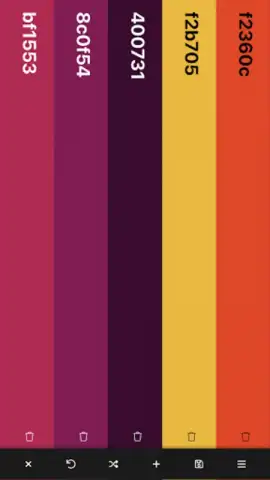
- Advanced Color & Asset Control: Apply linear/radial gradients, use a universal color picker, create custom palettes, and import custom fonts and PNG/JPG images for a fully-featured design environment.
Stop compromising your creative vision when you're on the move. Turn every moment of inspiration into a bankable asset. Download Vector Ink: SVG, Illustrator now and claim your professional design advantage.
Requires an internet connection for initial download and certain import/export functions. The app offers optional in-app purchases for advanced features and subscriptions.
 GooglePlay


