

Video Converter Pro
Video Converter Pro screenshots (5)
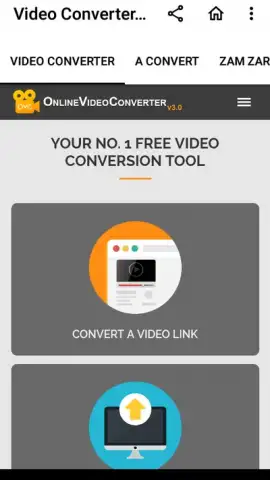
Description Video Converter Pro
The Universal File Dilemma Solved
You've just captured a perfect moment on your phone, but when you try to send it to a friend or upload it to a different platform, you're met with an unsupported format error. This common digital roadblock halts sharing and complicates editing, turning a simple task into a technical chore. Video Converter Pro addresses this core issue directly, functioning as a dedicated processing tool that transforms media files into universally compatible formats without requiring a desktop computer.
Core Conversion Mechanics and Editing Tools
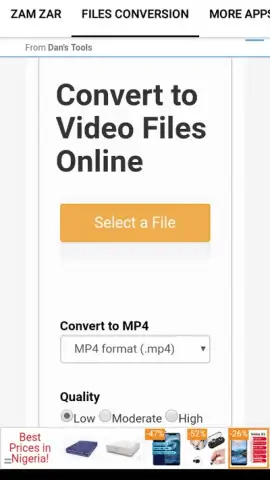
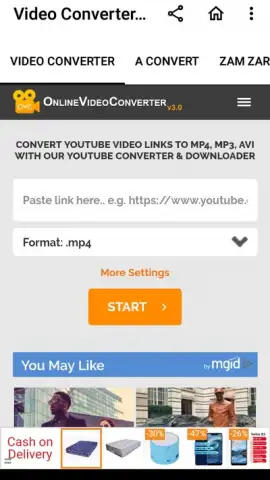
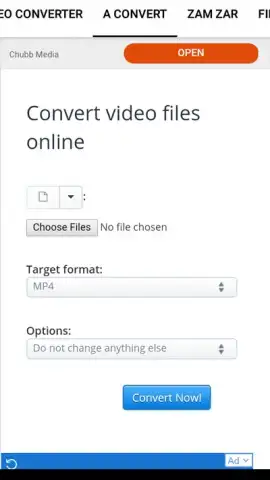
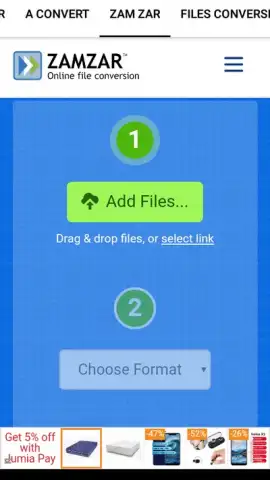
The app operates on a straightforward input-output principle: you select a video or audio file from your device's storage, choose a target format and resolution, and initiate the conversion process. It supports a wide range of codecs including MP4, AVI, MOV, MKV, WMV, and FLV for video, alongside MP3, AAC, WAV, and FLAC for audio. Beyond basic conversion, the utility includes a trim function to cut unwanted segments, a merge tool to combine multiple clips into a single file, and the ability to extract audio tracks from video files as standalone audio. The interface presents these options in a sequential workflow, minimizing the steps between selecting a file and completing its transformation.
Operational Advantages and User Experience
The primary strength of this utility is its execution speed and offline functionality; conversions are processed locally on the device, which typically yields faster results than cloud-based services and maintains privacy. The user interface employs a tabbed layout to separate conversion, editing, and settings, reducing visual clutter. Performance is optimized for the stated minimum Android version, ensuring stable operation on older hardware without excessive battery drain during file processing tasks.
- Multi-Format Support: Convert between all major video and audio codecs without compatibility issues.
- Local Processing Engine: All conversions happen directly on your device for speed and privacy.
- Built-in Basic Editor: Trim video lengths, merge clips, and extract audio tracks seamlessly.
- Batch Conversion Queue: Process multiple files in one operation to save time and effort.
- Customizable Output Settings: Precisely control resolution, bitrate, and frame rate for each file.
Download Video Converter Pro now—exclusive, ad-free access is a limited-time offer for the first wave of users.
Heads up: you'll need wifi for initial app download and accessing any cloud storage files. Some advanced codec options and priority processing speeds are part of the extra features.


