

VidTrim - Video Editor
VidTrim - Video Editor screenshots (14)
Description VidTrim - Video Editor
What Does a Comprehensive Mobile Video Editor Actually Look Like?
When evaluating video editing applications for Android, the primary considerations often revolve around core utility, interface efficiency, and resource footprint. VidTrim - Video Editor by Goseet presents a case study in balancing these elements. It positions itself not merely as a creative suite but as a foundational tool for video library management and basic post-production. The application's design philosophy appears centered on providing essential editing functions through a touch-optimized interface, aiming to reduce the learning curve typically associated with video manipulation. This analysis examines its toolset, operational logic, and practical application to determine its place within the mobile utility category.
Core Functionality and Operational Analysis
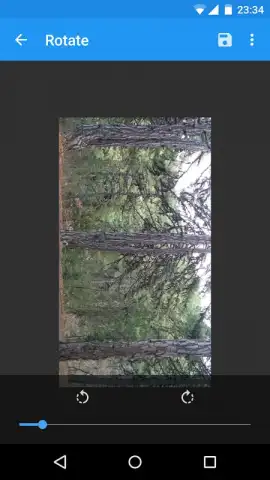
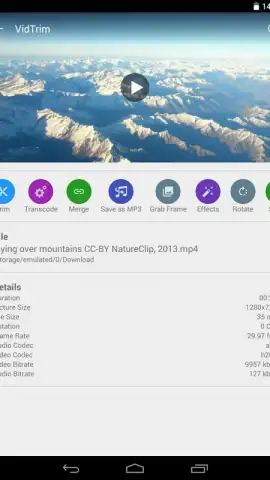
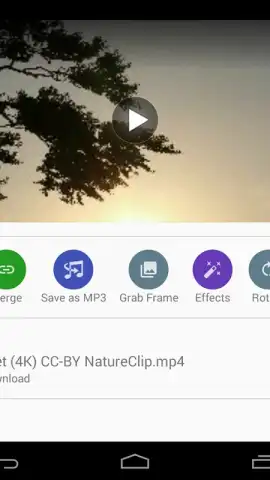
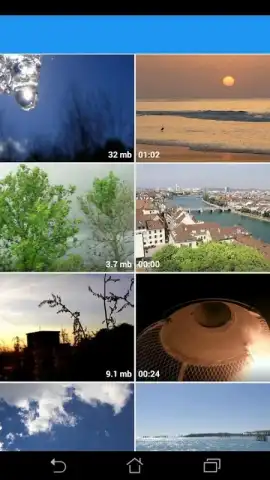
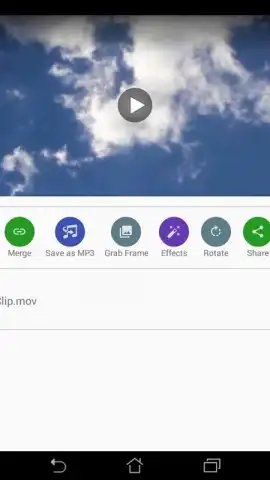
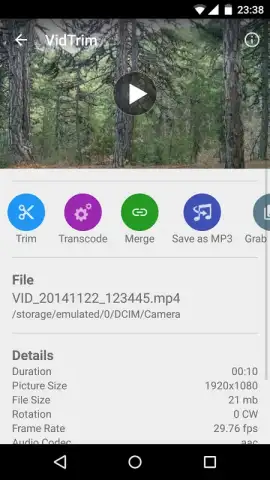
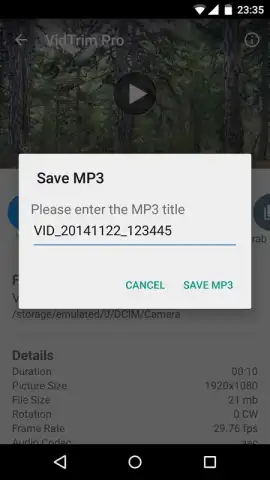
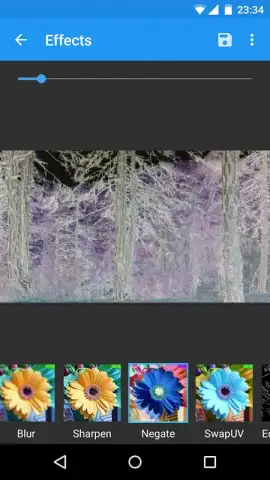
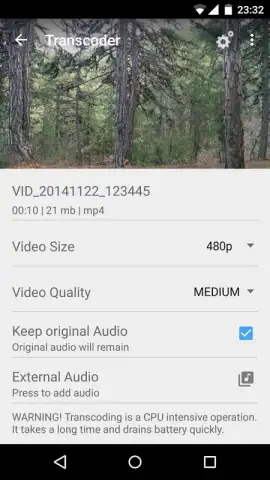
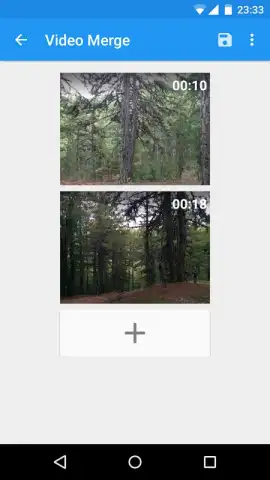
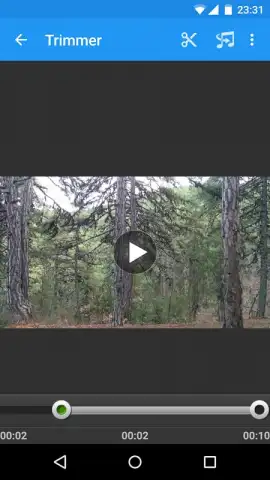
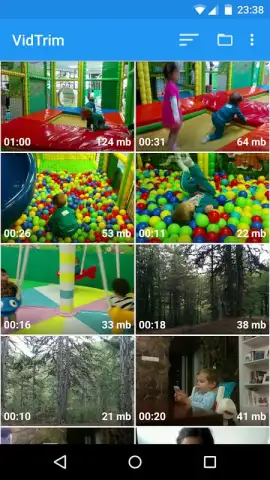
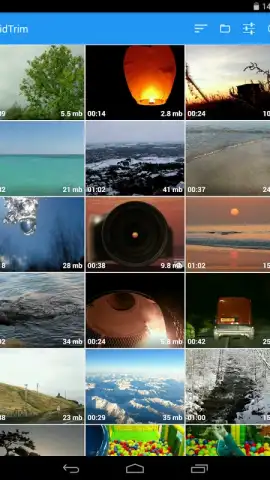
The application's architecture is built around a dual-purpose framework: editing and organization. Its most frequently utilized modules are undoubtedly the trim and merge tools, which handle the fundamental tasks of removing unwanted segments from a single clip and sequentially joining multiple videos into one continuous file. Beyond these basics, the software includes a rotation module for correcting or altering video orientation and a filter engine that applies visual effects comparable to those found in popular social media platforms. A distinct utility is its integrated media converter, which can extract audio from video files and save them in MP3 format for playback on dedicated music players. Furthermore, it incorporates file management features, allowing users to rename and organize their video library directly within the app's ecosystem.
The technical execution is notable for its minimal storage requirement, which remains under 20 megabytes. This efficiency does not come at the expense of a fragmented user experience; the interface consolidates its various tools into a cohesive workflow. The absence of advertising in its core operation, often facilitated by an optional premium tier, contributes to an uninterrupted editing process. This combination of a lean installation size, a focused toolset, and an ad-free environment defines its operational parameters.
- Precision Trim and Merge Tools enable exact cutting of video segments and seamless combination of multiple clips.
- Flexible Rotation and Filter Application allows for orientation correction and instant visual effect overlay.
- Integrated Audio Extraction converts video files directly to MP3 format for audio-only use.
- Direct File Management provides capabilities to rename and organize your device's video library internally.
- Efficient Performance Profile operates with a minimal storage footprint while maintaining core editing reliability.
Start managing and editing your video collection with greater precision today. Download the mobile app now to access these organizational and editing tools.
Heads up: you'll need wifi for initial download and some processing features. Some advanced tools and the ad-free experience are part of the optional premium package.
 GooglePlay


