

Vivaldi
Vivaldi screenshots (23)







Description Vivaldi
Vivaldi Browser Review: A Chromium Powerhouse Built for Control and Privacy
Vivaldi is not just another Chromium-based browser; it is a meticulously engineered tool that redefines user agency on the mobile web. Moving beyond the minimalist trend, Vivaldi Technologies has built a browser where extensive customization, robust privacy tools, and powerful tab management are not afterthoughts but foundational principles. This review examines the mechanics of an application designed for users who view their browser as a primary workspace, offering a depth of functionality typically reserved for desktop software, now optimized for on-the-go use. Its approach transforms routine browsing into a highly personalized and efficient experience.
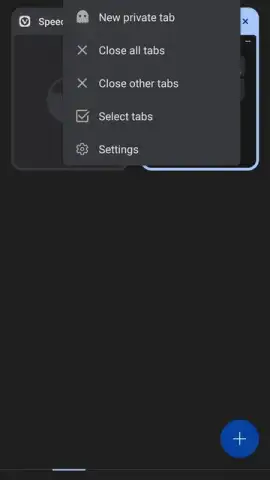
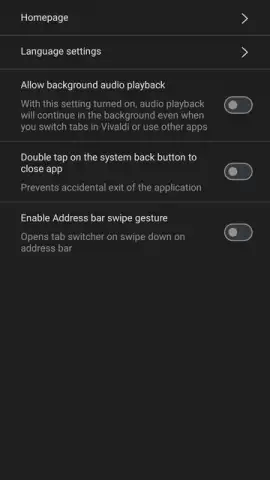
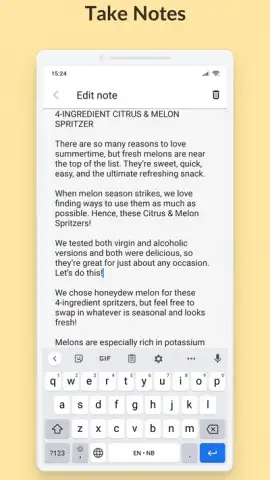
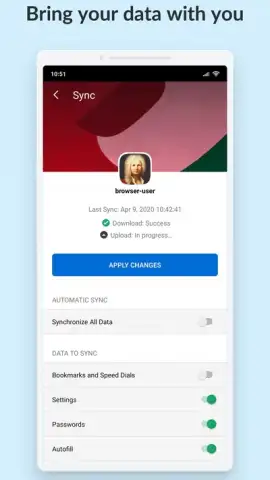
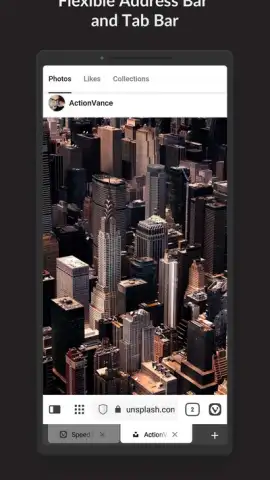
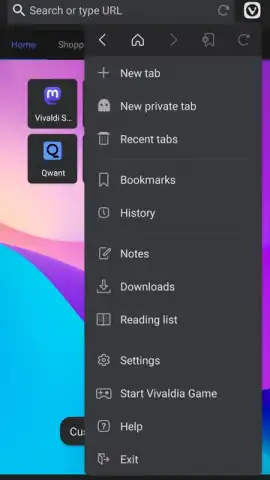
The core of Vivaldi's value lies in its sophisticated tab and navigation ecosystem. Tab management transcends simple stacking, introducing a two-level hierarchy with tab stacks and a visual grid view for swift navigation. A unique swipe gesture on the address bar allows for rapid tab switching, a tactile improvement over standard interfaces. Synchronization is comprehensive, seamlessly unifying open tabs, bookmarks, browsing history, and even saved notes across all devices where Vivaldi is installed. This creates a continuous browsing session, allowing you to begin research on a phone and effortlessly continue on a tablet or desktop without missing a beat.
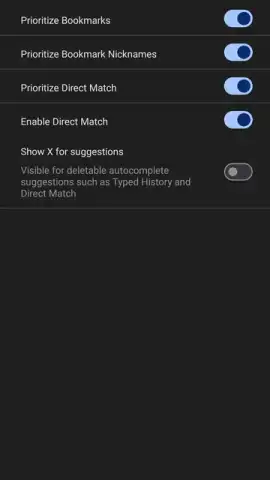
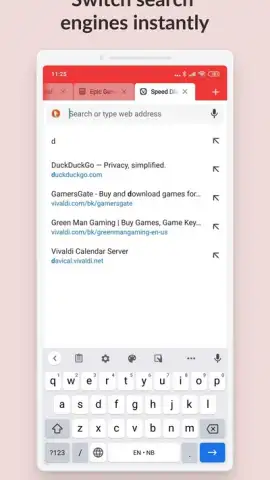
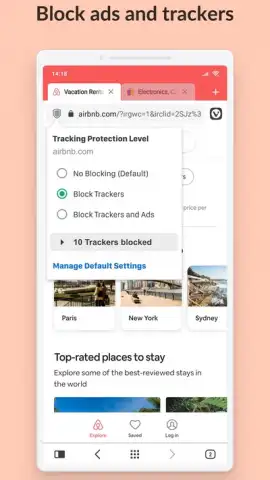
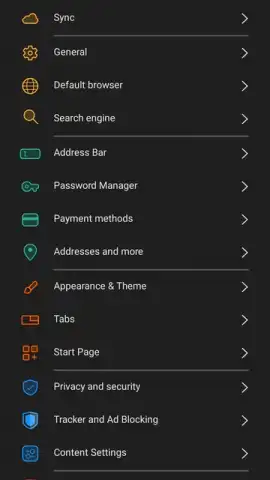
Privacy and performance are handled with equal seriousness through an integrated, configurable ad and tracker blocker. Upon setup, you can select a blocking level: from permissive to aggressive, which blocks both trackers and advertisements. This directly results in faster page load times, reduced data consumption, and a cleaner visual field. The browser further emphasizes privacy with a dedicated private browsing mode that leaves no local trace and promotes privacy-centric search engines like DuckDuckGo by default. A unique quick-command feature lets you prefix searches with specific letters (e.g., 'd' for DuckDuckGo, 'w' for Wikipedia) directly from the address bar, streamlining searches without menu navigation.
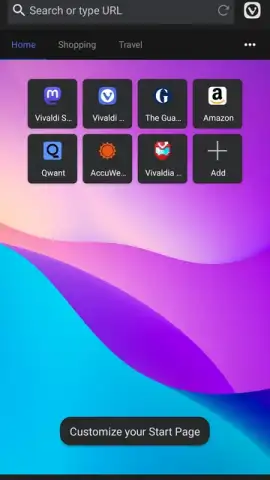
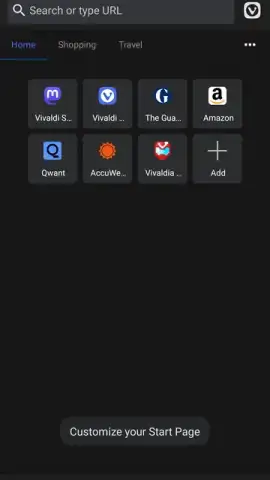
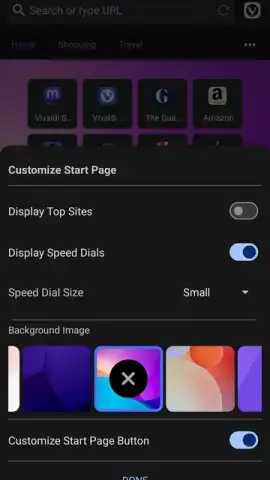
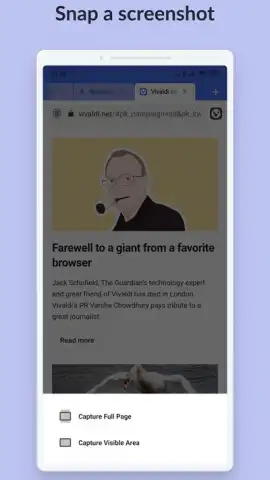
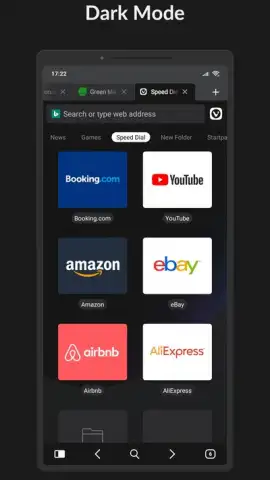
Customization is arguably Vivaldi's most defining characteristic. The interface is a malleable canvas where you can adjust theme colors, reposition action buttons, and modify the layout of the start page. This start page can be tailored to display preferred speed dial entries, background images, or even integrated web panels. Additional utility features are deeply integrated, including a privacy-respecting translator, a full-page screenshot tool, a QR code scanner for link sharing, a reading mode for text distillation, and granular content filtering controls for a tailored web experience.
- Advanced Tab Management: Organize browsing with tab stacks, a visual grid switcher, and seamless cross-device tab synchronization for workflow continuity.
- Integrated Privacy Suite: Features a built-in ad blocker with configurable levels, tracker blocking, and a secure private mode to protect your browsing footprint.
- Deep Interface Customization: Personalize themes, button placement, and the start page layout to create a browser that matches your visual and functional preferences.
Download the Vivaldi mobile app now to unlock a superior, ad-free browsing experience. This limited-time access ensures you get a powerful, privacy-focused tool before wider adoption changes the landscape.
Heads up: you'll need wifi for most features. Some cool stuff is extra.
 GooglePlay


