

VK Mail
VK Mail screenshots (10)

Description VK Mail
A streamlined email client designed for efficient communication and high-capacity file transfers.
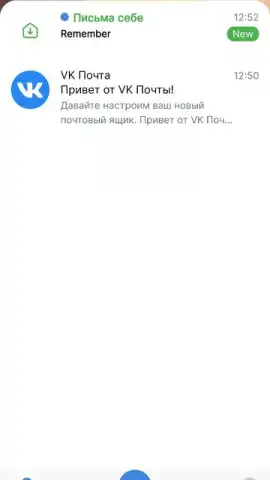
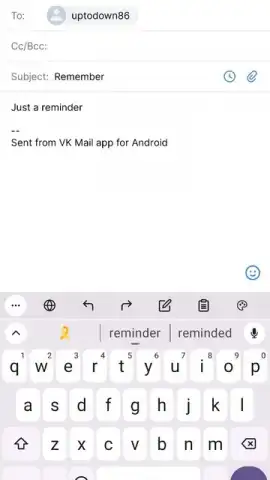
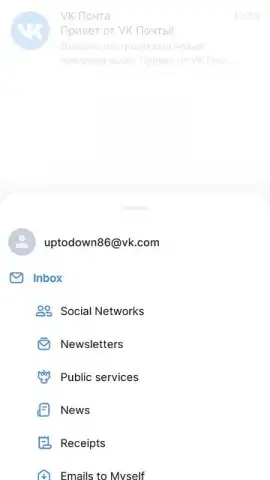
VK Mail provides a direct method for managing correspondence through an official VK.com interface. This application functions as a centralized hub for email activity, enabling users to process incoming messages and compose new mail. The system architecture prioritizes core functionality by minimizing less frequently used options found in other clients, resulting in a focused operational environment.
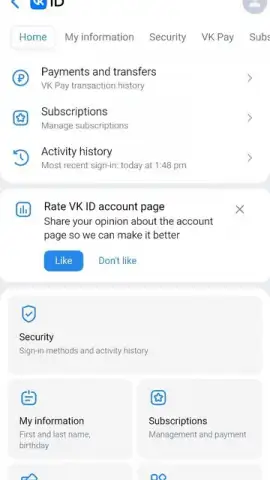
Account setup is conducted through a multi-step verification protocol. Initial access requires authentication via an existing VK email account. For new users, account generation involves a phone number input, a confirmation call sequence, and the selection of a custom email address alias. The final configuration step mandates the creation of a secure password to finalize the registration process.
Core Operational Features
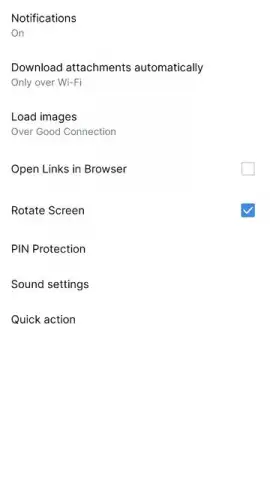
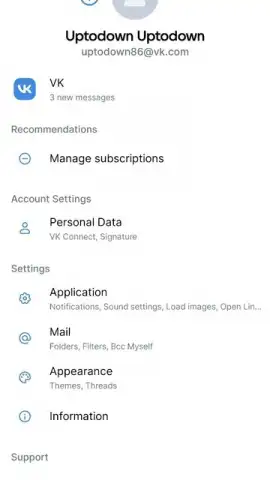
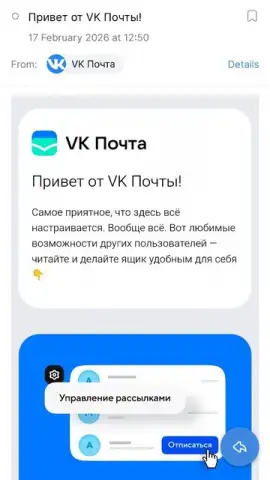
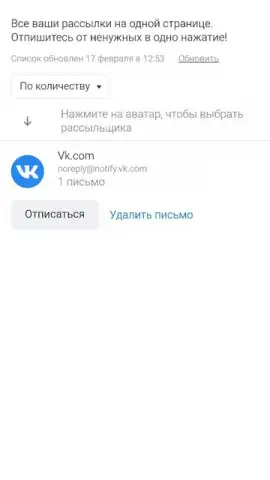
Security protocols can be enhanced beyond the default settings. The application supports biometric authentication systems, including Touch ID and Face ID, which are activated within the configuration menu. This layer of security restricts mailbox access to verified users only. An integrated subscription assistant tool scans for and facilitates the management of non-essential mailing lists.
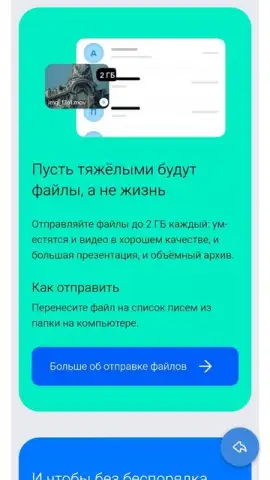
The platform supports high-volume data transmission. Users can initiate sends of file attachments directly from an Android device, with a maximum per-file capacity of 2 GB. This transfer limit exceeds the standard allocation provided by many conventional email services.
- Biometric Account Security: Activate Touch ID or Face ID in settings to lock mailbox access behind fingerprint or facial recognition.
- Large-File Transfer Protocol: Send attachments from your device up to 2 GB in size, a higher limit than typical email clients.
- Subscription Management Tool: Use the built-in assistant to identify and unsubscribe from unwanted mailing lists and promotions.
Application Use Case Scenarios
This client is suited for users seeking a no-frills email management solution. It is particularly effective for those requiring a new VK email address configured through a rapid, phone-verified process. The feature set appeals to individuals prioritizing transfer capacity for large files alongside configurable security measures.
We suggest trying VK Mail for streamlined email management and large-file sharing capabilities. Consider downloading the application to configure a secure mailbox with high-volume transfer support.
Download the VK Mail mobile app now.
Internet required. IAP available.
 GooglePlay


