
VLC Mobile Remote Free
VLC Mobile Remote Free screenshots (18)
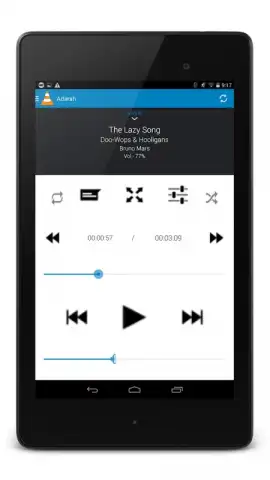
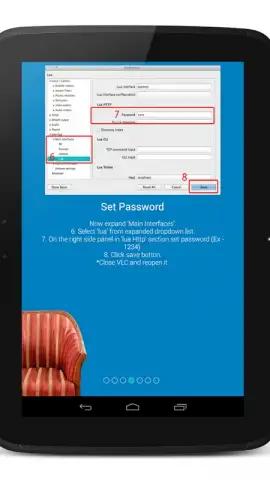
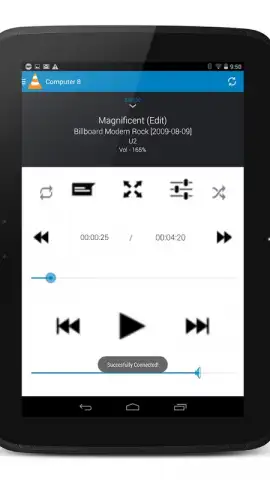
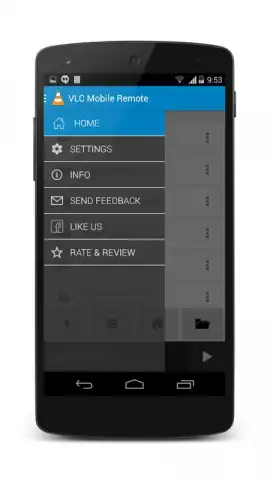
Description VLC Mobile Remote Free
Looking for a way to transform your smartphone into a sophisticated, universal remote for your computer's media playback? VLC Mobile Remote Free offers a streamlined solution for controlling the VLC media player and other platforms from a single, convenient interface on your mobile device. This review examines its functionality as a dedicated remote, its setup process, and its extended utility beyond simple playback control.
Core Functionality and Setup Analysis
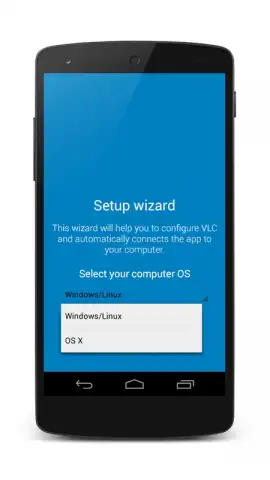
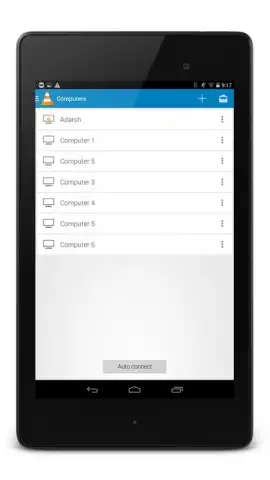
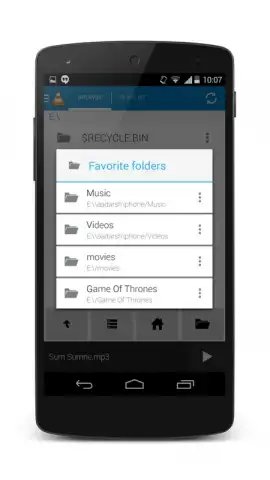
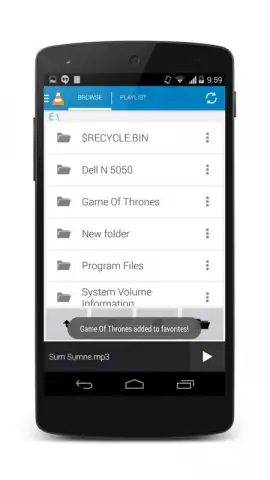
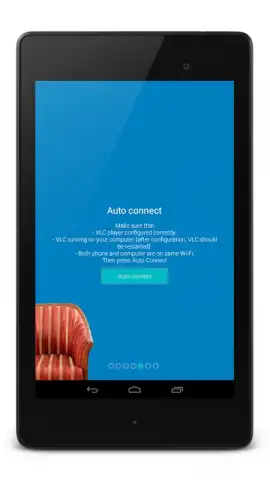
The application establishes a connection with the VLC media player on a desktop computer—running Windows, macOS, or Linux—over a shared local network, either via Wi-Fi or LAN. A notable aspect is that no additional server software is mandatory for basic operation on the computer, though the optional VMR Connect utility can simplify the initial pairing. The setup wizard guides users through a straightforward process, after which the phone and computer maintain a persistent sync. The primary value proposition is the elimination of physical interaction with the computer for media management, enabling control from anywhere within the network's range.
Detailed Feature Set and Extended Control
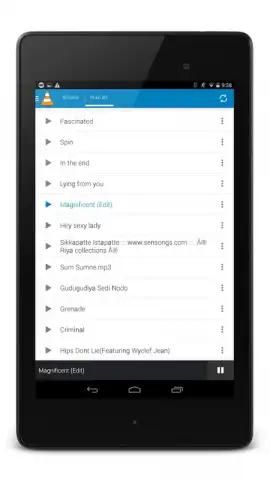
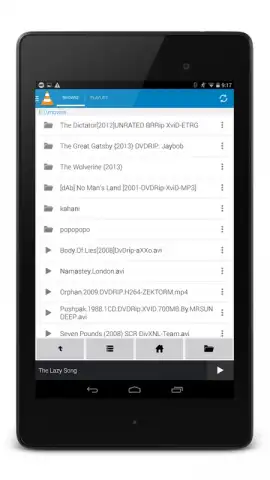
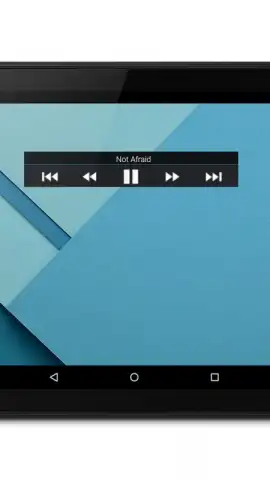
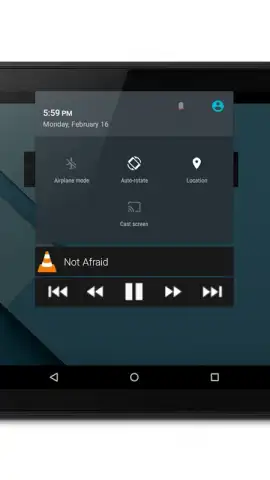
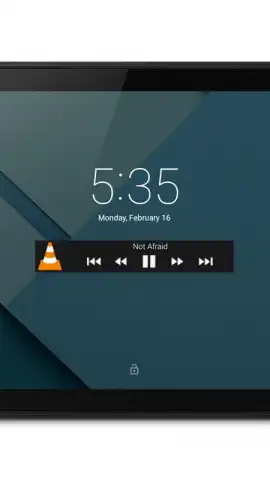
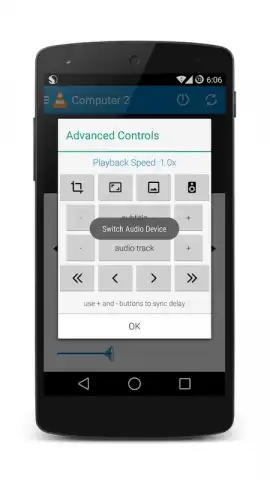
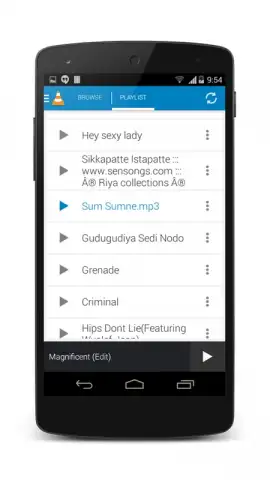
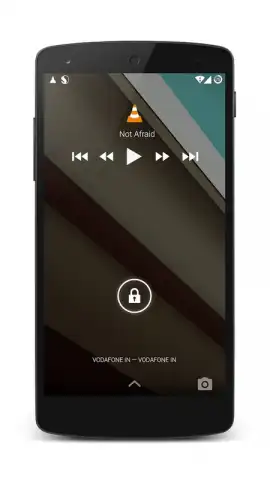
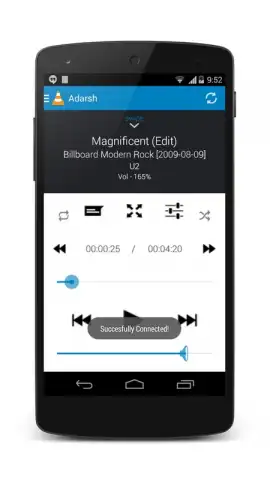
Beyond fundamental transport controls like play, pause, stop, and volume adjustment, VLC Mobile Remote Free provides granular media manipulation. Users can execute frame-accurate seeking with forward and backward skip functions, scroll through a file's timeline, and toggle full-screen mode instantly. For enhanced viewing, the app allows for real-time audio track switching and subtitle management, including the ability to load external subtitle files during playback. It extends to managing DVD menus and constructing or navigating complex playlists directly from the phone.
Furthermore, the app positions itself as a broader computer remote. It can emulate mouse and keyboard input, execute system commands like shutdown or restart, and even control internet browsers. This makes it compatible with streaming services such as Netflix, YouTube, and Amazon Prime Video when accessed through a browser on the controlled computer, consolidating control of both local and streamed content.
Comprehensive Feature Overview
- Control VLC media player on Windows, Mac, or Linux over a shared Wi-Fi/LAN network.
- Execute precise media controls: play, pause, stop, volume, seek, and timeline scrolling.
- Manage playback experience with full-screen toggle, audio track, and subtitle selection.
- Handle DVD navigation, playlist creation, and editing directly from your mobile device.
- Use as a universal PC/Mac remote for mouse, keyboard, system, and browser control.
We suggest trying VLC Mobile Remote Free to centralize your computer's media and system control into a single, pocket-sized interface, significantly enhancing convenience for both entertainment and workflow.
Download the VLC Mobile Remote Free mobile app now.
Note: This application requires a stable local network connection between your mobile device and computer. The core remote functionality is free; some advanced features or an ad-free experience may be facilitated through an in-app purchase.
 GooglePlay


