

Volume Control
Volume Control screenshots (7)
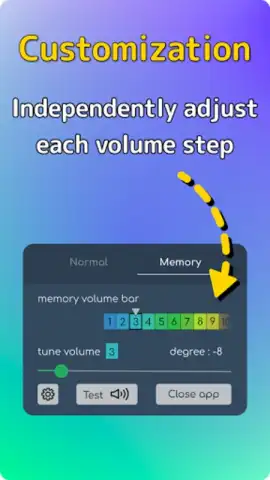
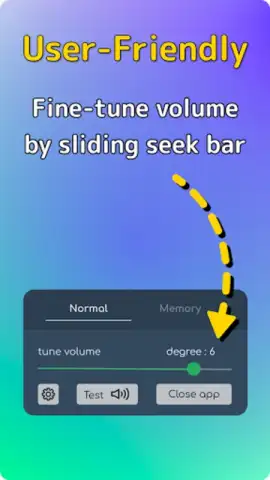

Description Volume Control
Tired of Your Phone's Volume Never Being Quite Right?
The standard volume controls on most Android devices are often frustratingly imprecise. You're forced to choose between a handful of coarse steps, leaving music too quiet or notifications startlingly loud. Volume Control by XupStudio addresses this fundamental oversight, transforming your device into an instrument of exact audio management. This tool provides the granular, system-wide control you've been missing, allowing for a perfectly tailored auditory environment for every app and scenario.
Features / Core Mechanics
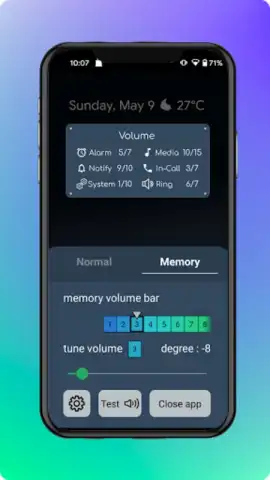
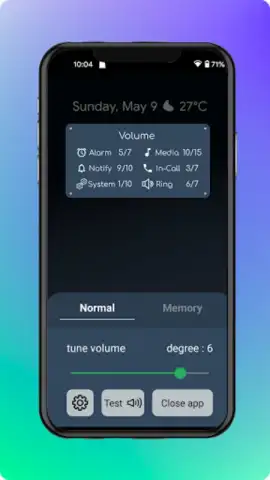
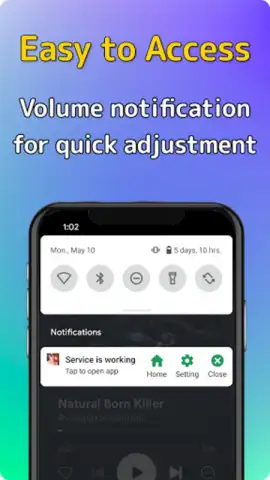
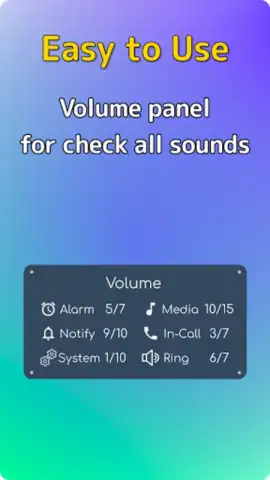
This application installs a persistent, accessible volume panel that sits above other system interfaces. Its primary function is to decouple the volume steps from the standard hardware buttons, allowing you to set precise percentage levels for each audio stream independently. You can adjust media volume, alarm volume, ringtone volume, and notification volume with a level of detail the native settings menu simply doesn't offer. The interface is designed for quick, one-handed use, often activated by a floating bubble or a notification shade toggle, ensuring these powerful controls are never more than a tap away.
Beyond basic sliders, the app introduces profiles and scheduling. You can create custom volume presets—like "Night Mode" with muted media and a vibrate-only ringtone, or "Commute" with maximized podcast volume—and switch between them instantly. The scheduling feature automates this process, silently adjusting your volumes based on time of day or calendar events, ensuring you never miss an important call because you forgot to turn silent mode off.
Key Advantages
The main strength of Volume Control lies in its seamless system integration and lightweight performance. It operates without requiring root access, making advanced audio management safe and accessible for any user. The user interface is clean, intuitive, and highly responsive, avoiding unnecessary clutter while putting powerful functionality front and center. Its impact on battery life is negligible, as it acts more as a sophisticated remote control for Android's existing audio systems rather than a resource-heavy processor.
- Per-App Volume Rules: Set individual volume levels for specific applications, so your game sounds are loud while your messaging apps stay discreet.
- Detailed Audio Stream Control: Independently manage media, calls, alarms, and notifications with a 0-100% granular slider for each.
- Smart Scheduled Profiles: Automate your audio environment with time-based rules that switch profiles at sunrise, work hours, or bedtime.
Download This Essential Tool Today
Stop compromising with clumsy stock controls. Gain mastery over your device's soundscape with the precision tool power users rely on. For a limited time, new users receive exclusive access to advanced scheduling features—install now to claim your optimized audio experience.
Download Volume Control now.
Heads up: you'll need wifi for the initial download and for accessing optional cloud backup of your profiles. Some advanced automation features and profile slots are part of the premium upgrade.
 GooglePlay


