

Watch Later
Watch Later screenshots (5)
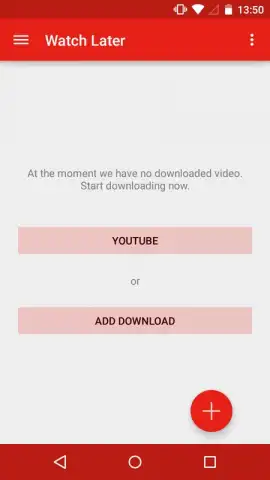
Description Watch Later
Imagine you’ve just found the perfect tutorial, music video, or documentary on YouTube, but you’re about to board a flight or enter a low-signal area. The frustration of buffering or losing access is real. Watch Later transforms this common scenario by providing a direct, streamlined tool for downloading YouTube videos to your device, ensuring your content is always available offline. This utility-focused app removes the barrier of an internet connection, turning any moment into an opportunity for uninterrupted viewing through a straightforward download process.
Core Functionality and User Workflow
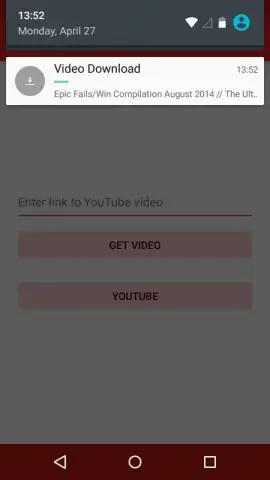
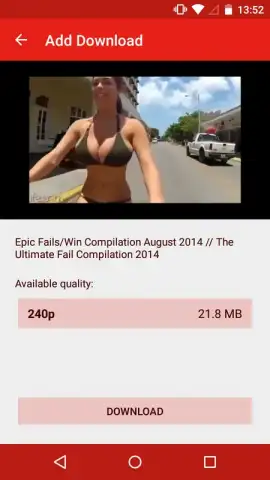
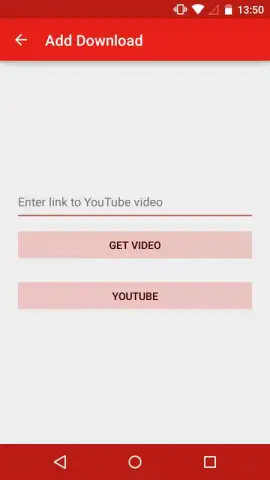
Watch Later operates through two primary methods for video acquisition, catering to different user behaviors. The first method is a direct URL input, where you paste a copied YouTube link into the app's designated field. This path is designed for efficiency when you have already identified and navigated to a specific video in your browser or another app. The second method is an integrated search tool, which allows you to query YouTube's library directly from within the Watch Later interface. This built-in browser grants access to millions of videos, enabling discovery, preview, and selection without ever leaving the app, after which you can proceed to download your chosen content.
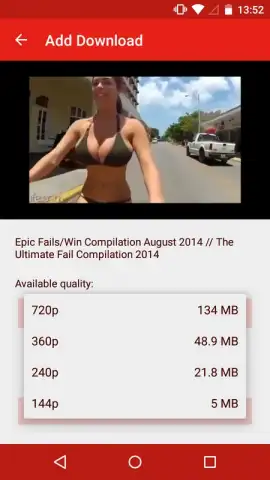
The application provides clear system management metrics, prominently displaying the available storage space on your device. This visibility allows for informed decision-making when queuing downloads, helping you manage your local video library and avoid storage limitations. All successfully downloaded files are automatically organized and stored in a dedicated, app-specific folder on your device. This centralized library ensures all your offline content is easily locatable in one place, separate from other media files. Download speed is dependent on your active network connection, with Wi-Fi providing the optimal performance for transferring video files.
Key Features and Technical Specifications
- Download YouTube videos directly to your device for offline playback.
- Utilize two methods: paste a direct link or use the in-app search browser.
- View real-time available device storage to manage your download queue.
- All downloaded videos are stored in a single, dedicated app folder.
- Turbo mode removes advertising and can enhance the download experience.
Start building your permanent, portable video library today. Download Watch Later now and never lose access to your favorite content.
Internet required for downloads. In-app purchases available.


