

WeChat Keyboard
WeChat Keyboard screenshots (9)

Description WeChat Keyboard
Tired of Switching Keyboards for Different Languages?
You know the struggle: one keyboard for your daily chats, another for typing in Chinese, and a constant hunt for the right emoji or sticker. Your typing flow gets interrupted, and your screen feels cluttered with different apps. What if a single, intelligent keyboard could handle all of that for you, seamlessly integrating into your digital life? WeChat Keyboard, the official input method from Tencent, is designed to be that all-in-one solution. It consolidates six distinct input modes into one sleek interface, eliminating the need to juggle multiple applications. This is not just about typing; it’s about creating a smoother, more efficient communication experience right at your fingertips.
A Deep Dive into a Truly Adaptive Typing Experience
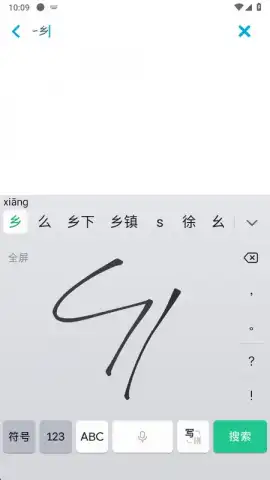
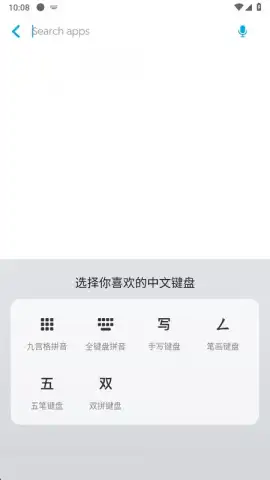
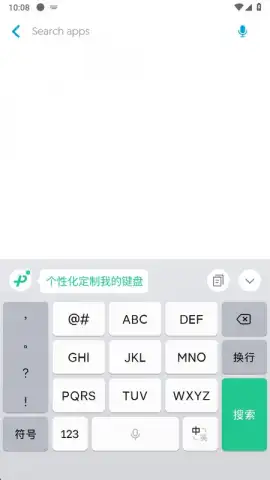
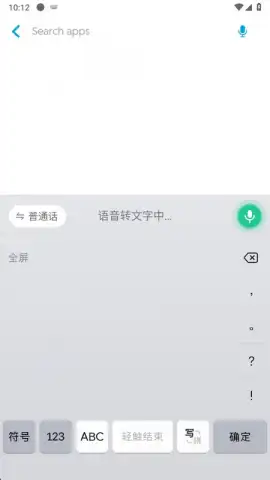
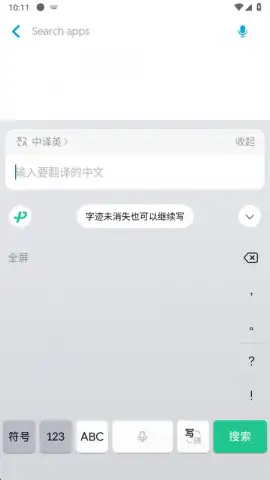
Setting up WeChat Keyboard is a straightforward process. After granting the standard permissions required for any keyboard app and selecting it as your default, you are immediately ready to type. The first time you tap a text field, you are presented with a choice of input methods. Switching between these modes—whether you need to sketch a Chinese character or type in alphanumeric—is intuitive. A simple tap on the green button in the upper-left corner of the keyboard interface lets you cycle through your options instantly, putting global communication at your command without ever leaving your current app.
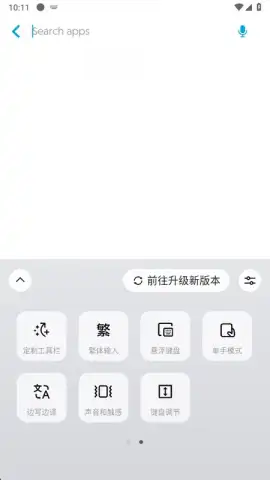
A standout feature is the flexible keyboard layout. You can choose between a fixed position at the bottom of your screen or a floating window that you can drag anywhere. This floating mode is particularly valuable during mobile gaming or while watching videos, as it allows you to type without obscuring crucial screen content or altering the video’s aspect ratio. It gives you control over your screen real estate, ensuring your keyboard adapts to your activity, not the other way around.
The keyboard also functions as a vigilant writing assistant. Its real-time grammar correction tool actively helps you avoid typos and errors as you type, which is invaluable for maintaining clarity in any conversation, especially within WeChat. Furthermore, the clipboard function allows you to copy and store frequently used words or phrases. This means your common responses and complex addresses are always just one tap away from being pasted, streamlining your conversations significantly.
Beyond text, WeChat Keyboard is a hub for expressive communication. It provides instant access to a vast library of emojis and stickers, allowing you to convey tone and emotion quickly. While it’s important to note that some stickers may not be compatible with every single text field across all apps, the integrated collection greatly enriches your messaging within supported platforms. The design philosophy is clear: to offer a powerful, multifunctional tool that supports typing in numerous languages and formats from one centralized location.
- Six integrated input methods
- Floating or fixed keyboard positioning
- Real-time grammar correction tool
- Vast emoji and sticker library
Stop compromising with limited keyboards. Get the official, versatile tool that keeps up with your multilingual and multimedia conversations. Download WeChat Keyboard now and claim your typing advantage today.
Internet required. IAP available.
 GooglePlay


