

WhatsApp Messenger
WhatsApp Messenger screenshots (32)








Description WhatsApp Messenger
A Quiet Revolution in Your Pocket
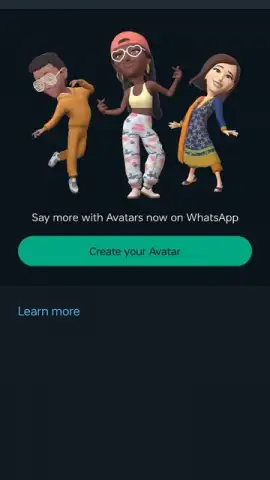
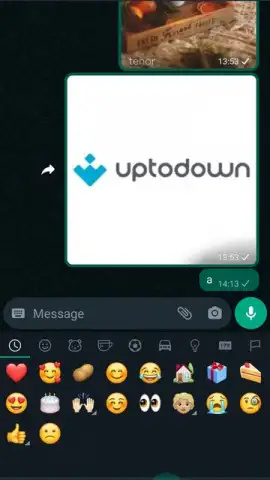
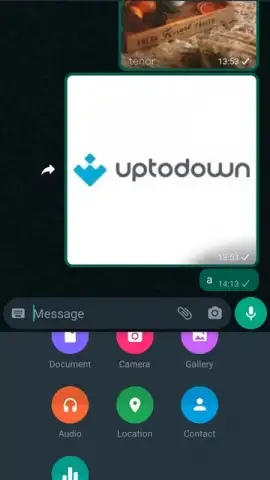
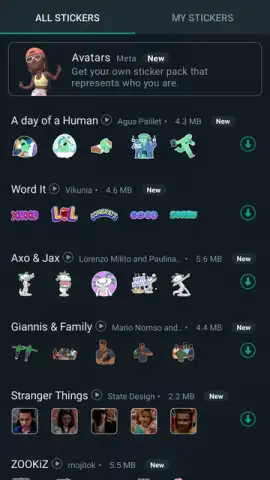
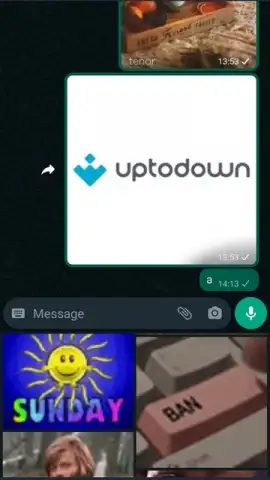
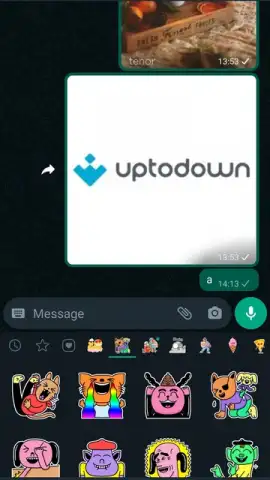
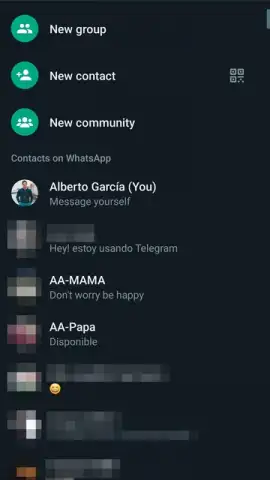
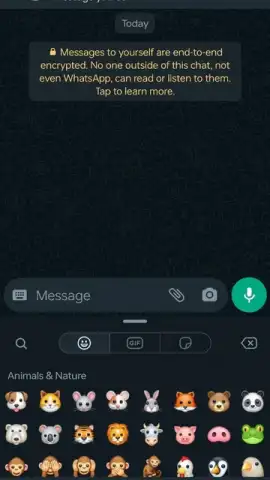
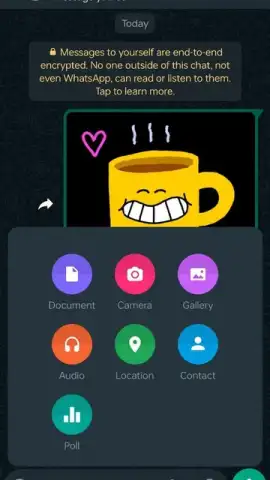
There is a subtle, almost imperceptible shift that occurs when a communication tool stops being an app you use and becomes the space where your life happens. For billions, that space is WhatsApp Messenger. It begins simply: a text to a friend, a photo shared with family. Yet, through a relentless, iterative refinement of its interface—where every new update feels less like an addition and more like a natural evolution—it layers complexity onto simplicity. It becomes the repository for your daily narratives, a platform where conversations seamlessly weave together text, high-resolution images, looping videos, voice notes, expressive stickers, animated GIFs, and structured polls. This isn't just messaging; it's a comprehensive digital dialogue.
The Architecture of Modern Communication
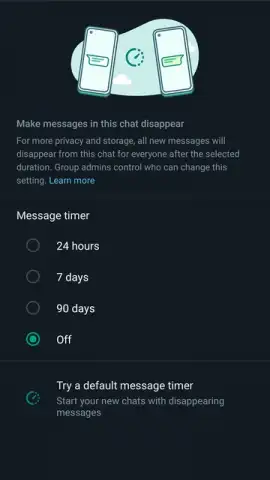
The application’s foundation is a commitment to frictionless access. Installation is a trivial gate, whether through conventional app stores or a direct APK download from the official source, placing you moments away from your contacts, provided you have an internet connection. The true analysis, however, lies in the mechanics beneath the surface. The much-discussed end-to-end encryption is not a mere bullet point; it is the default state for every private chat, a silent protocol ensuring that the content of your exchanges remains strictly between you and the recipient. This principle of control extends further with features like biometric chat locks, adding a physical layer of security, and view-once media for photos and videos, which creates ephemeral, non-forwardable moments within the permanent record of a chat.
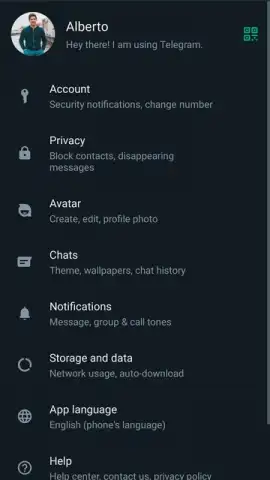
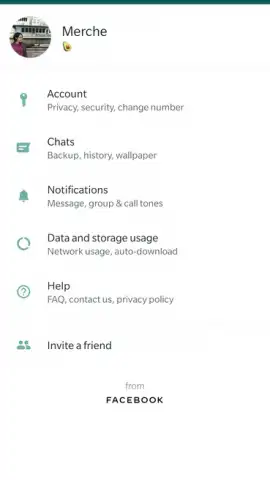
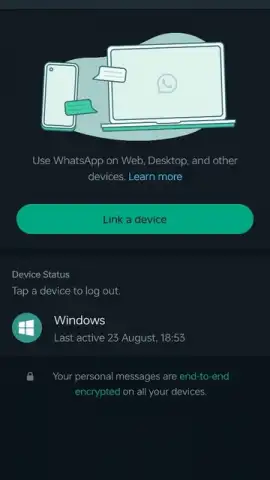
Privacy configuration is treated with a granular, almost meditative focus. You have precise control over your digital footprint within the app, able to selectively hide your last seen timestamp, profile photo, or online status from specific contacts or the public. This is balanced by robust continuity features: full, free backups to cloud services like Google Drive preserve your history, while multi-device support allows you to pivot seamlessly to WhatsApp Web or Desktop by scanning a QR code, extending your chats to a larger screen without compromising the core encryption model.
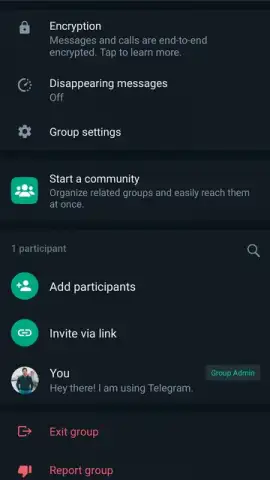
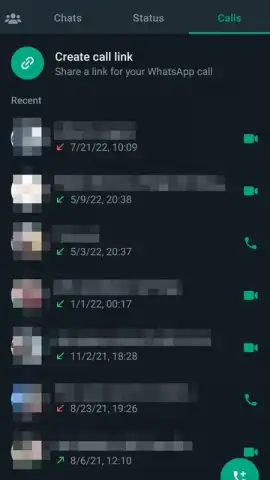
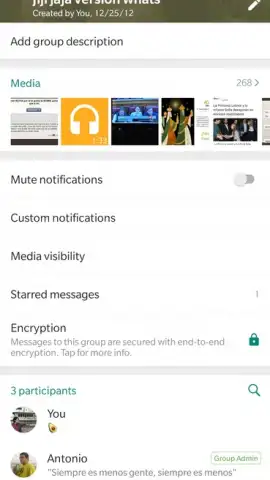
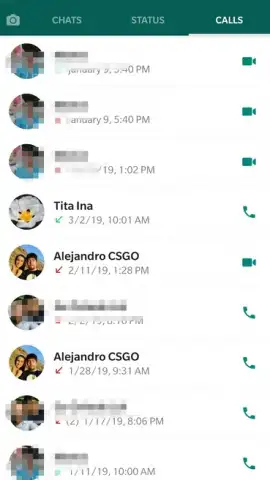
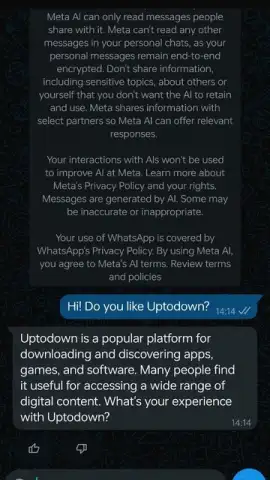
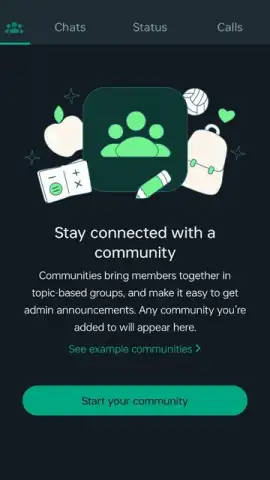
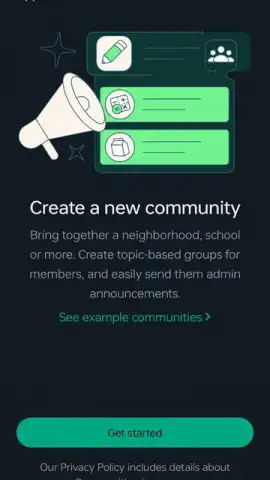
The tool’s utility expands dramatically into voice and video. HD voice and video calling are integrated not as separate services but as natural extensions of any chat, turning a text thread into a face-to-face meeting with a single tap. Performance here is intrinsically tied to network stability, a factual dependency rather than a flaw. For broader coordination, the app provides both traditional group chats and the more structured ‘Communities’ feature—essentially a meta-group for organizing sub-groups, sending announcements, and coordinating events or polls, all with granular reaction and response mechanics. A significant, integrative evolution is the inclusion of Meta AI, accessible via a distinctive blue circle icon within the chat list or a dedicated search bar. This embeds a conversational AI assistant directly into the environment, allowing you to query information, generate text, or hold an extended dialogue as if chatting with another contact, blurring the line between human and machine-assisted communication.
- End-to-End Encrypted Ecosystem: Default encryption for all messages, paired with biometric chat locks and view-once media for granular security.
- Multi-Platform Synchronization: Access chats on desktop via Web/Desktop apps with QR login, plus free, automated cloud backups for conversation history.
- HD Calling & Structured Communities: Conduct stable HD voice and video calls and manage large groups within organized Communities with announcement tools and polls.
Final Assessment
WhatsApp Messenger operates on a scale that few digital products ever achieve, yet it maintains a focused, detail-oriented approach to personal communication and privacy. Its evolution from a simple messaging client to a platform incorporating AI, community management, and multi-device continuity demonstrates a deliberate, user-centric development philosophy. The interface, while packed with functionality, retains an intuitive clarity that belies its underlying complexity.
Download WhatsApp Messenger for Android now to access exclusive, latest-update features. This limited-time offer ensures you get the most advanced version of this essential communication suite directly on your device.
Heads up: you'll need wifi for most features. Some cool stuff is extra.
 GooglePlay


