

Wi-Fi GO! Remote
Wi-Fi GO! Remote screenshots (7)
Description Wi-Fi GO! Remote
Looking for a way to seamlessly bridge the gap between your Android device and your ASUS PC? Wi-Fi GO! Remote is a specialized utility application that transforms your smartphone or tablet into a comprehensive remote control and management hub for compatible ASUS motherboards. This tool is designed for users who require direct, wireless integration between their mobile and desktop computing environments, moving beyond simple media sharing to offer system-level interaction.
Core Functionality and System Integration
The application establishes a dedicated connection with ASUS hardware, leveraging the Wi-Fi GO! technology embedded in supported motherboards. This integration is not a generic remote desktop solution; it is a hardware-enhanced partnership that unlocks specific control protocols. The setup requires the Wi-Fi GO! software to be installed on the host PC, creating a private network channel. This foundation enables a suite of features focused on media distribution, input simulation, and file management, all operating within the same local network without relying on external internet services.
Detailed Analysis of Remote Control Features
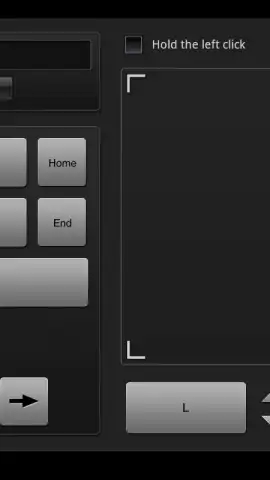
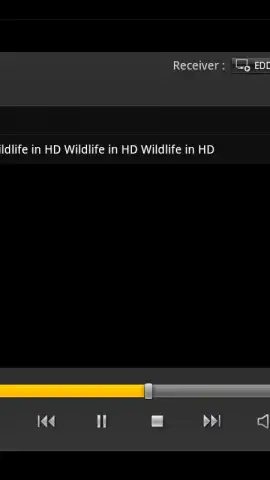
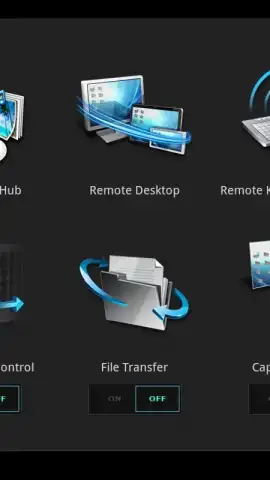
The primary operational mode is the Remote Desktop function, which streams a live view of your PC's display to your mobile device. The touchscreen then acts as a direct input surface, simulating mouse cursor movement, clicks, and keyboard input through an on-screen interface. This allows for basic navigation, application control, and system management from a distance. For media-centric use, the app incorporates DLNA standards, turning your mobile device into a control point for browsing and streaming audio, video, and image libraries stored on the connected PC to compatible renderers on the same network.
Advanced Motion and File Management Capabilities
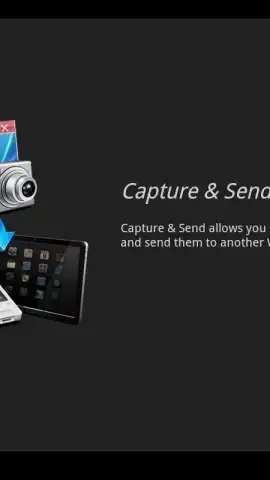
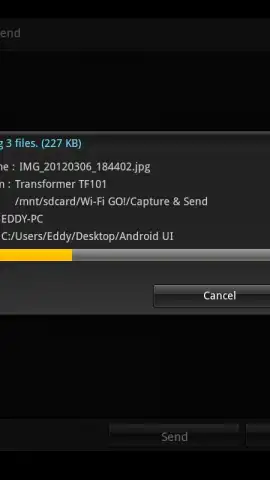
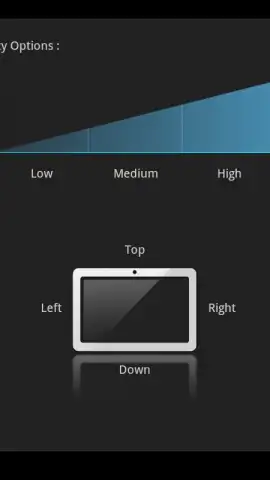
A distinctive feature is the Smart Motion Control, which assigns specific computer commands to physical gestures made with the Android device. For instance, tilting or shaking the phone can be mapped to actions like media playback control or system volume adjustment, providing an alternative input method. Furthermore, the application includes a dedicated file transfer manager, facilitating the wireless movement of documents and media between the PC and mobile device. This system also supports remote screenshot capture of the PC desktop directly to the mobile device, streamlining workflow documentation.
The utility consolidates several discrete tasks into a single management pane:
- Establish a remote desktop connection for full PC control via touchscreen.
- Utilize a virtual keyboard and mouse for precise input from your mobile device.
- Stream and share media files across your home network using DLNA protocols.
- Transfer files and capture PC screenshots directly through the app's interface.
- Control computer functions with physical gestures via Smart Motion Control.
This application is a direct tool for a specific ecosystem. Download Wi-Fi GO! Remote now to integrate your ASUS PC and Android device.
Disclaimer: This application requires a compatible ASUS motherboard with Wi-Fi GO! technology and corresponding PC software installed. Functionality depends on a stable local Wi-Fi network connection. Features are subject to hardware compatibility.


