

Wi-Fi Monitor
Wi-Fi Monitor screenshots (7)
Description Wi-Fi Monitor
Ever wondered who is really connected to your Wi‑Fi, slowing down your streaming or browsing without your knowledge? Wi‑Fi Monitor gives you the visibility and control to secure your home network in real time.
Core Network Analysis Tools
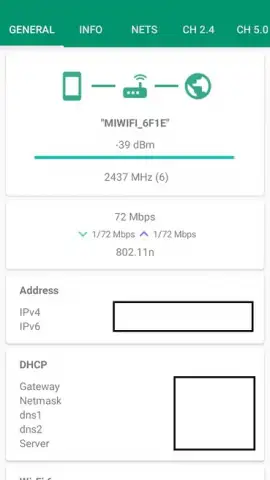
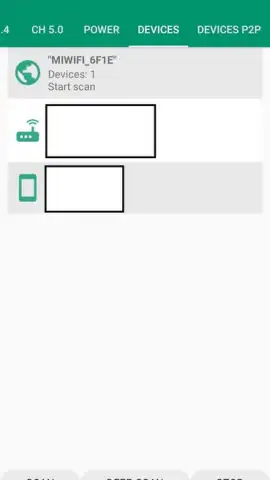
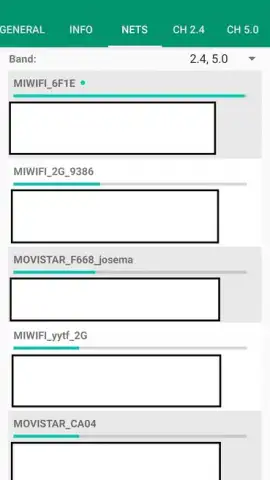
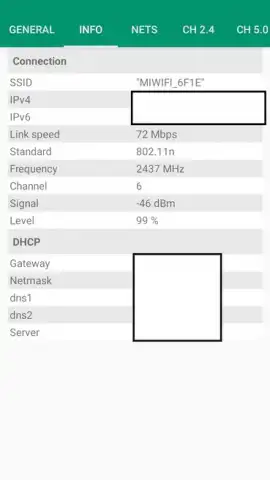
Wi‑Fi Monitor operates by scanning your local wireless network to provide a detailed inventory of all connected devices. The app identifies each device by its unique MAC address and assigned IP, presenting this data in a clear, sortable list. You can monitor real-time data usage per device, seeing which connections are consuming the most bandwidth. The tool includes a network speed tester to check your current upload and download rates directly from the interface. For security, the system allows you to detect unknown devices, helping you identify potential unauthorized access to your private network.
Key Functional Advantages
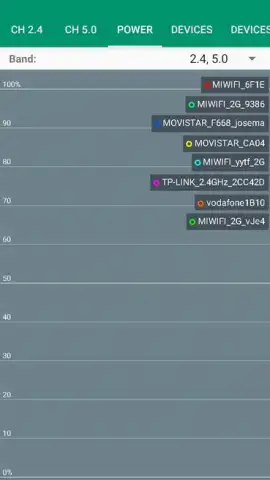
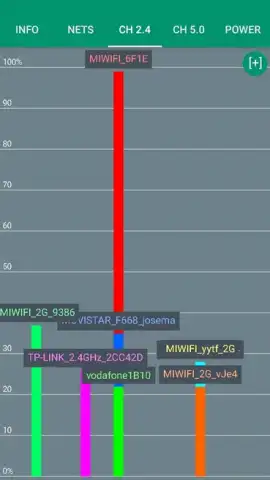
The interface is designed for immediate clarity, presenting complex network data through simple visual charts and lists. Performance is optimized for low resource usage, running continuous scans without impacting your device's battery or other applications. The layout is fully adaptive, ensuring all information is accessible and legible on both phones and tablets. All core monitoring functions are available without requiring root access, making advanced network oversight accessible to every user.
- Real-time device discovery shows every phone, laptop, and IoT gadget on your Wi‑Fi.
- Individual bandwidth monitoring tracks data consumption for each connected device.
- Integrated speed test measures your network's current upload and download performance.
- Unknown device alerts notify you when an unrecognized connection joins the network.
- Historical usage charts provide insights into data patterns over hours, days, or weeks.
Take command of your wireless network and eliminate bandwidth bottlenecks. Download Wi‑Fi Monitor now to secure and optimize your connection.
This app requires an active internet connection and a Wi‑Fi network to function. Features are available as part of the core service.
 GooglePlay




